L-INX User Manual 165 LOYTEC
Version 4.0 LOYTEC electronics GmbH
3. Select a value preset in the Available Data Presets box on the upper right-hand side.
4. Drag and drop the preset from this list into the time table area to define the desired
output values on the day schedule.
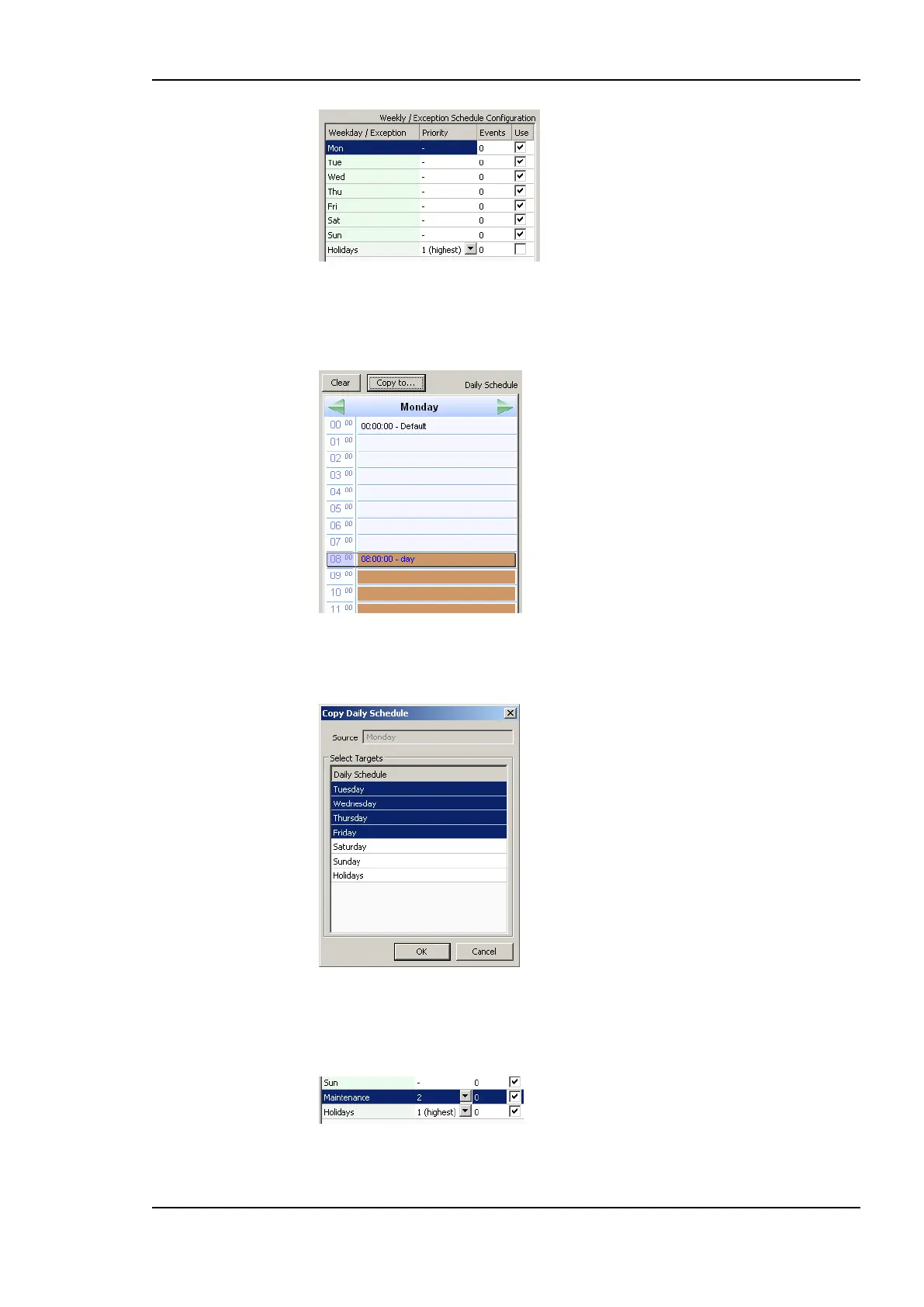
5. Completed daily schedules may be copied to other days using the Copy to button. For
example, the Monday may serve as the template for a regular work day and be copied
to Tuesday till Friday. Then click OK.
To Use Exception Days
1. Select a calendar pattern, which shall be used as an exception day and place a
checkmark on it.
2. Edit the daily schedule.



 To Next Page