L-INX User Manual 226 LOYTEC
Version 4.0 LOYTEC electronics GmbH
6. Select the device which provides the M-Bus data point.
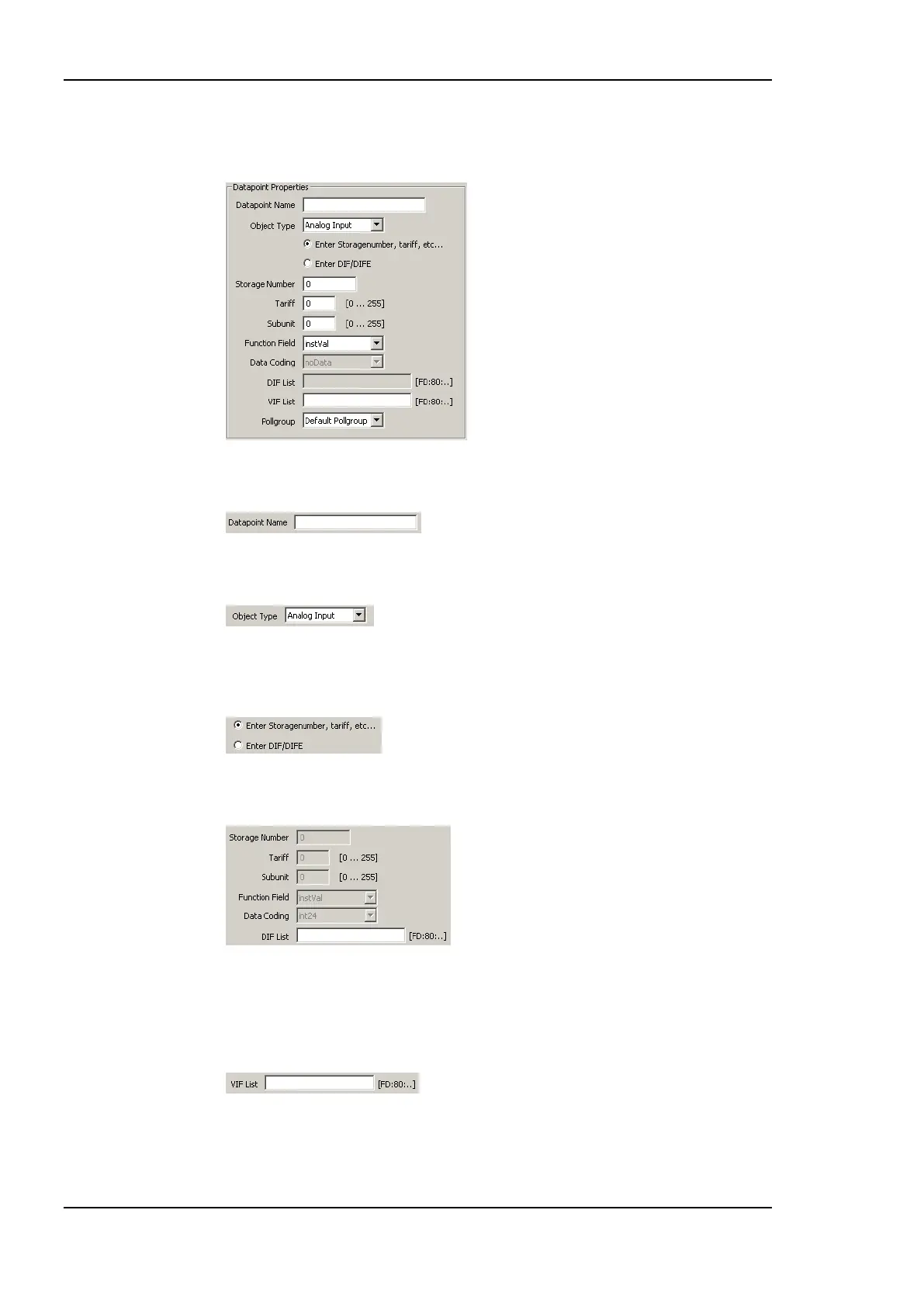
7. The data point properties are entered in the presented section of the dialog.
8. Enter a data point name. If no name is entered, the data point is named as described in
section 10.7.1.
9. At the moment only analog M-Bus data points are supported. Select if the data point is
an analog input or output. For analog inputs no M-Bus data coding can be specified.
10. Select if the data point shall be specified by providing the numbers for Storage number,
tariff, subunit, function field and data coding or if the information configured using the
DIF/DIFE list.
For reference, if one piece of information is entered, the other one is derived from the
specified data. Enter the data point information.
If the DIF list is entered, the dialog expects hexadecimal numbers. As soon as the
information is entered the other fields are updated.
11. Enter the VIF/VIFE list. This list specifies the M-Bus counter type, and unit of the data
point. Also this field has to be specified using hexadecimal numbers.



 To Next Page