CAB DISPLAY MODULE (CDM)
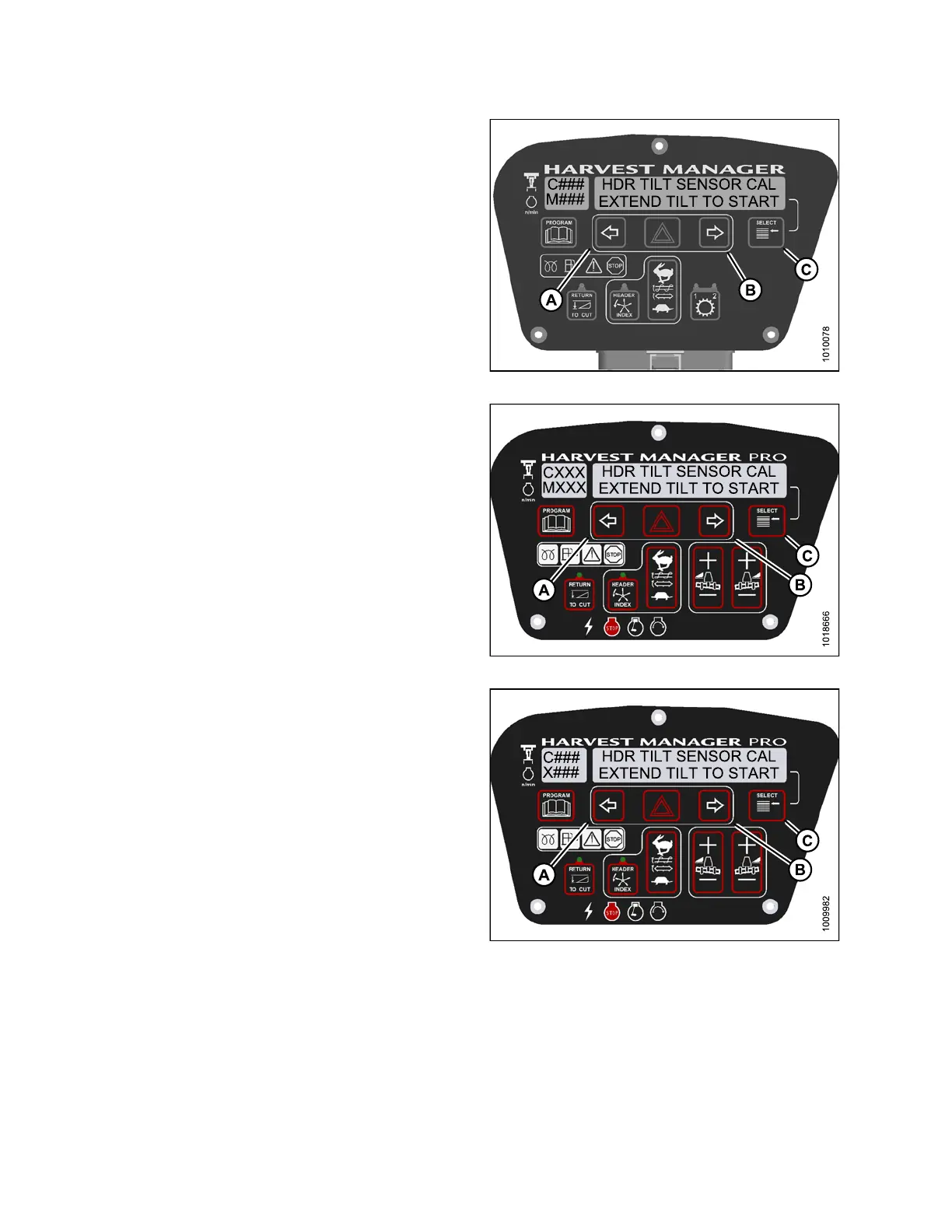
4. Press right (B) arrowto select YE S. PressSELE CT (C).
• TO CALIBRATE SELECT is displayed in upper line.
5. Press left (A) or right (B) arrow until HEADER TILT is
displayed on the lower line. Press S ELECT (C).
• HDR TILT SENSOR CAL is displayed on the
upper line.
• EXTEND TILT TO START is displayed on the
lower line .
Figure 4.59: M105 Header Tilt
Figure 4.60: M155 Header Tilt
Fi
gure 4.61: M205 Header Tilt
147962 178 Revision A



 To Next Page