CAB DISPLAY MODULE (CDM)
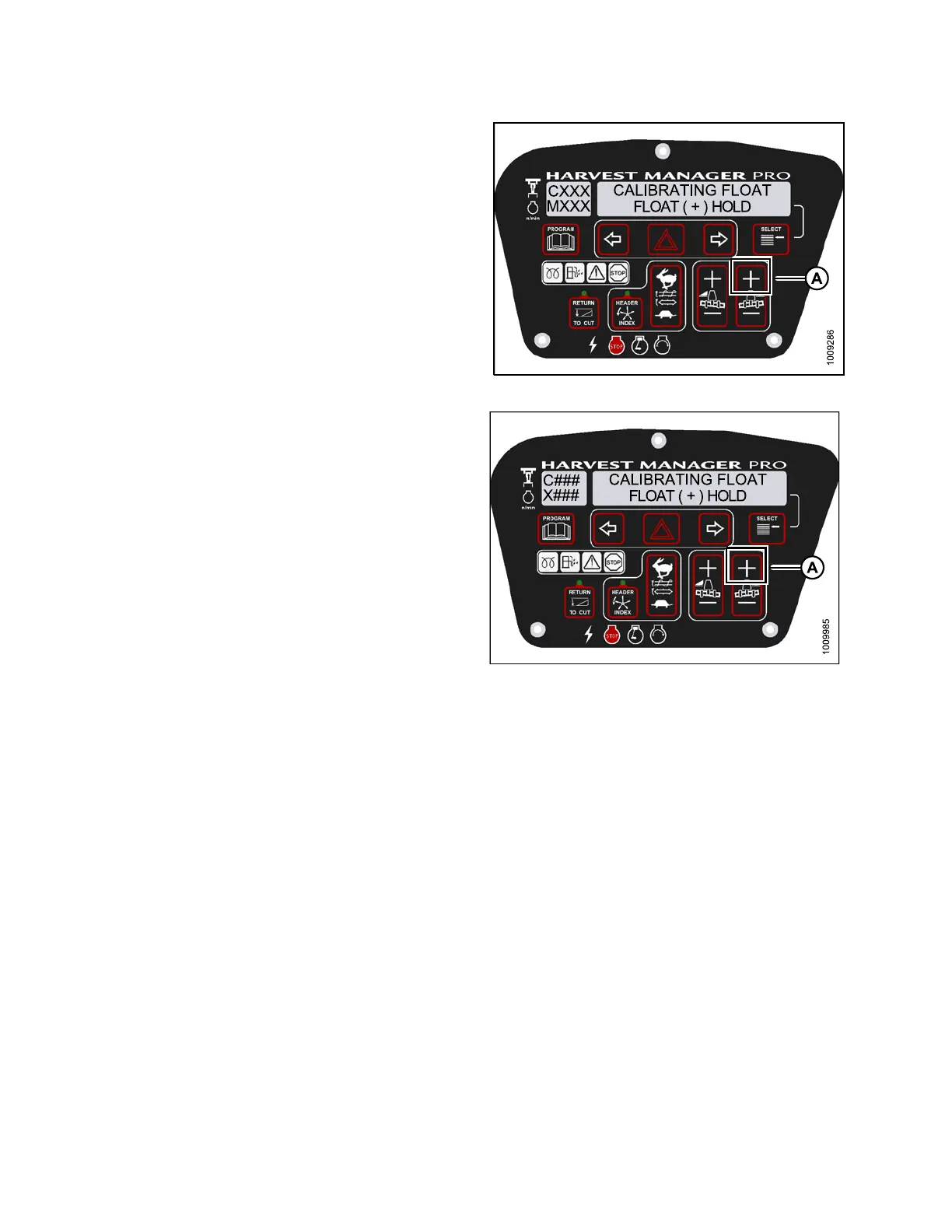
6. Press a nd hold F LOAT + bu tton (A) on the CDM.
• CALIBRATING FLOAT is displayed on the
upper line.
• FLOAT ( + ) HOLD is displayed on the lower line.
NOTE:
ThewordHOLDwillflash durin g calibration.
FLOAT (+) DONE will display on the lower line
once ca libration is complete.
7. Release the FLOAT + button (A).
• CALIBRATING FLOAT is displayed on the
upper line.
• FLOAT ( - ) HOLD is displayed on the lower line.
Figure 4.6
8: M155 Positive Header Float
Figure 4.69: M205 Positive Header Float
147962 182 Revision A



 To Next Page