CAB DISPLAY MODULE (CDM)
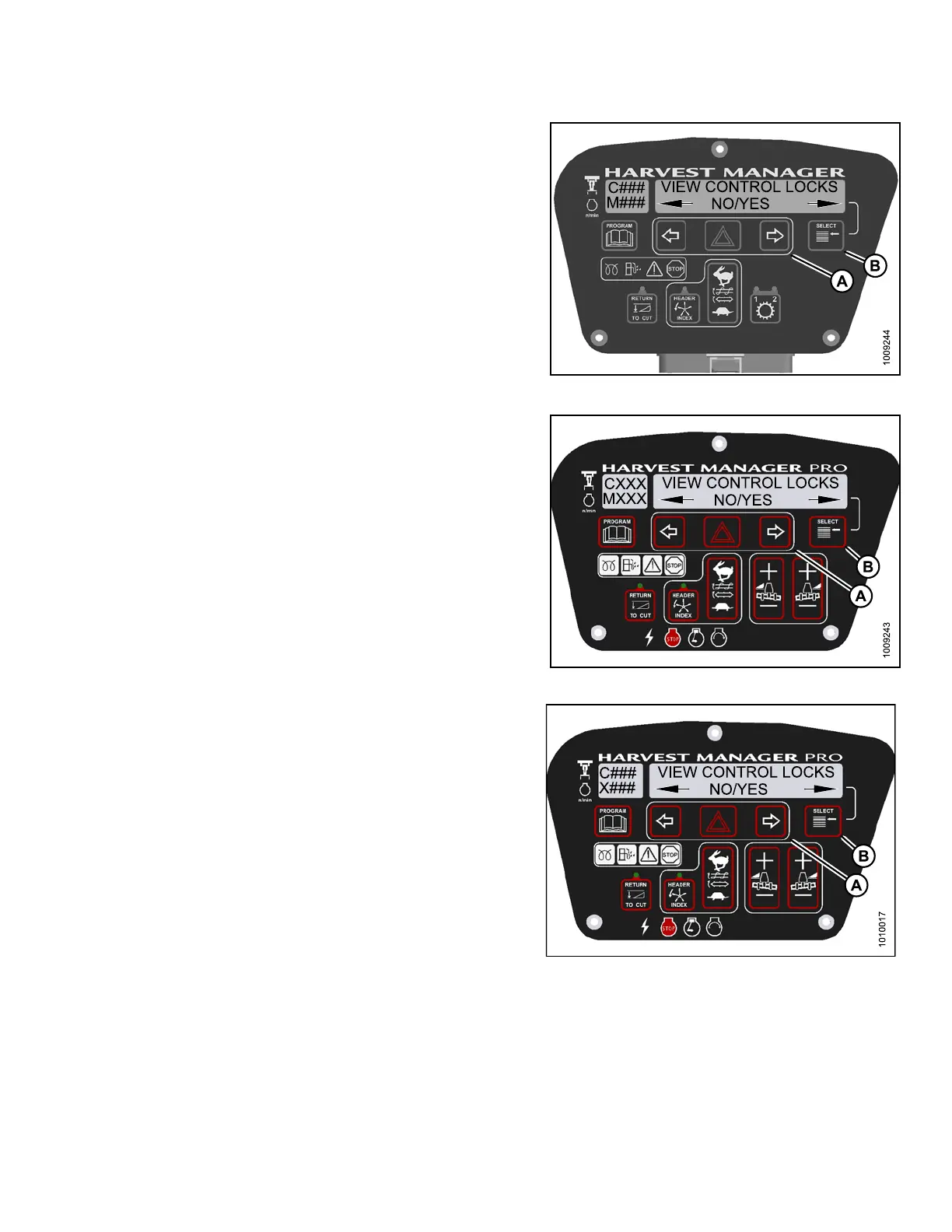
4. Press SELECT (B) until VIEW CONTROL LOCKS? is
displayed on the upper line.
• NO/YES is dis playe d on the lower lin e .
5. Press right (A) arrow to select YES. Press SELECT ( B).
DRAPER SPEED is displayed on the upper line.
• The control switch status is displayed on the lower
line. The hours displayed indicate when a switch
was enabled or locked.
HEADER TILT is displayed o n the upper line.
• The control switch status is displayed on the lower
line. The hours displayed indicate when a switch
was enabled or locked.
Figure 4.2
24: M105 Con trol Lock s
Figure
4.225: M155 Control Locks
Figure 4.226: M205 Control Locks
147962 251 Revision A



 To Next Page