■■■■■■■■■■■■■■■■■■■■■■
29 Parameters
900 Touch Control
■■■■■■■■
419
[Edit]
Edit the data of the selected calculation (see chapter 29.13.1.2, page
421).
29.13.1.1 Loading a result template
The most common calculations are already available, the so-called result
templates, in order to facilitate the definition of a new calculation. You
also have the option, however, of defining templates of your own (see
dialog System / Templates).
Proceed as follows to load an existing template:
1
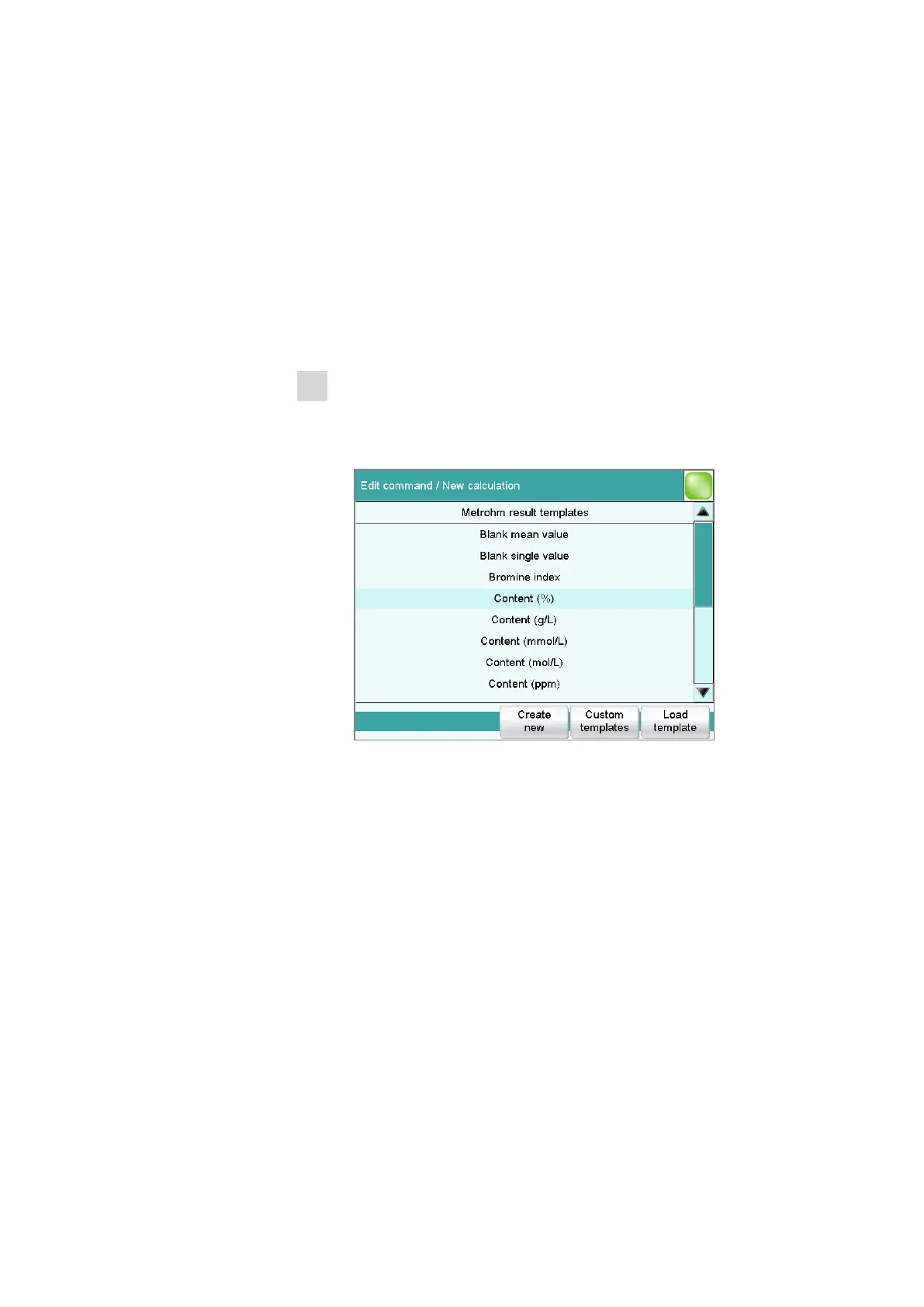
Select a result template
■ In the Sequence / Edit command dialog, tap on the [New]
button.
The list of Metrohm result templates is displayed:
■ Select the desired Metrohm result template and tap on [Load
template].
or
Tap on [Custom templates] and select a template you gener-
ated yourself.
If a statistic variable SMN# (# = 1…9) is defined in the template
which is already used in another calculation, then the following mes-
sage will be displayed:















 To Next Page