14.1 Sample data
■■■■■■■■■■■■■■■■■■■■■■
112
■■■■■■■■
917 Coulometer
14 Templates
Main dialog: System ▶ Templates
You have the option of defining system-specific templates. You can
use these templates when editing the respective data.
You can create the following templates:
■ Sample data (see chapter 14.1, page 112)
Create sample identifications and sample assignments.
■ Custom result templates (see chapter 14.2, page 116)
Define formulas for result calculations.
■ Input lines (see chapter 14.3, page 120)
Define input signals on the remote interface.
■ Output lines (see chapter 14.4, page 122)
Defining output signals on the remote interface.
■ Report header (see chapter 14.5, page 125)
Create a system-specific report header that contains information con-
cerning the laboratory, for example.
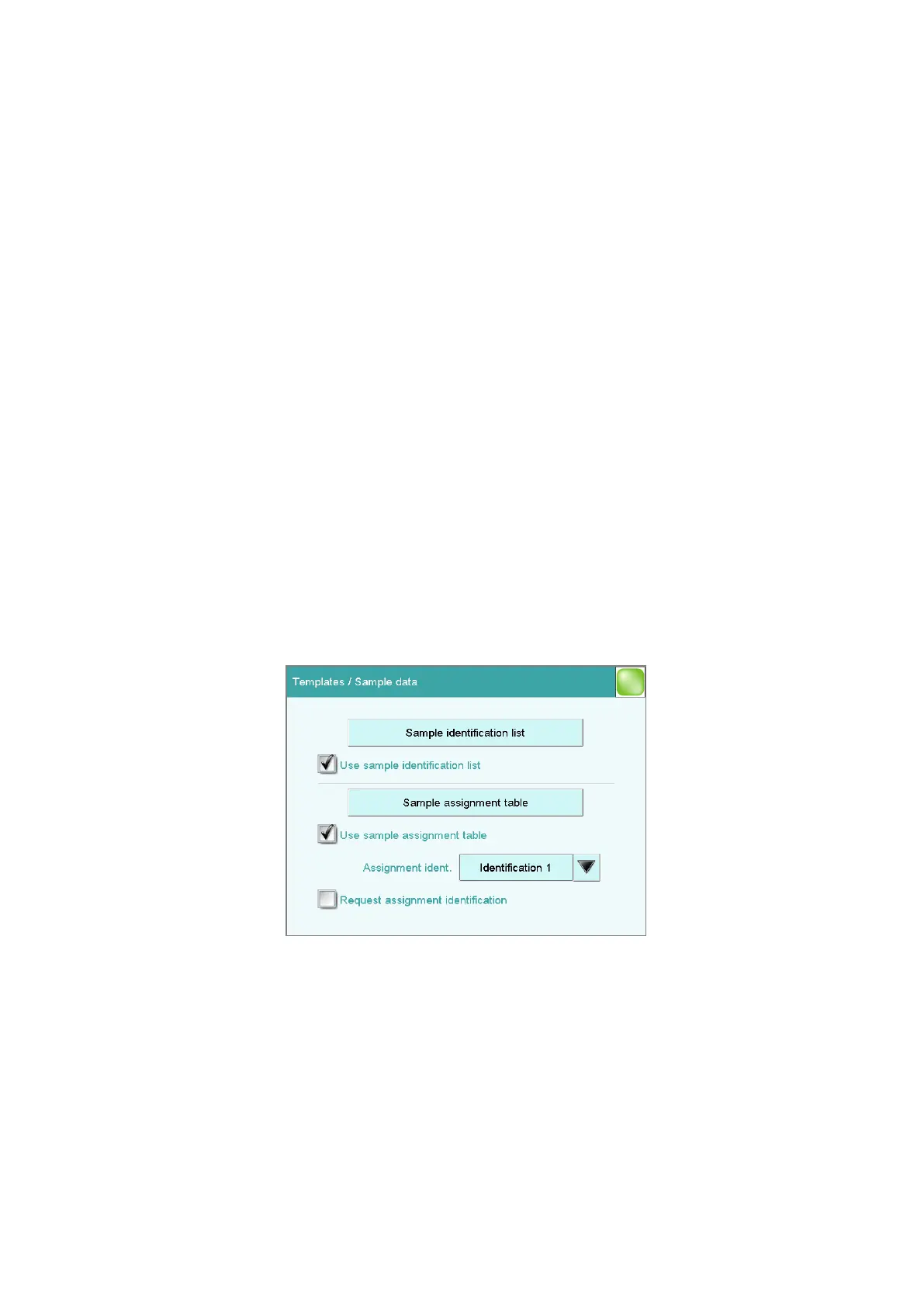
14.1 Sample data
Main dialog: System ▶ Templates ▶ Sample data
You can create the following templates in the dialog Templates / Sam-
ple data:
■ Sample identifications (see chapter 14.1.1, page 113)
List with sample identifications. If you must enter the sample identifica-
tion before starting a determination, then you can select the entries
contained in this list.















 To Next Page