6.2 Fundamentals of operation
■■■■■■■■■■■■■■■■■■■■■■
32
■■■■■■■■
917 Coulometer
6.2.2 Display elements and controls
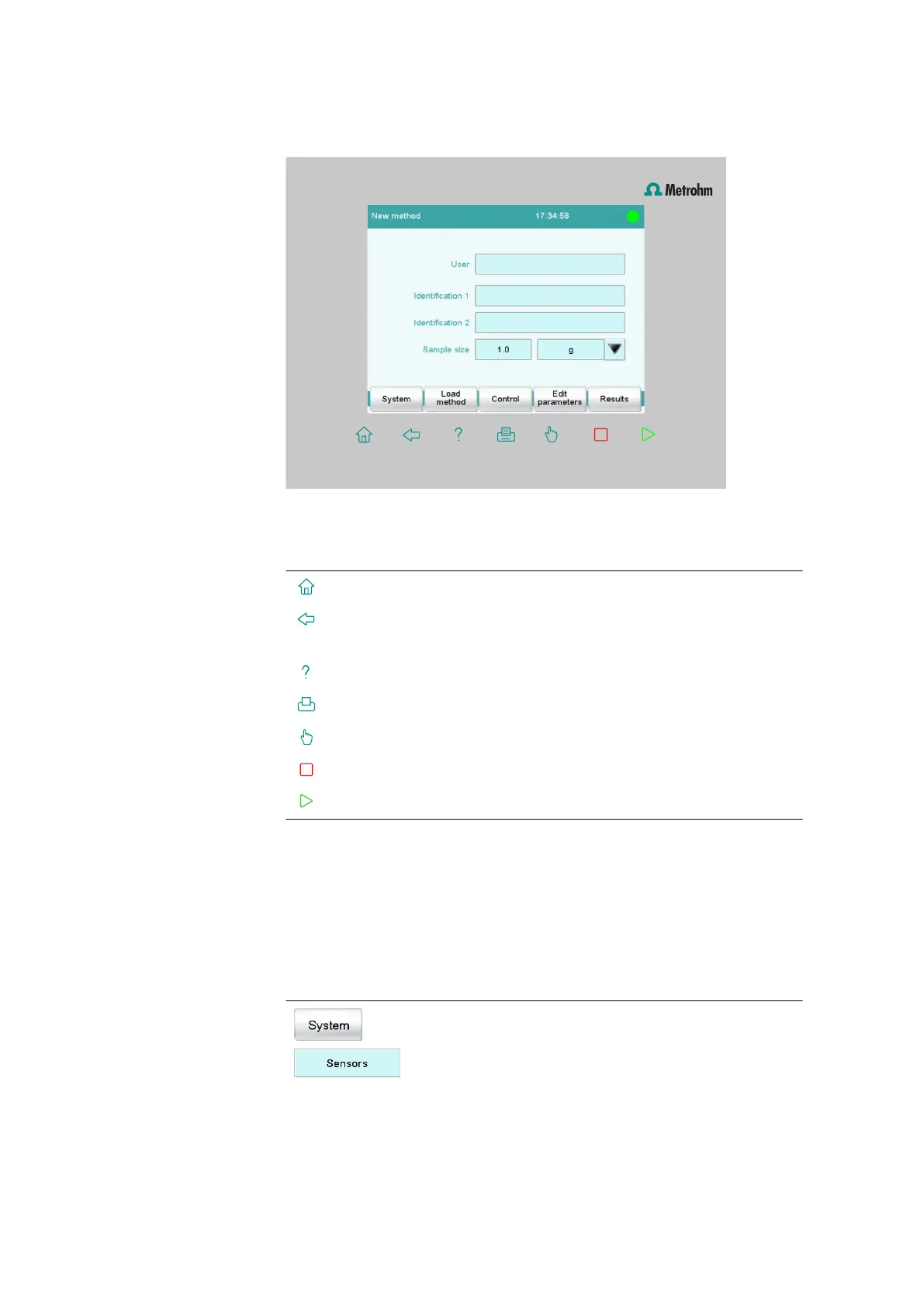
The following display elements and controls are available:
Table 1
Fixed keys which are always available
[Home] always opens the main dialog.
[Back] saves the entry and opens the next-higher dialog
page.
[Help] opens the online help for the dialog displayed.
[Print] opens the printing dialog.
[Manual] opens the manual control.
[Stop] cancels the running determination.
[Start] starts a determination.
The file name of the loaded method, the time and the system status are
displayed in the main dialog in the Title bar.
In the other dialogs, the title bar shows the headings of the next upper
level and of the displayed dialog. This is an aid for orientation during navi-
gation through the user dialog.
Table 2
Screen elements
Buttons open a new dialog when they are tap-
ped.















 To Next Page