4 - 28 (00292)H
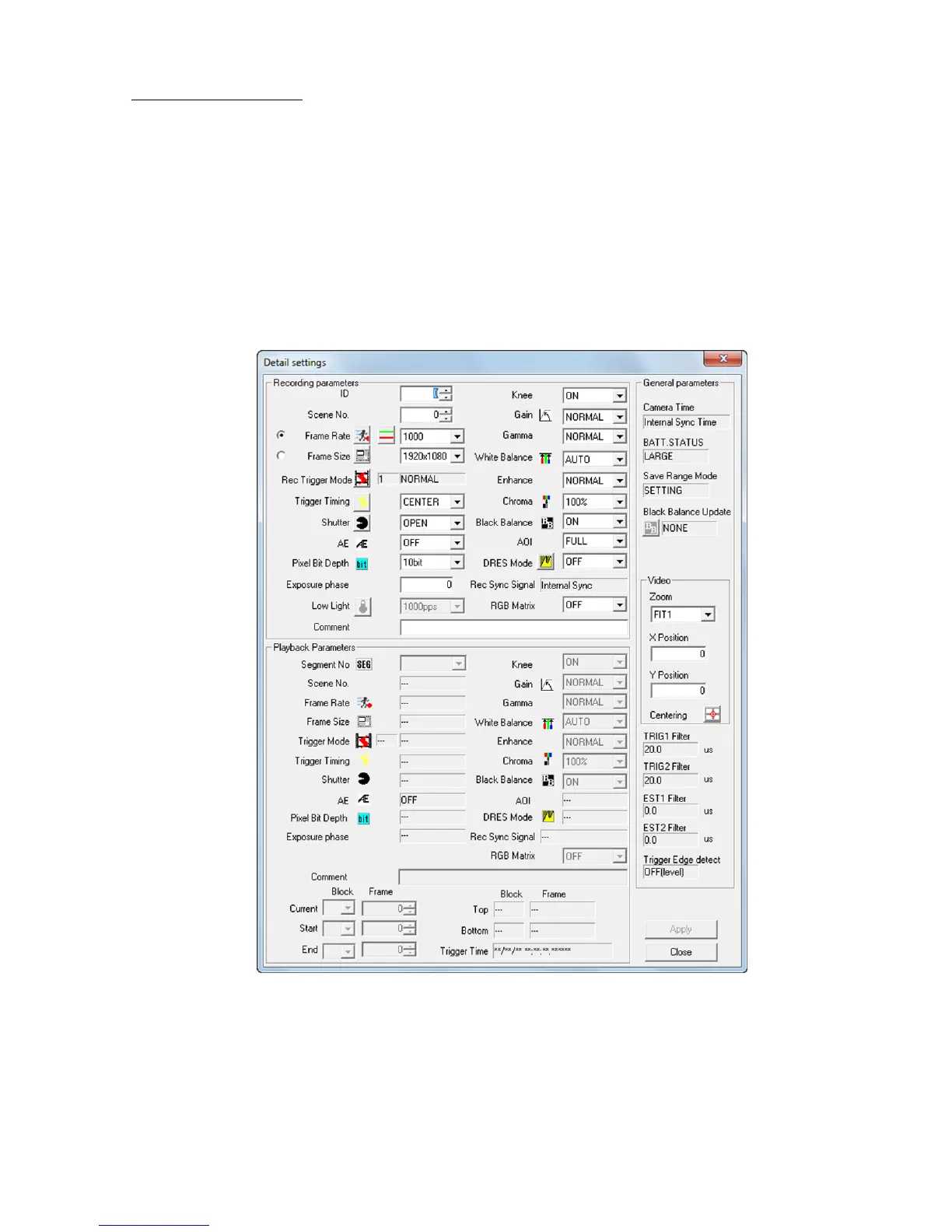
□"Detail Settings" Dialogue
Parameters for a single camera can be set with the "Detail Settings" dialogue. Display and
parameters that can be set in the "Detail Settings" dialogue vary by the camera model.
Any of the following can be used to open the "Detail Settings" dialogue.
・Select a camera from the item list and click " Detail Settings " on the right click menu (the
"Camera Details" dialogue opens when a camera in the item list is designated, even if multiple
cameras are connected).
With a single camera connection, select "Camera Details (Individual)" for the "GUI Settings for
Single Camera Connection" in the "GUI Settings" in "Options".
・Click "Detailed Settings" in the "Control" menu.
・Click "Detailed Settings" in the "Item Toolbar". (Basic Mode only)
・Click "Detailed Settings" in the "Camera Parameter Toolbar". (Expert Mode only)
HX series "Detail Settings" dialog



 To Next Page