9 - 12 (00292)H
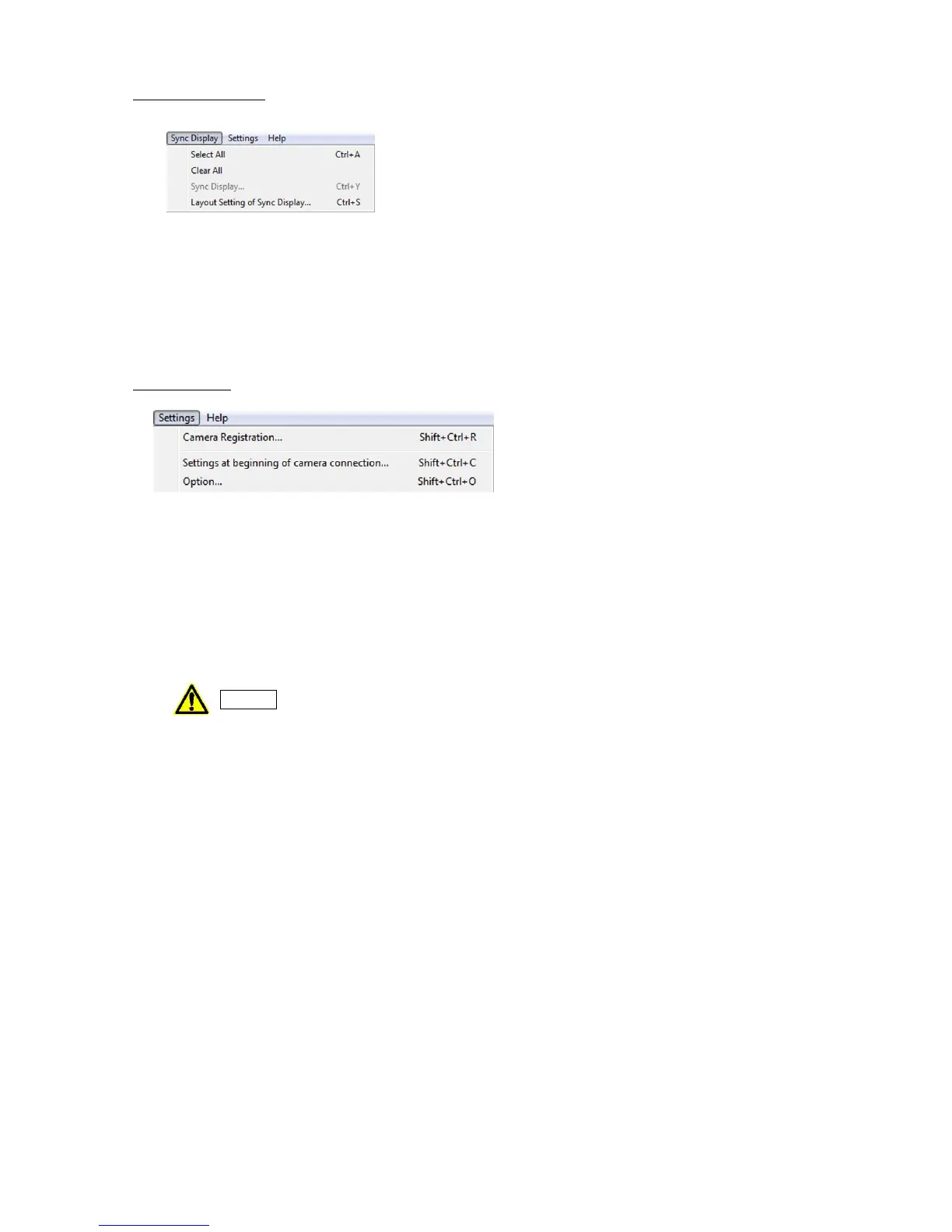
■ Sync Display Menu
If there are no items in the item list, the sync display menu is not shown.
・Select All Specify all items in the item list for sync display.
・Clear All Clear all items in the item list for sync display
・Sync Display Switch between sync display/selected item display.
・Sync Display Layout Set the image layout during sync display.
Refer to page 3-25 for details.
■ Settings Menu
・Register Camera Camera registration is required for fx and ULTRA Cam camera
connections. Refer to page 4-2 for details.
・Camera Connection Settings Specify the parameters set to the cameras when starting camera
connections. Refer to page 6-2 for details.
・Options Various HXLink settings. Refer to page 7-2 for details.
With the exception of some states, the option settings are enabled when
“OK” is clicked.



 To Next Page