9 - 2 (00292)H
The menus differ according to the “fxLink Compatible GUI Settings” under the “GUI Settings” tab in
the “Options” dialogue. Select “HXLink Standards” in “fxLink Compatible GUI Settings” for a
description of the menu displayed. Refer to the GXLink (for fx) user’s manual for the menu shown
when “fxLink Compatible” is selected.
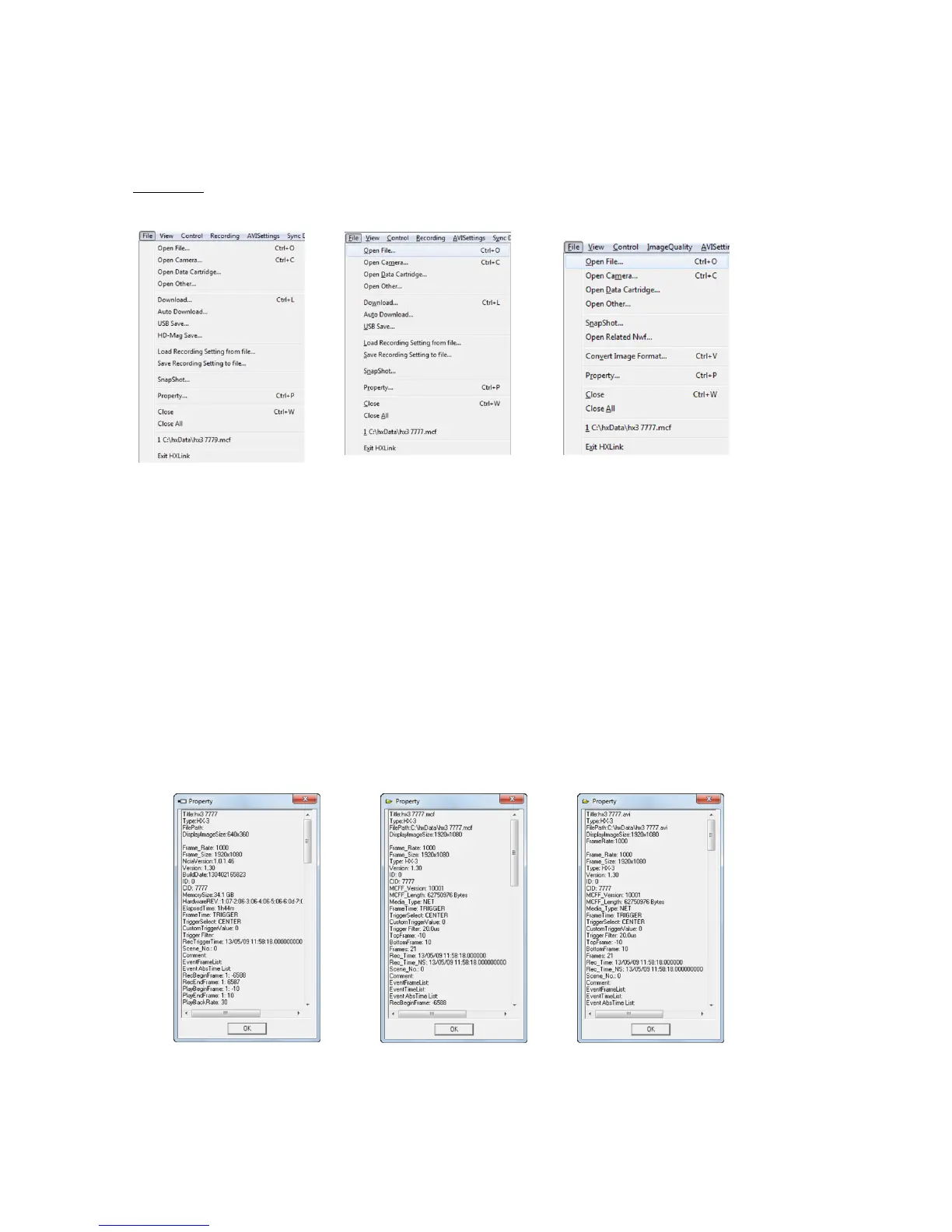
■ File Menu
The items on the file menu vary according to the type of item (camera, file) selected in the item
list.
File Menu File Menu File Menu
(camera item HX selected) (camera item selected) (file item (MCFF) selected)
(HX, GX, Q camera) (GX camera)
・Open / Image File Opens an image file (MCFF, CIF, AVI, TIFF, BMP, JPEG)
and adds the file item to the item list.
・Open / Camera Connections Connects cameras, adds the camera item to the item list.
・Open / Data Cartridge Opens the ci camera data cartridge, crops the specified scene
image as a camera image file (MCFF) and opens that file.
Adds the file item to the item list.
・Open / Other Opens the waveform data file (NWF) .
・Property Shows the item property information.
Camera Property MCFF Property AVI Property



 To Next Page