4 - 78 (00292)H
4.5 Saving Images
Determine the file name and save range of the data to be downloaded and download the camera
images.
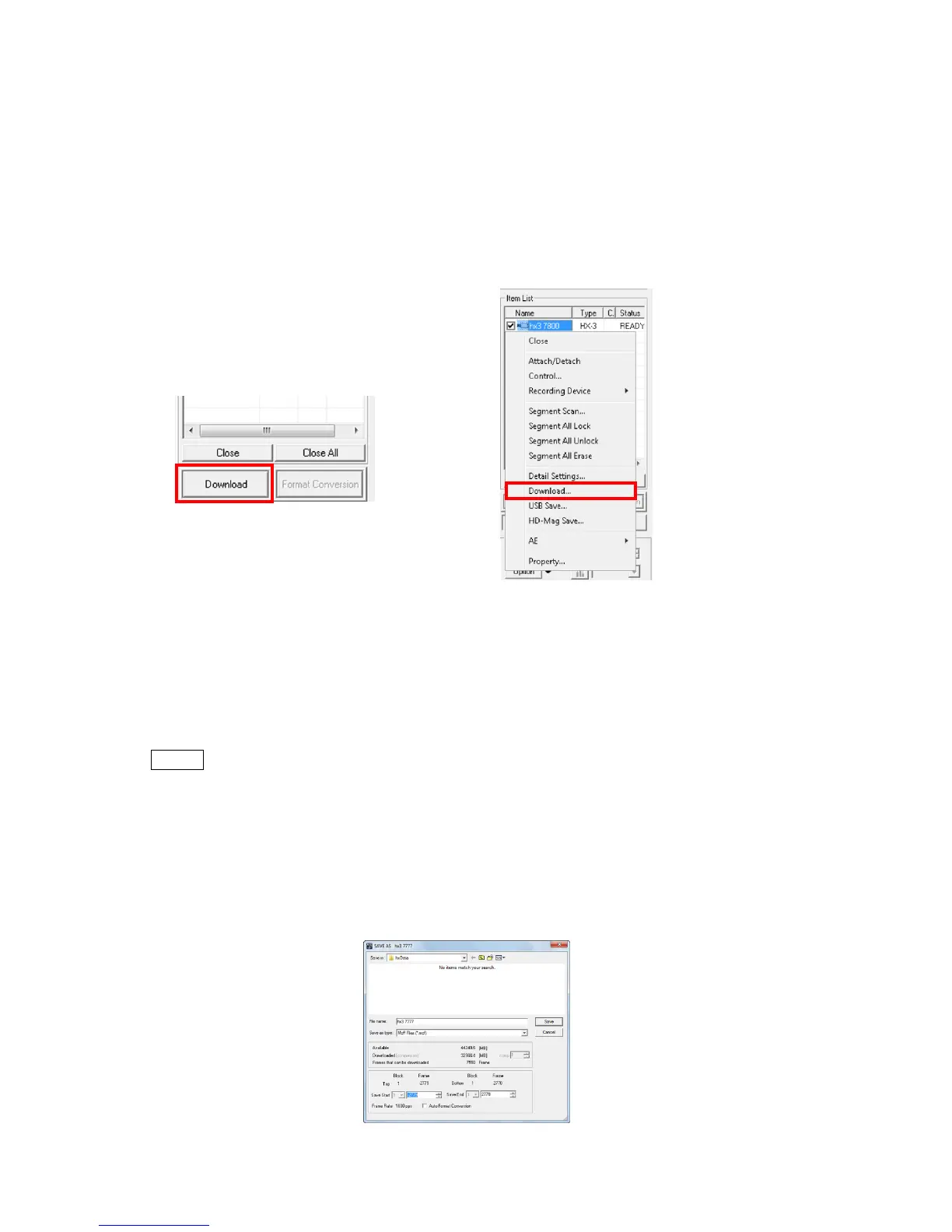
When the camera is connected, use any of the following methods to display the download
dialogue and start downloading.
・ Click "Download" on the item toolbar. (*)
・ Click "Download" on the file menu. (*)
・ Click "Download" on the right click menu and select a camera shown on the item list.
(*) The download dialogue may differ depending on the “Option” dialogue GUI settings.
Depending on the type of file other than MCFF, AVI/BMP/JPEG/TIFF can be set. If setting
AVI/BMP/JPEG/TIFF, they can be created without an MCFF download and format conversion.
The initial settings for the type of file are specified in “Previous Download Format” under the
“View/Download Live Camera” tab of options.
Caution The saved AVI/BMP/JPEG/TIFF format image cannot be subject to image
adjustment with HXLink or cut. ,
■ Individual Downloads
Any of the following methods can be used to display the "Save As" dialogue and perform
individual downloads.
・ Click "Download".
・ Click "Download" from the “File” menu.
・ Click "Download" on the right click menu on the item list.
"Save As" dialogue



 To Next Page