14 - 2 (00292)H
14.1 Troubleshooting
This describes the issues and solutions for various problems that may arise during HXLink use.
(Jointly used items are also used with GXLink images)
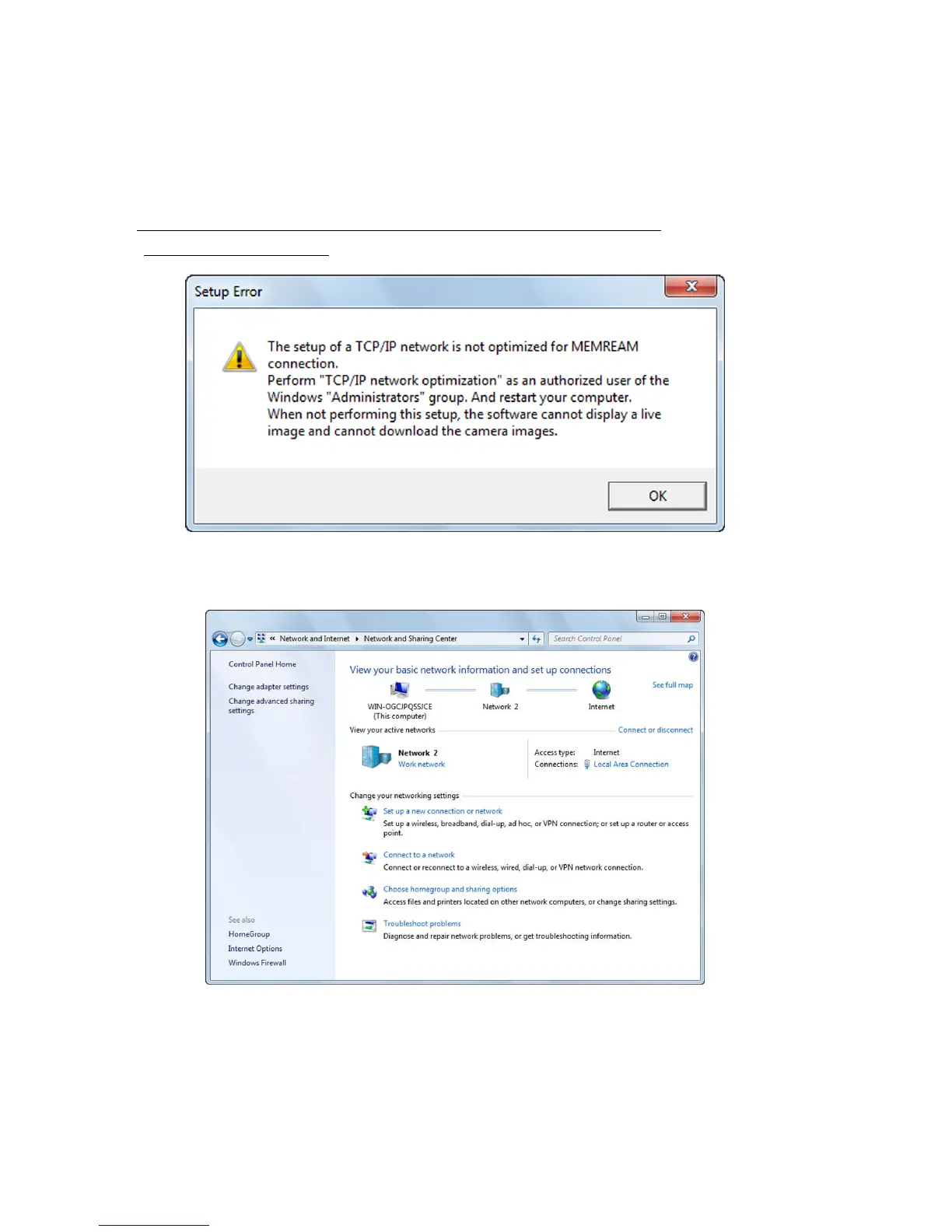
■ “Error Settings” message appears when the camera connection button is pressed
(during TCP/IP connection)
If this message is displayed, open “Network Connections” in the control panel and confirm that
the network in use is valid (the status is “Connected”).



 To Next Page