(00292)H 6 - 11
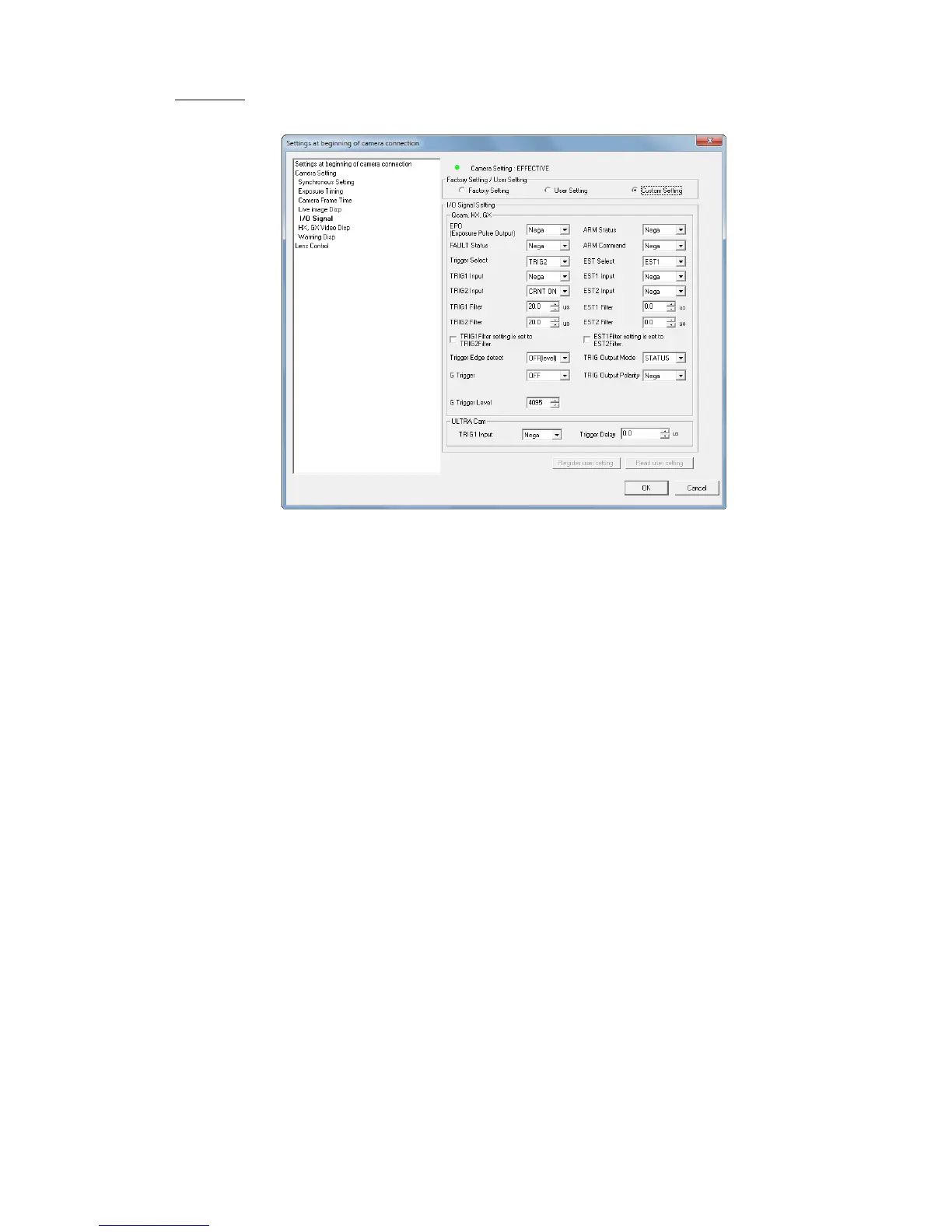
■ I/O Signal
Sets the HX GX and Q cameras and ULTRA Cam input/output signals.
Default Settings ・User Settings
Factory Settings Select when using the input/output signal settings from the HX,
GX and Q cameras DRP factory settings.
User Settings Select when using the input/output signal user settings registered
to the HXLink. Select the custom settings to register the user
settings and click "Register User Settings" after setting each
signal.
Custom Settings Select when individually changing the input/output signal
settings.
The input/output signal settings display the value set with the "Default Settings / User
Settings" selection. If "Custom Settings" is selected, the set value can be changed.
Input/Output Signal Settings (HX,GX, Q)
EPO (Exposure Pulse Output)
Selects the exposure pulse polarity output from the camera.
FAULT Status Output Polarity
Selects the FAULT status signal polarity output from the camera.



 To Next Page