7 - 18 (00292)H
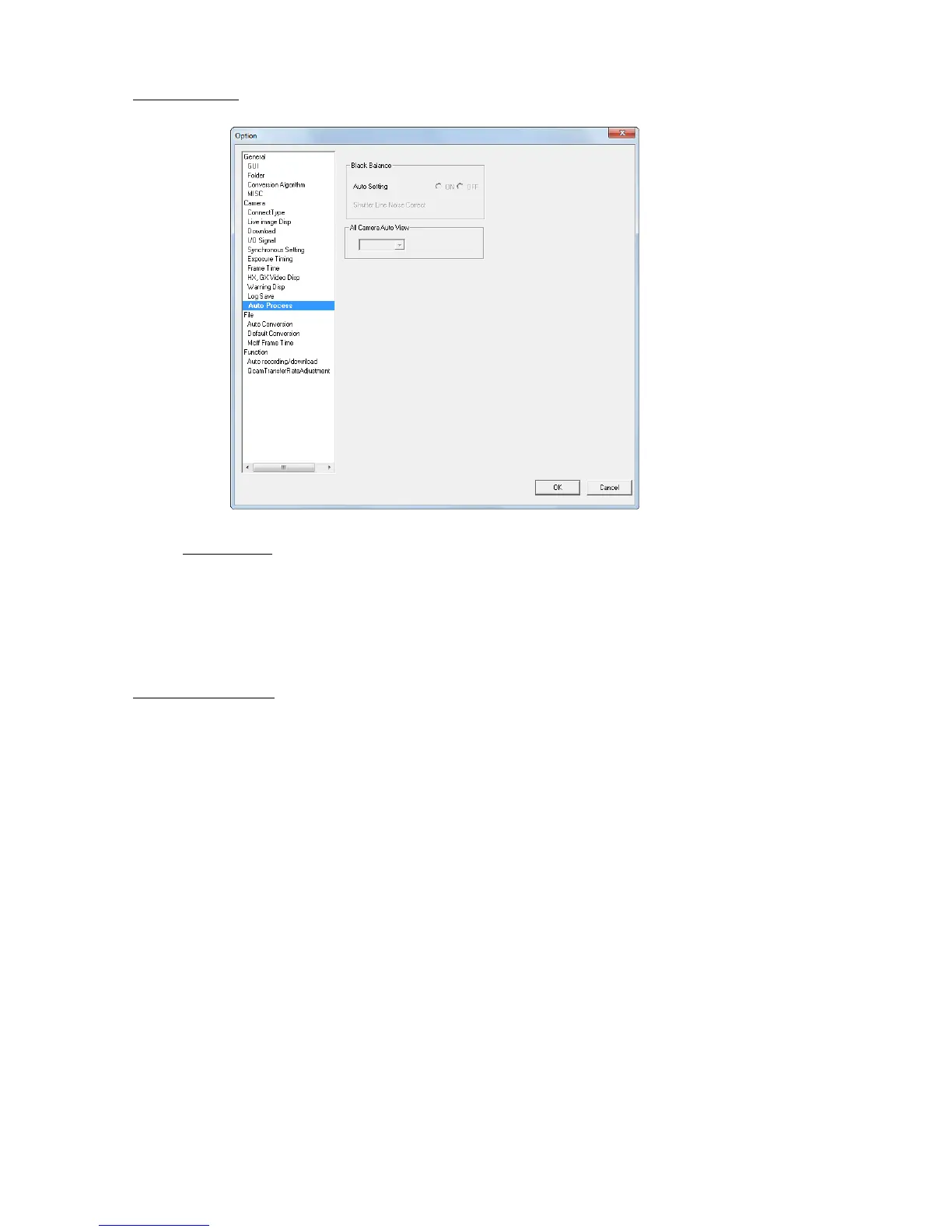
■Auto Processing
Settings for the HX camera black balance and auto view.
Black Balance
・Auto Update
HX cameras automatically update the black balance data.
Update black balance:At camera startup, VIEW, ARM and at the end of recording
ON Automatically update the black balance.
OFF Does not automatically update the black balance.
All Camera Auto View
Auto view is a function for HX and GX cameras that automatically starts VIEW when recording has
been completed.
If images are recorded to the current segment, it automatically switches to the next segment when
ARM is started.
The auto view settings are made in “All Camera Auto View” in the “Option” dialogue and are set to all
of the connected HX and GX cameras. Auto view settings cannot be set individually for each camera.
OFF Auto View not used.
AUTO Records to the last segment. Images after recording is done are not
overwritten.
LOOP Returns to the first segment and switches to the VIEW mode after recording
the last segment. Overwrites even recorded segments when ARM is started.
Auto View cannot be used together with the recording trigger mode (NORMAL(L)) that automatically
switches segments for recording. In this case, the recording trigger mode settings take priority.



 To Next Page