5 - 42 (00292)H
■Set T=0 for Waveform Data
When the image and waveform data is displayed, to set T=0 / reset T=0, the T=0 frame for both the
image and the waveform data can be changed.
If setting T=0 for the waveform data only without changing the image T=0 frame, if only the
waveform data is set to T=0, click “Tools” on the “Waveform Data Operations Bar” and click “Set
Graph T=0”.
In the same manner, if resetting only waveform data T=0, click “Tools” on the “Waveform Data
Operations Bar” and click “Reset Graph T=0”.
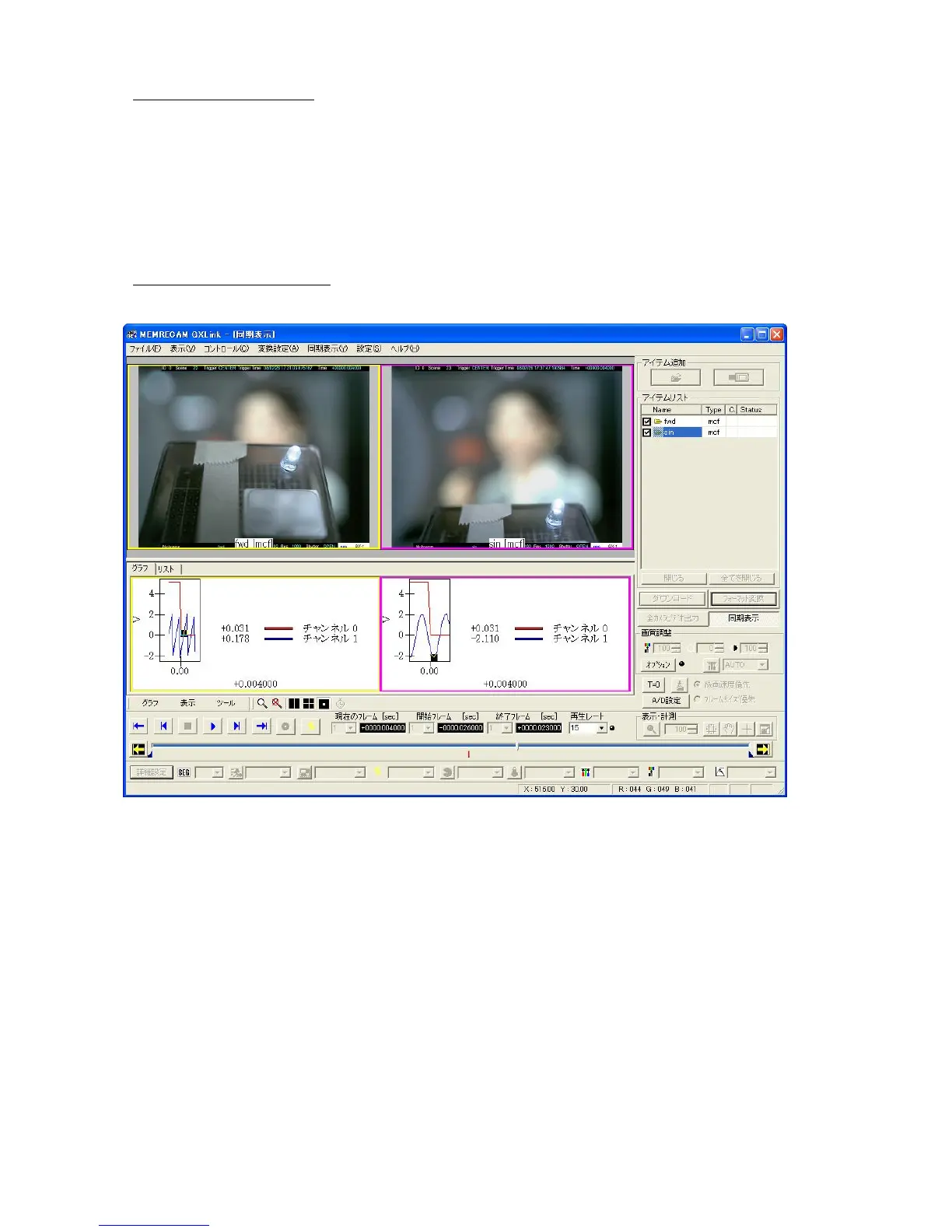
■ Waveform Data Sync Display
(The image example uses GXLink)
If playing back with sync display, playback is performed to coordinate each image with the current
frame time on the graph.
The same color frame is given to the image and the corresponding graph.
If the frame for the image is yellow, the frame of the graph corresponding to the image is also yellow.



 To Next Page