(00292)H 7 - 7
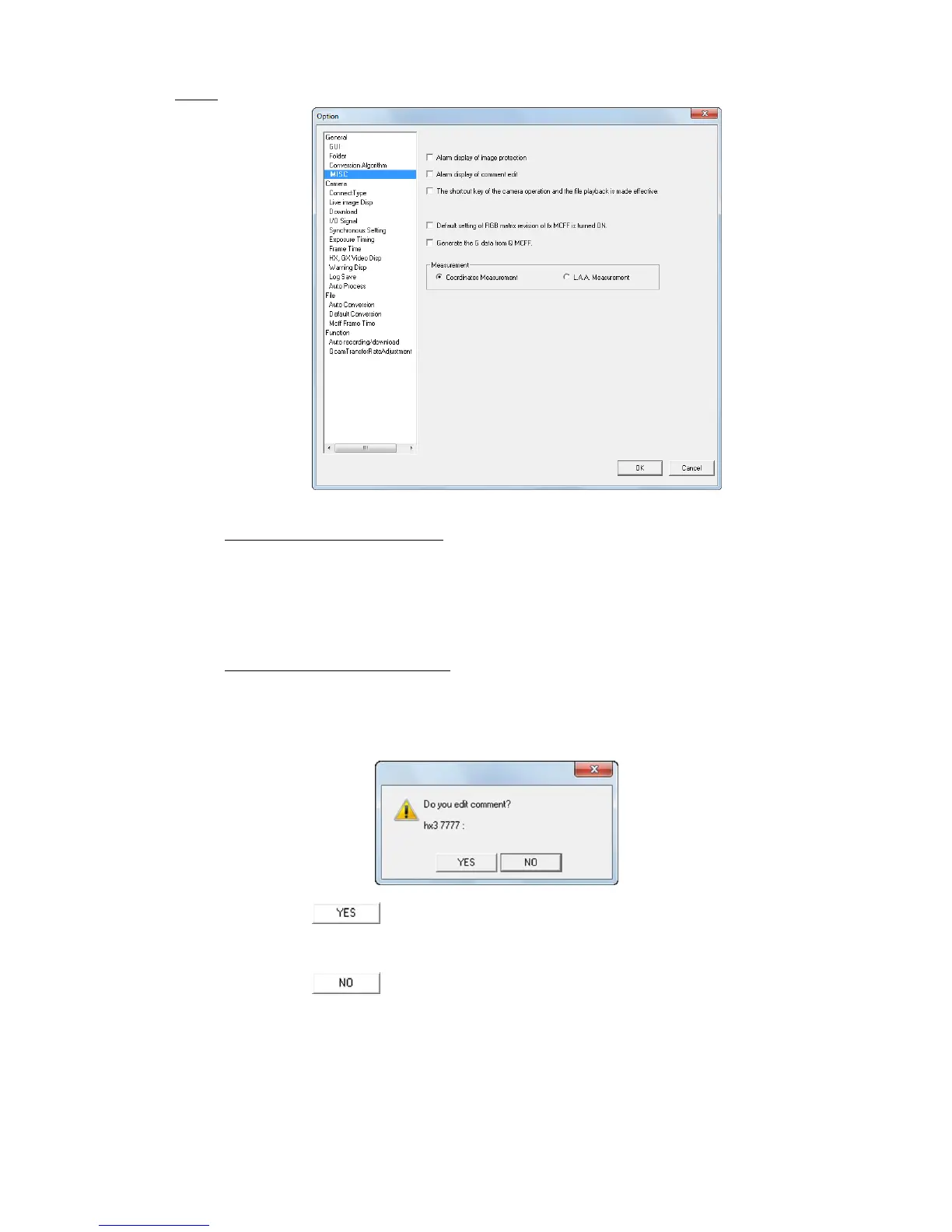
■ MISC
Display Image Protection Warnings
Check to display the messages below during operation.
・ Shows messages about downloading after recording.
・ Shows warnings when recording without saving data.
・ Shows warnings when cameras are connected without saving data.
Display Warnings to Edit Comments
Check and click ARM to show all of the connected camera nicknames and recording comments,
and display a confirmation window to change recording comments or
just start recording.
Click “Yes” to disarm the camera and display the recording parameters in the “List of
Camera Options” window with all of the camera image comments that can be edited. After
editing the recording comments, ARM the camera again.
Click “No” to ARM the camera.



 To Next Page