(00292)H 6 - 9
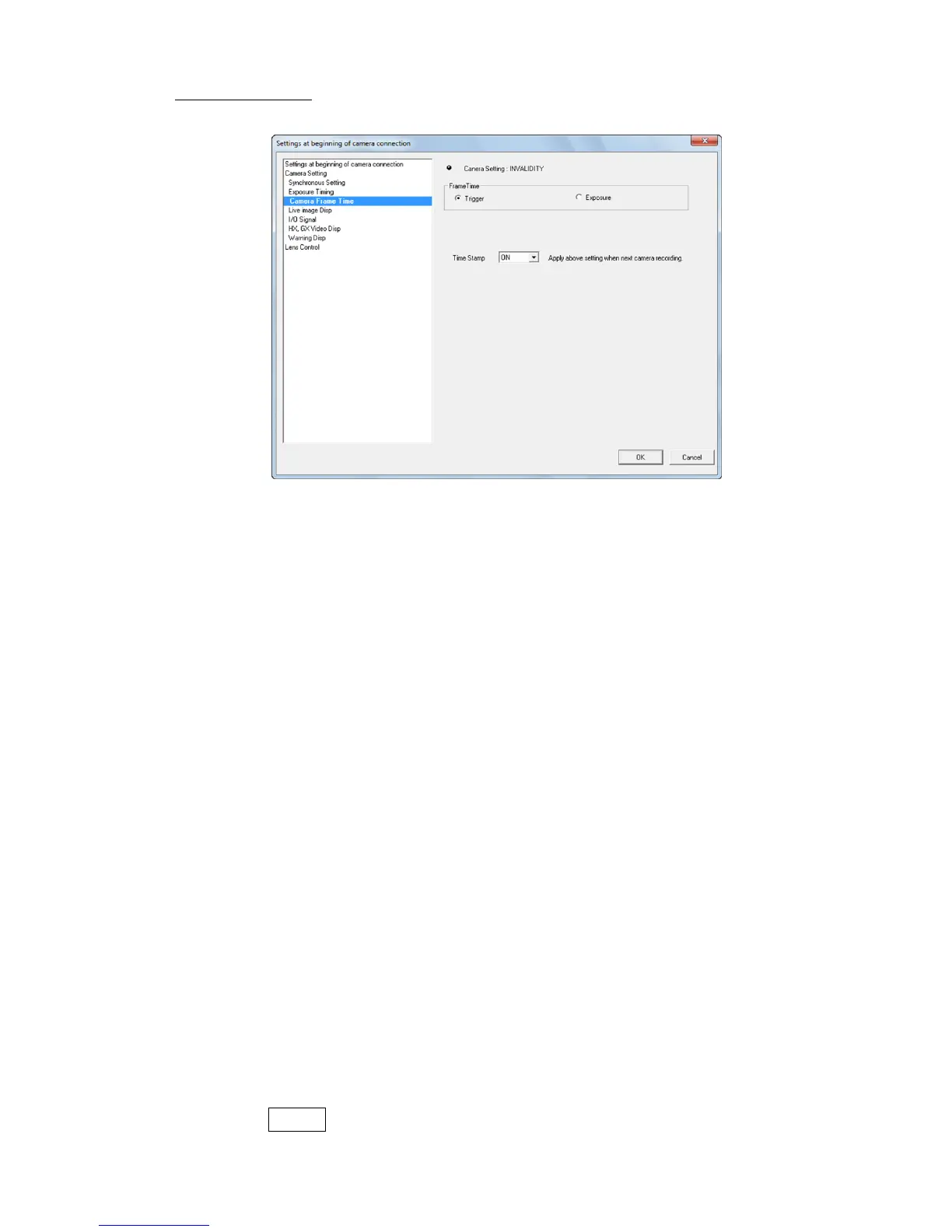
■ Camera Frame Time
Switches the camera frame absolute time display.
Trigger Method that uses the trigger frame time as the trigger signal input
time, and the frame time as the standard to calculate the frame time
for other frames.
With this method, the frame time does not match the time that the
sensor is exposed but if using the relative time based on the trigger
frame, it has the benefit of being able to make each of the frame
time’s uniform.
With this setting, EST external sync recording does not display the
frame time.
Exposure Method to determine the frame time as the mid-point of the time
between the time the sensor started exposure and the time exposure
was completed.
This method is appropriate for the frame image time but when
performing automatic exposure, the times for each frame are not
uniform.
If using the time stamp function with the GX camera, since the
image and the time information for the image are recorded in the
memory, the EST external sync recording does not display the frame
time.
Time Stamp Setting for GX cameras.
If ON, the photographed image and the exposure time and input
signal status for the image are recorded in the memory.
With the external sync recording from EST input signals, if the time
stamp is not ON, the frame time will not appear.
Also, since the time stamp information contains the IRIG sync status
and event frame information, if using these functions, turn the time
stamp ON.
With GX cameras, if the time stamp is ON, the number of recordable
frames decreases according to the frame size.
With HX and Q camera, the time stamp is always ON.
With GX camera, if “Trigger Reset” is used, settings for “Time
stamp” get invalid and work as OFF.



 To Next Page