5 - 18 (00292)H
■ Custom White Balance Function
Function to obtain the white balance by specifying the range of the displayed image or the white
balance RGB gain value.
Any of the following can be used to set the white balance using "Custom White Balance".
・Click White Balance ->CUSTOM ->Change Setup on the "Adjust Image Quality"
menu.
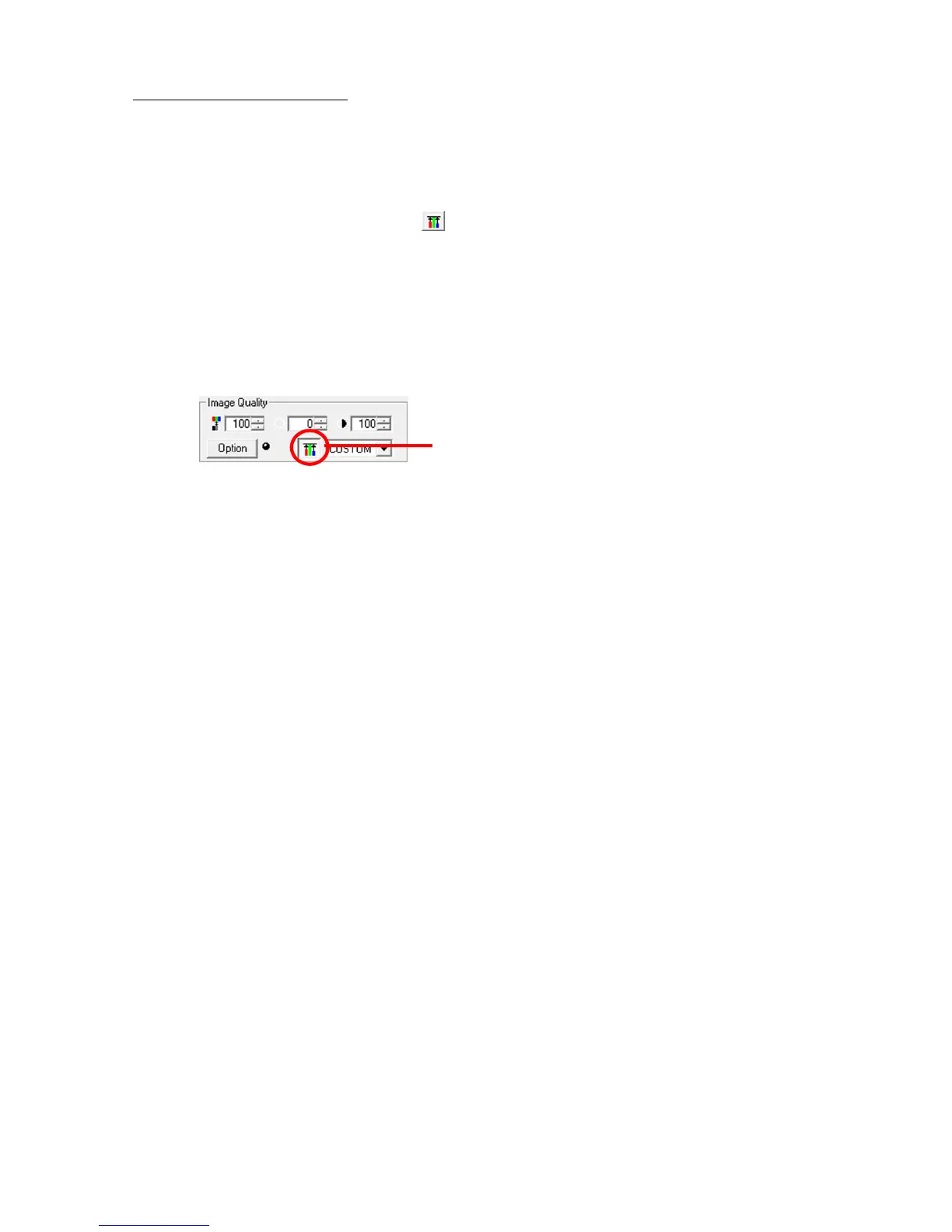
・Select “CUSTOM” and click "Start Custom White Balance" in the "White
Balance" pull-down menu for the image quality adjustment section of the “Item
Toolbar”.
(Expert Mode only)
In the Custom White Balance mode, check “White Balance” -> “CUSTOM” -> “Change
Settings” in the "Adjust Image Quality" menu to access the mode where the display of the
"Start Custom White Balance" for the image quality adjustment section of the “Item Toolbar”
has been pressed.



 To Next Page