(00292)H 3 - 15
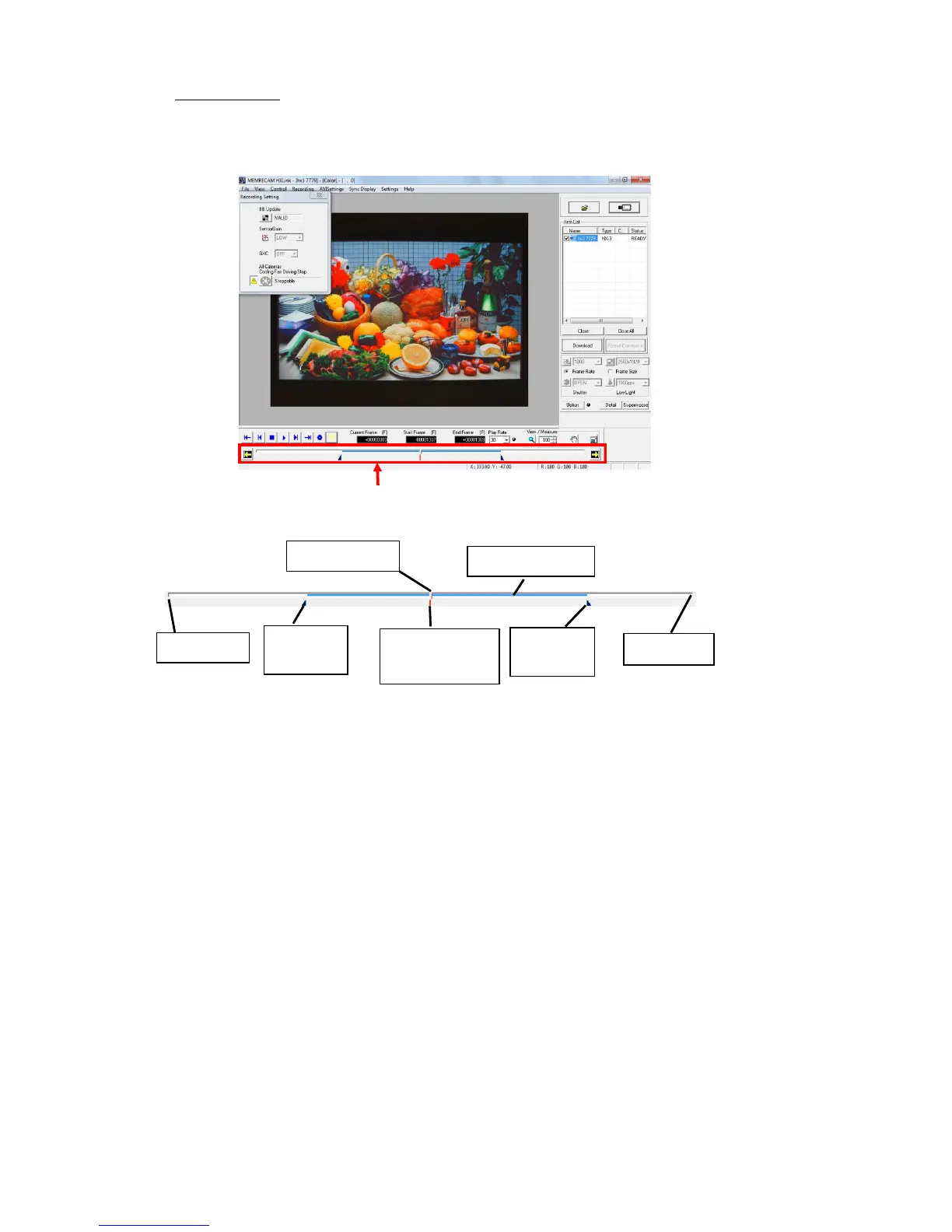
□ Playback Slider
Use the playback slider to designate the playback frame or playback range. The current frame,
playback start frame and playback end frame is operated by dragging the mouse.
[Playback Slider Bar]
T=0 is the frame of the standard time of the image file.
The camera frame number is 0 for the frame where the trigger signal is input during recording (trigger
frame), and the image file frame number can be changed with the T=0 setting function.
Refer to page 5-5 for details on T=0 settings.



 To Next Page