14 - 4 (00292)H
■Cannot connect camera
When the camera connection button is pressed and the camera connection dialogue appears, the
icon for the camera that should be connected may have an “X” mark (or with HX or GX cameras,
an icon is not displayed on the list).
Check the following items.
・ Are the camera and the PC properly connected?
・ Is the camera already connected to another PC?
・ With fx cameras, was the correct CID, IP address and model registered during camera
registration?
・ With fx cameras, was the “Connection Format” tab (TCP/IP connection, FC-AL connection,
Gbit connection) in the “Options” dialogue set properly?
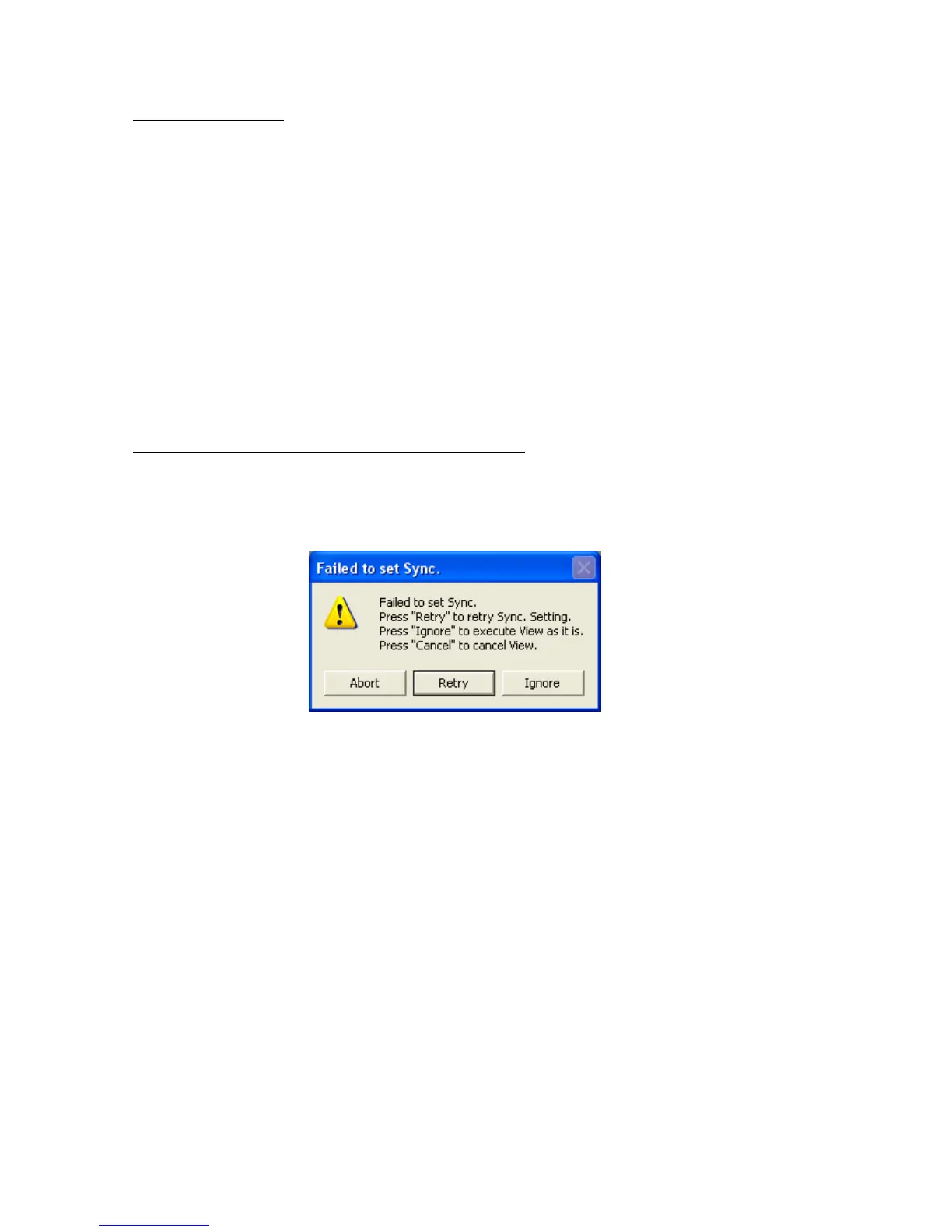
■ “Sync Setting Failure” appears during fx camera connection
Under the “Sync Settings” tab of the “Options” dialogue or “Camera Connections Settings” dialogue,
if the “fx Camera Time” setting is “IRIG Time”, the following message may be displayed during
camera connection or when “Sync Settings” in the control menu is clicked.
If using IRIG signals, check the following items.
・ If using the IRIG BOX, are the IRIG-B signals properly connected to the IRIG BOX IRIG
IN connector?
・ If using the M-HUB, are the IRIG-B signals properly connected to the M-HUB IRIG.IN
connector?
・ Is the external trigger input?



 To Next Page