(00292)H 9 - 7
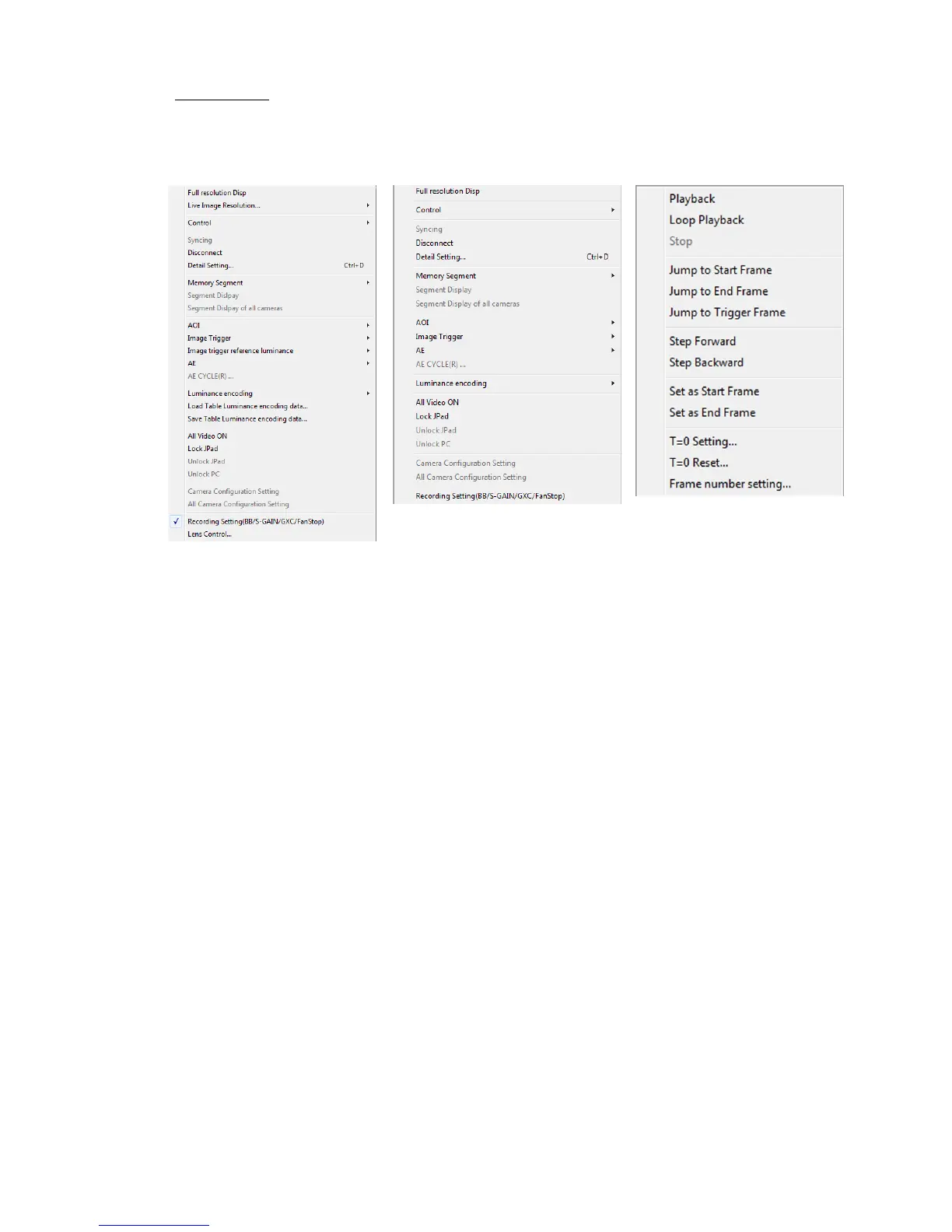
■ Control Menu
If there are no items in the item list, the control menu is not displayed.
The control menu items vary according to the type of item selected.
Control Menu Control Menu Control Menu
(camera item selected) (camera item selected) (camera item selected)
(HX, Q) (GX)
○ Camera Items
・Show Full Resolution Show the image at full resolution.
・Live Image Resolution If “Standard” is selected for “Live Method” of “Live Display” in
options, the live display can be shown at the resolution from the
camera.
Select the scale from 1/1, 1/2, 1/4 to update the live image.
・Camera Control
VIEW / ARM / trigger / play / loop / stop / ump to start frame, jump to end frame
/ jump to trigger frame / move 1 frame forward /
Move 1 frame back / set to start frame / set to end frame



 To Next Page