(00292)H 2 - 7
■Install Microsoft Visual C++ 2010
In VS2010 folder, there is a 32bit program installer for vcredist_x86.exe and 64bit program
installer vcredist_x64.exe.
Please run vcredist_x86.exe only if you want to install the HXLink 32bit version, both of
vcredist_x86.exe and vcredist_x64.exe If you are installing the HXLink 64bit version.
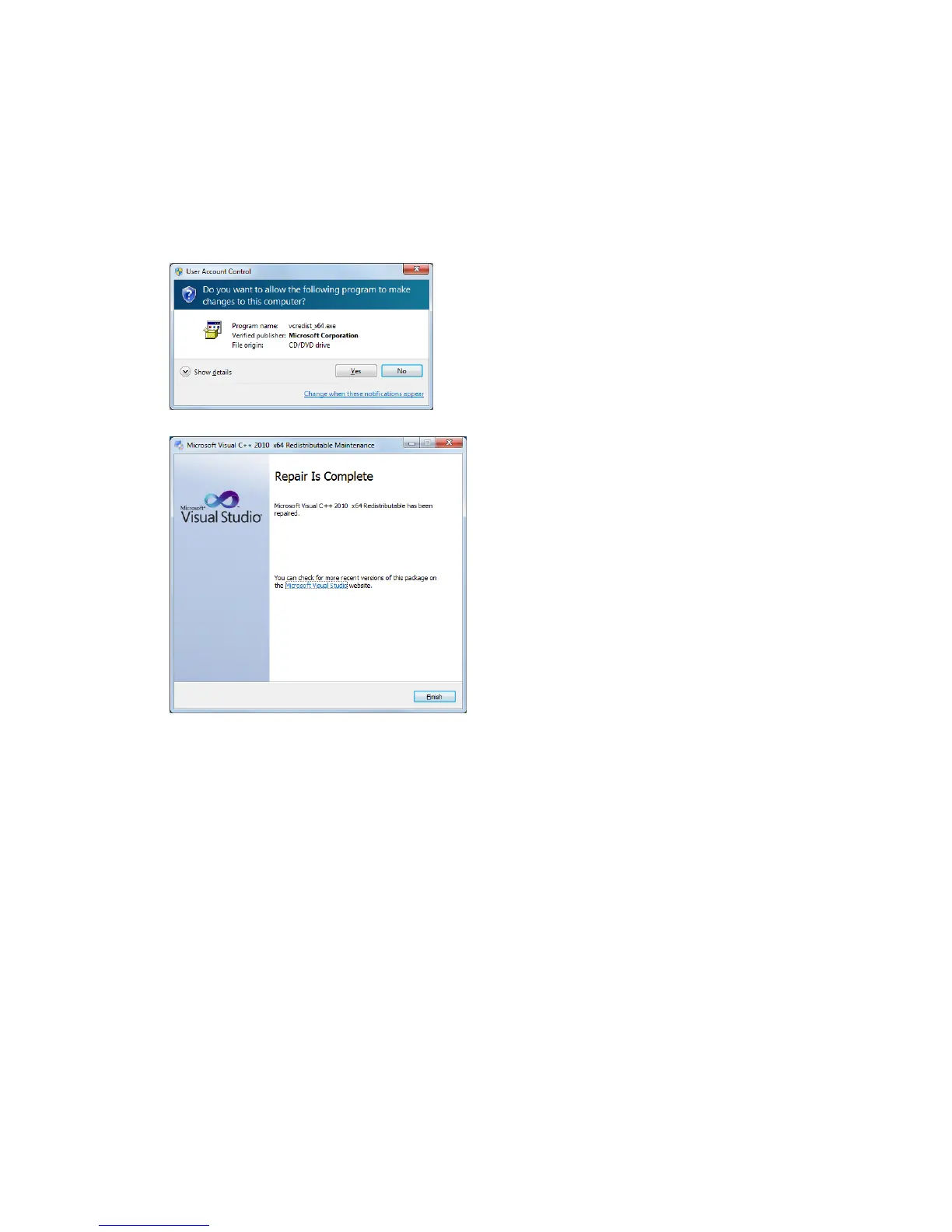
Lists the steps to install the HXLink 64bit version.
Double-click the vcredist_x64.exe for VS2010
folder. Then Install the 64bit for Microsoft
Visual C++ 2010 wizard.
Completion of installation of vcredist_x64.exe.
Also install vcredust_x86.exe as well.



 To Next Page