2 - 6 (00292)H
Insert the HXLink CD into the CD-ROM drive when other applications are not running and the
MEMRECAM HXLink installation will start.
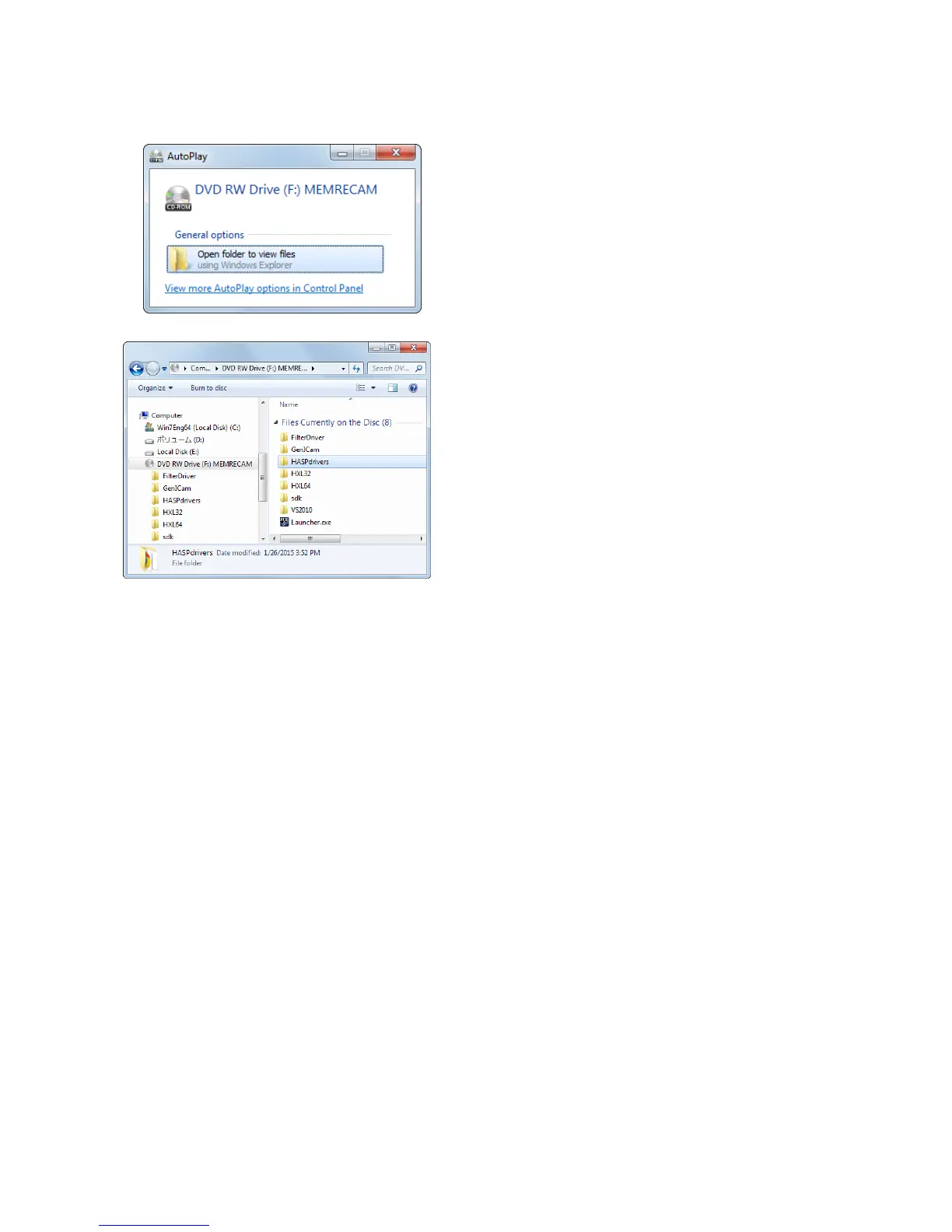
Once all of the PC applications have been
completed, the "Automatic Playback" window
is displayed when the HXLink CD is inserted
into the PC CD drive.
Click "Execute setup.exe" to start the installer
and installation.
The HXLink CD is displayed in Explorer so
double click on "setup.exe" in the "HXLink"
folder.
The "CUDA2Setup" and "HASPdrivers"
folders on the CD are the various types of
program folders for options sold separately. See
the manuals for each of the attached options for
details.



 To Next Page