(00292)H 13 - 25
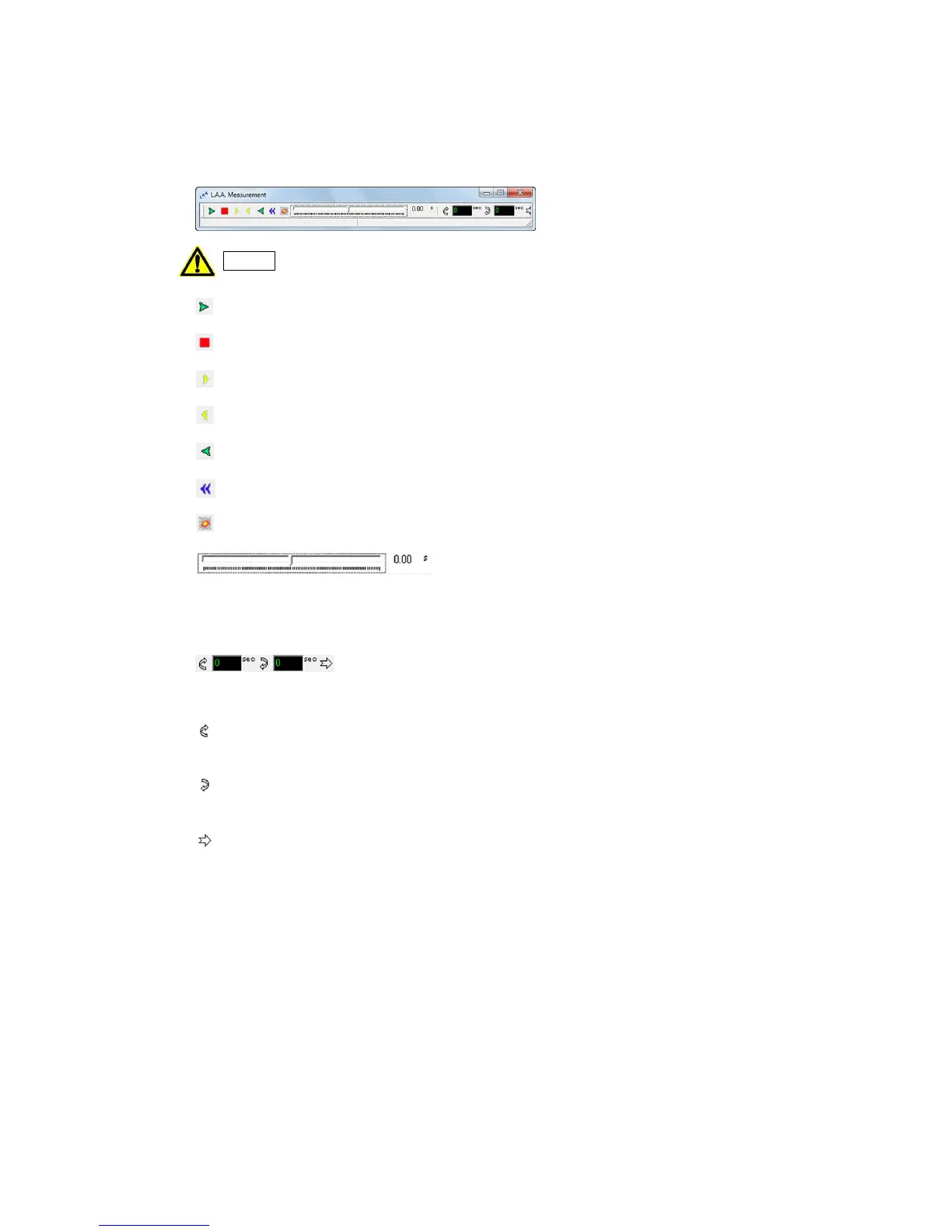
13.7 LAA Measurement Main Window
Sync playback and batch frame motion in the synchronized LAA measurement image window
can be conducted in the LAA measurement main window.
If the LAA measurement main window is closed, all of the LAA measurement
image windows are closed.
Play. When stopped, plays forward.
Stop. Stops playback.
1 frame forward. Moves one frame when stopped.
Rewind 1 frame. Rewinds 1 frame when stopped.
Reverse playback. Plays back in reverse when stopped.
Skip to the top frame. Displays the top frame of the file.
Go to T=0 frame. Displays the T=0 frame of the file.
Playback slider. Shows the position of the sync current frame. Use the mouse to batch
jump to the current frame on the playback slider.
Display loop playback range. Displays the set loop playback range for sync playback.
Setting for loop playback start frame. The current frame becomes the loop playback
start frame for sync playback.
Setting for loop playback end frame. The current frame becomes the loop playback end
frame for sync playback.
Deletes the loop playback range for sync playback.



 To Next Page