13 - 12 (00292)H
Measurement of Speed
Measurement of speed is performed on the speed measurement part under the “Measure” tab.
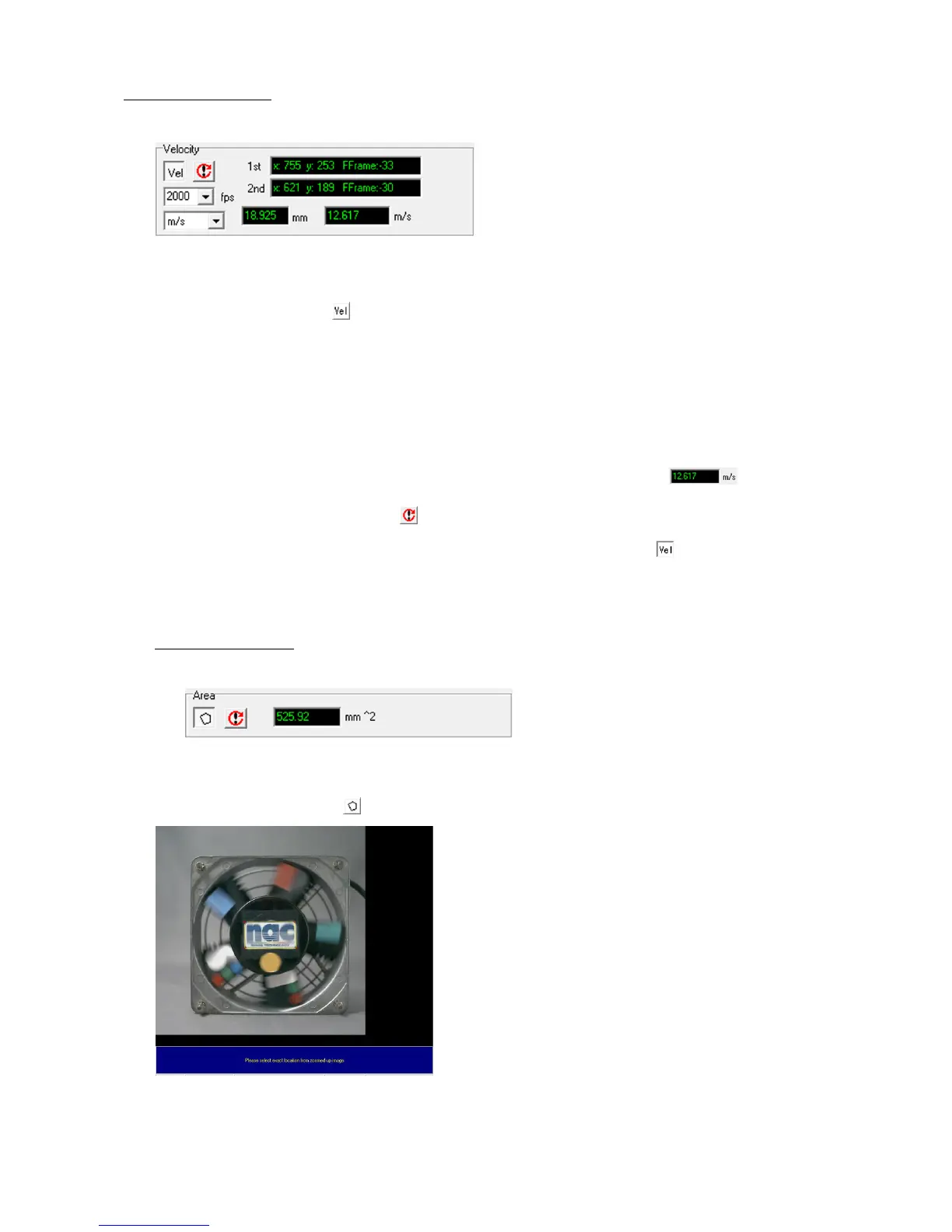
Speed Measurement Part under the “Measure” Tab
Click “Start Measurement” to start measuring.
Select or enter the correct frame rate (fps=frames per second) for the video filmed in the film
speed input box.
Select the units for the speed to output from the next speed unit selection box.
After clicking on the first point to specifying the measurement point on the screen, use the image
playback control button to move the amount of frames necessary and after clicking the second
point, the speed calculated from the distance between the time of the two frames and the distance
between the two points is displayed in the measurement results display window . .
If newly measuring the speed, click to reset the measurement results.
When speed measurement is done, click the start measurement again button .
In LAA measurement, the measured speed is the average speed calculated from the time and
distance between two frames. (distance/time)
Measurement of Area
Measurement of area is performed on the area measurement part under the “Measure” tab.
Area Measurement Part under the “Measure” Tab
Click “Start Measurement” to start measuring.



 To Next Page