14 - 14 (00292)H
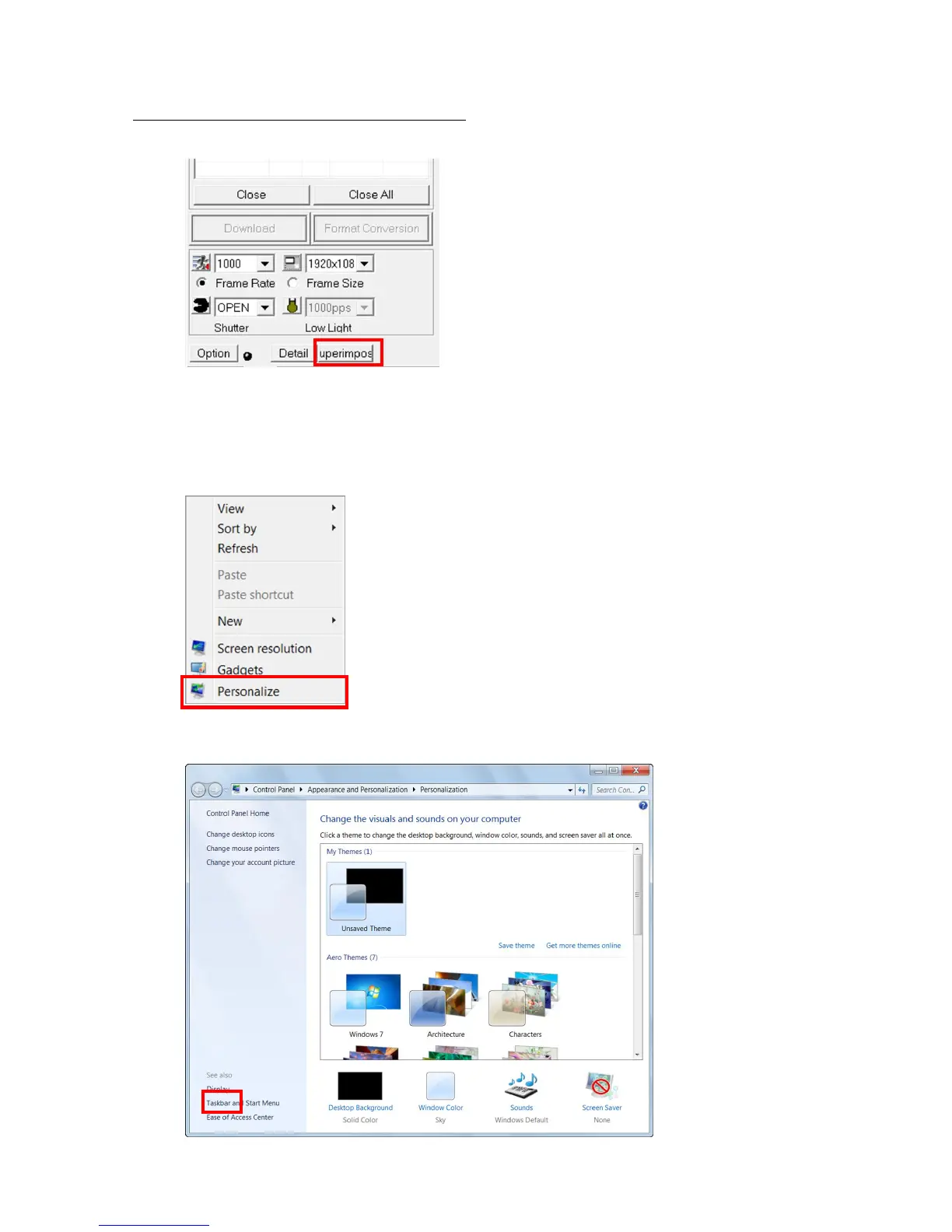
■ Part of the character string is missing on the screen
Not all of the character string will be displayed on the screen if the character size of the display is
greater than 96DPI.
Example: The character string “Superimpose” is only partially displayed.
Set the character size of the display to 96DPI.
Windows 7
1) Click on “Individual Settings” in the right mouse menu on the desktop.
2) Click “Display” at the lower left and select “Small (S) – 100%” so the screen is “Easily
Read Characters on the Screen”.



 To Next Page