(00292)H 7 - 23
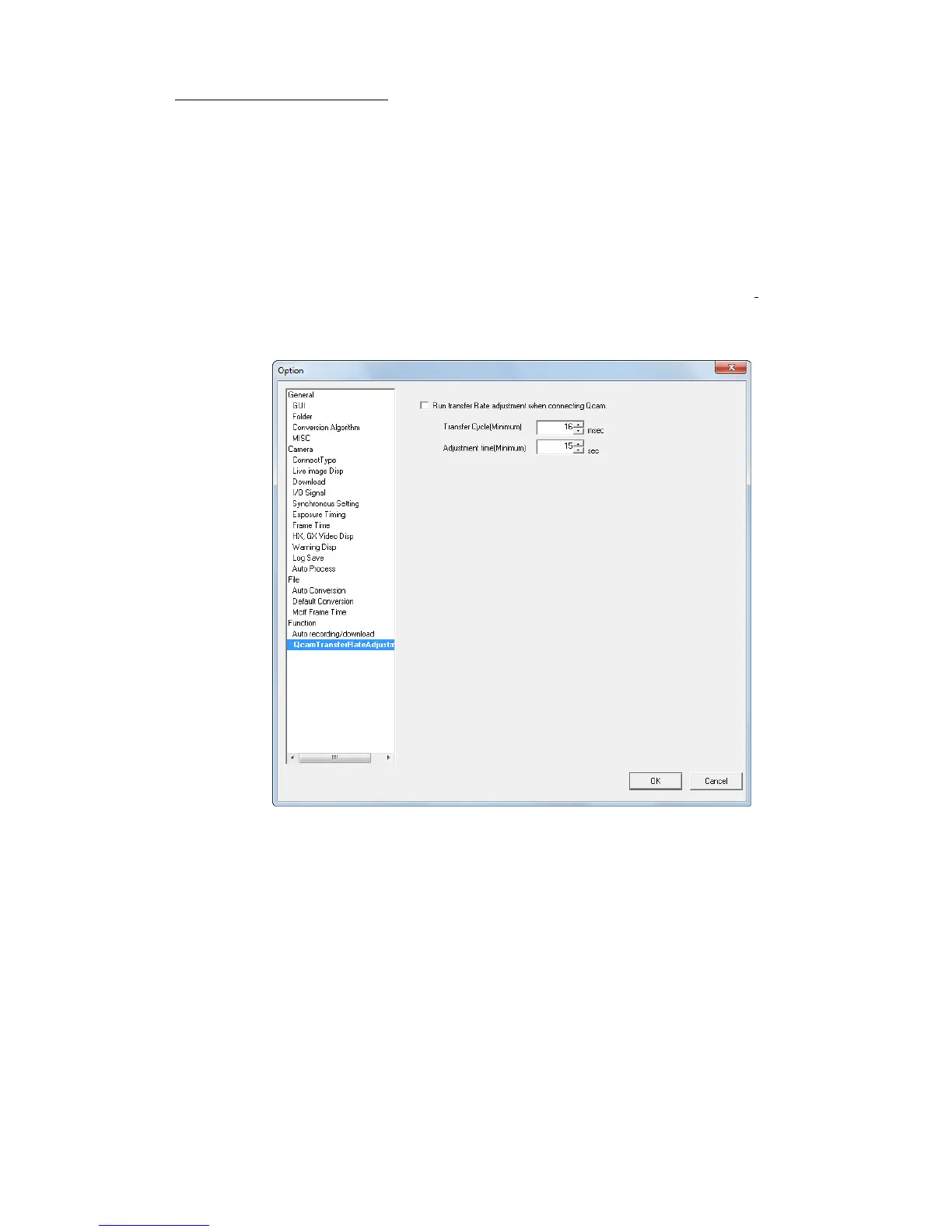
■ Qcam Transfer Rate Adjustment
Set Q camera transfer cycle for smooth data transfer that will fit into your own network
environment as Q cameras are controlled via GigE Vision network which transfers the data one
sided
The following “network connection environment” means types and numbers of the devices
existing on the network.
In multi-camera operation, make sure to connect all cameras including HX, GX, fx cameras prior
to this adjustment.
Once adjusted, the setting values are saved in PC, so it is unnecessary to adjust it again unless the
network connection environment changes.
Execute this adjustment again, when network connection environment changes.
Run transfer Rate adjustment when connecting Qcam.
Check to execute adjustment at Q camera connection.
Transfer Cycle(Minimum) Specify the interval time on how often the live images are
updated.
Actual update cycle of live images could vary according to the
network connection environment.
Adjustment time(Minimum) Specify adjustment time.
e.g. Live images get more reliable if the setting is long enough.



 To Next Page