(00292)H 5 - 21
5.4 Conversion Settings
Camera images can be cropped to the desired image, and recorded information or images can be
superimposed for display and conversion.
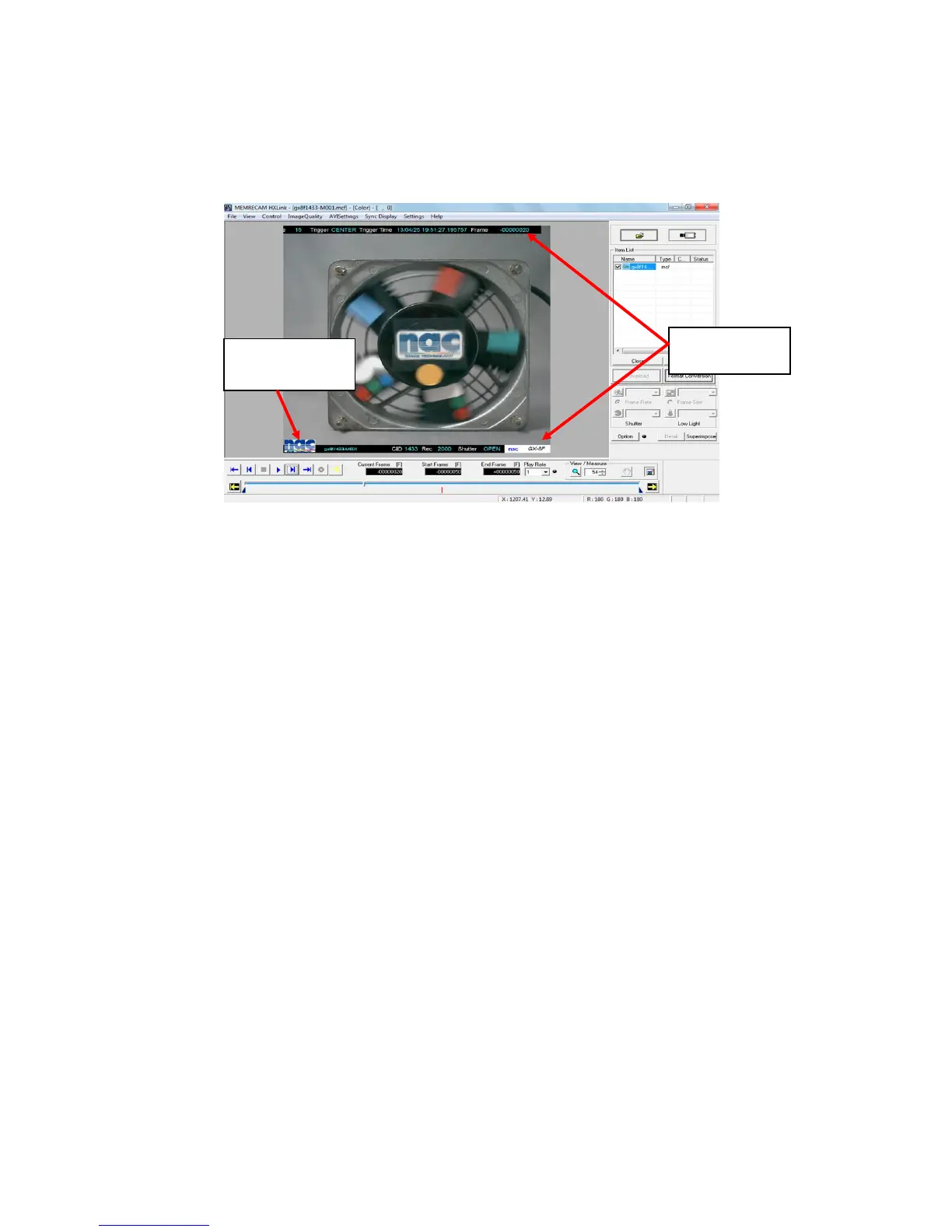
Superimposed information refers to photographic information on the camera that is superimposed
on the converted image.
Superimposed images refers to superimposing a selected image file such as a logo on the converted
image.
Cropping refers to cutting out a portion of the MCFF file.
The MCFF image displayed on the image monitor is the image that reflects the conversion settings.
Conversion settings work for images displayed on the image monitor but do not impact the MCFF
image file.
The superimposed information function is set with the conversion settings menu or with
"Superimpose Information" on the "Item Toolbar" (Basic Mode only).
Superimposed information and display settings cannot be applied to each MCFF for settings that
are common to all MCFF.
Changing the superimposed information settings by using the menu or by conversion file settings
(FCV files) applies the settings to all of the MCFF that are open.
The font size for the superimposed information can be set for each MCFF.
Cropping is set for each MCFF.



 To Next Page