5 - 22 (00292)H
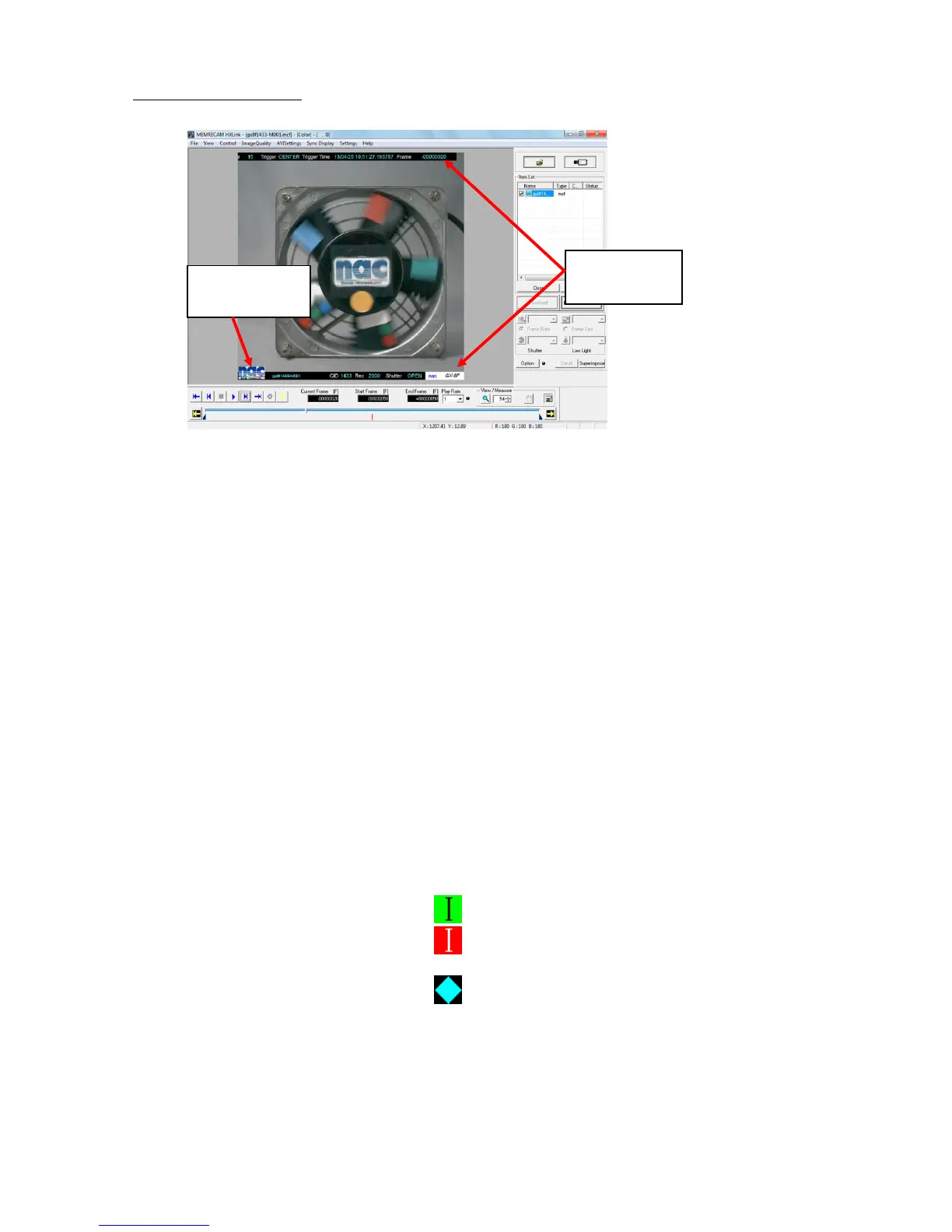
■ Superimpose Information
Specify the information to be superimposed in "Conversion Settings".
Items related to "Superimpose Information" on the "Conversion Settings" menu
Select superimpose information
Select information to be superimposed on the converted image.
(None, Frame, All, Custom)
If "All" is selected, the "ID", "Scene", "Trigger Timing", "Trigger
Time", "Frame Number", "Nickname", "CID" (camera
identification number), "Frame Rate", "Shutter Speed", "Event
Frame" and "Camera Type" are superimposed on the image.
If "CUSTOM" is selected, the items to be superimposed can be
individually specified.
Show Frame Select the format for the frame number.
(Frame, Relative Time (sec), Relative Time (msec), Absolute
Time)
Show Comments Select the recording comments to be superimposed on the
converted image.
Comment Position Select the position where the recording comments are
superimposed. (Top left, bottom left, top right, bottom right)
Show IRIG Lock, Event 2 Check it to superimpose "IRIG lock status" and "EST2
signal ON/OFF status" for the current frame.
IRIG signal locked (green)
IRIG signal not locked or M-HUB in use
(red)
EST2 signal ON
Font Size of Superimposed Information Select the font size for the superimposed
information applied to the image.
Small For image sizes of 512x512 and 640x480.
Medium For image sizes of 768x592
Large For image sizes of 1280x1024
Extra Large For image sizes of 2560x1920


 To Next Page
 Loading...