5 - 2 (00292)H
5.1 Play File Images
(MCFF, CIF, AVI, BMP/TIFF/JPEG)
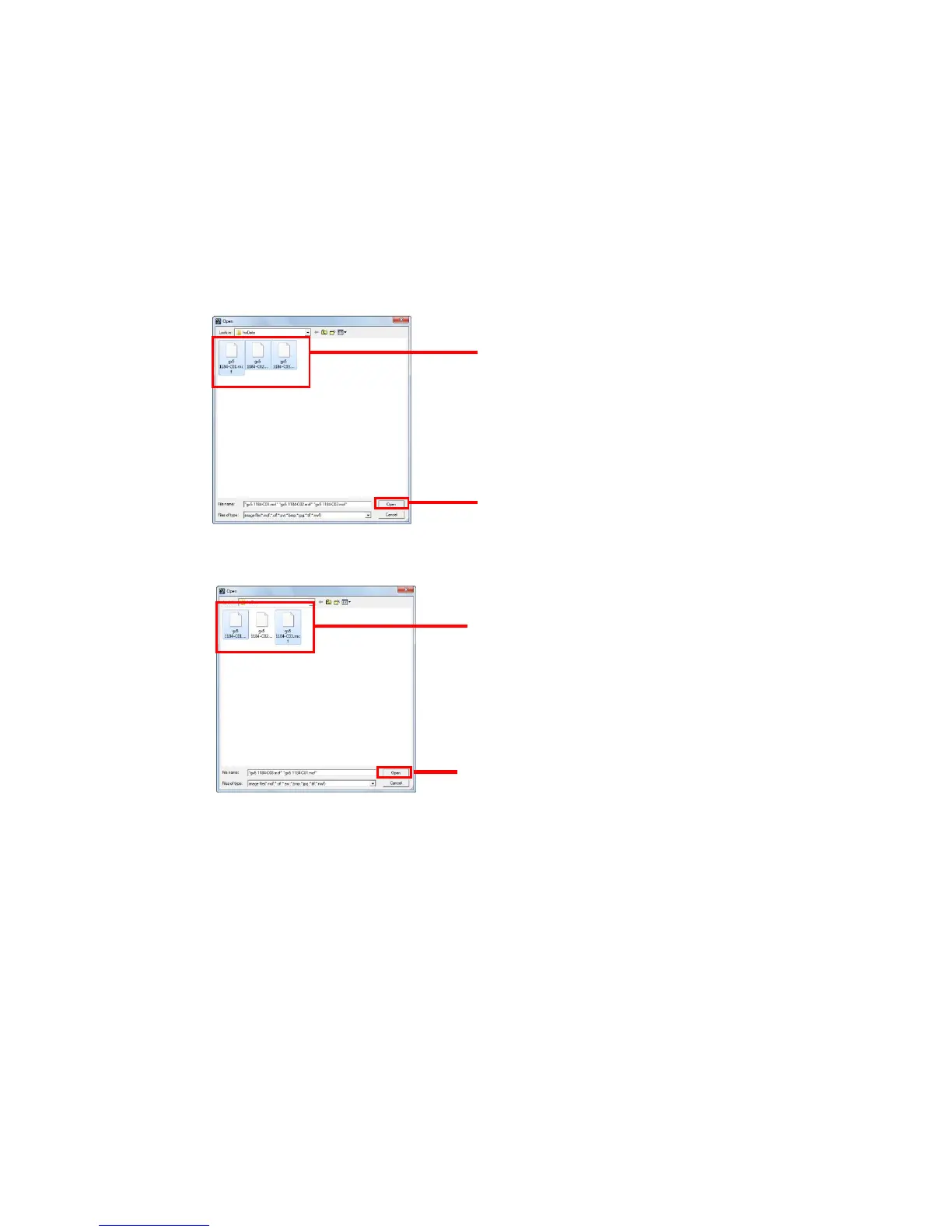
Open MCFF, CIF, AVI, BMP/TIFF/JPEG to display and play the images. Multiple files can be
selected and opened simultaneously. This does not apply to 16bitTIFF (B/W), 48bitTIFF
(color).
Any of the following can be used to open MCFF, CIF, AVI, BMP/TIFF/JPEG files.
・Click "Open/Image File" in the “File” menu and select a file in the "Open File" dialogue.
Refer to (1) and (2) below.



 To Next Page