3 - 18 (00292)H
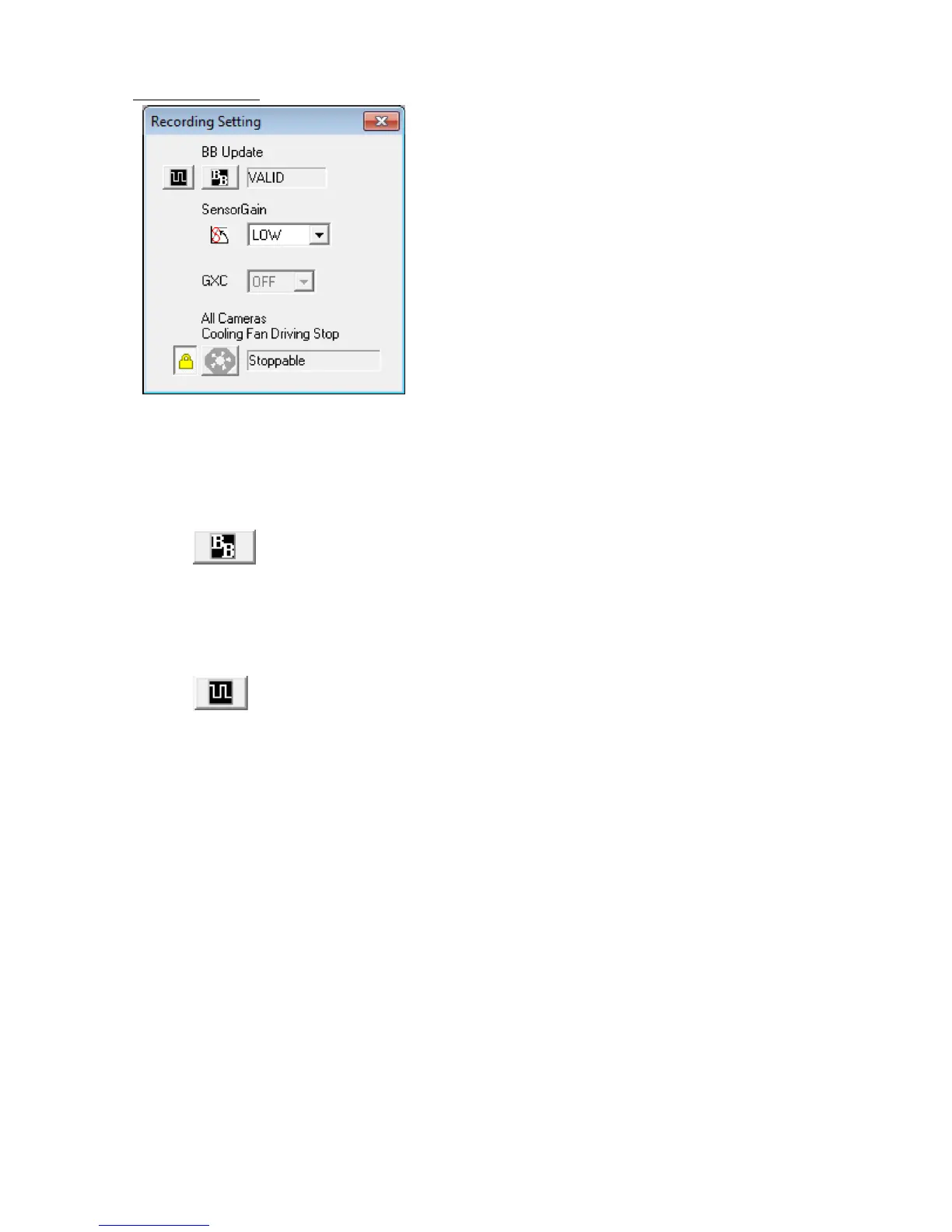
■ Recording Settings
The "Recording Settings" window is displayed when the HX series camera is connected.
If not displayed, select the "Recording Settings (BB/Sensor Gain/GXC/Stop Fan)" from the "Control"
menu.
"BB Update "
Update black balance after changing the shutter or frame size by correcting
the black level for each sensor pixel.
The HX camera is set at factory shipment to automatically update the black balance upon
camera startup, when starting VIEW, ARM or when ending recording.
"Black Balance Settings for EST Recording" (Only HX camera)
The black balance data recording rate can be specified for HX camera EST
recording.
"Sensor Gain" (Only HX camera)
The photographic sensor gain (signal amplification) can be changed. The sensitivity increases as
the gain increases but the size of the image increases. The sensitivity decreases as the gain
decreases and the size of the image decreases.
LOW: Low sensitivity (High image quality)
MID: Medium sensitivity(Medium image quality)
HIGH: High sensitivity(Low image quality)
"GXC" (Only HX camera)
If using the GXC function, the sensitivity can be approximately quadrupled without increasing the
noise. However, the maximum frame size becomes 1/2. For example, with the HX-3, it is limited
to 1280 x 960.
The photographed image angle is double the size of the same frame when not using GXC. For
example, with the GXC function ON, the camera angle is 1280 x 960 , the same as 2560 x 1920
with the GXC function OFF.
ON: GXC ON
OFF: GXC OFF



 To Next Page