10-16 (00292)H
10.10 HX Camera Monitor Resolution Settings
Sets the monitor resolution for the HX camera connected.
Confirm that the HX cameras with the settings have
started up and the PC and cameras have connected to the
network.
Additionally, confirm that the camera is not in use.
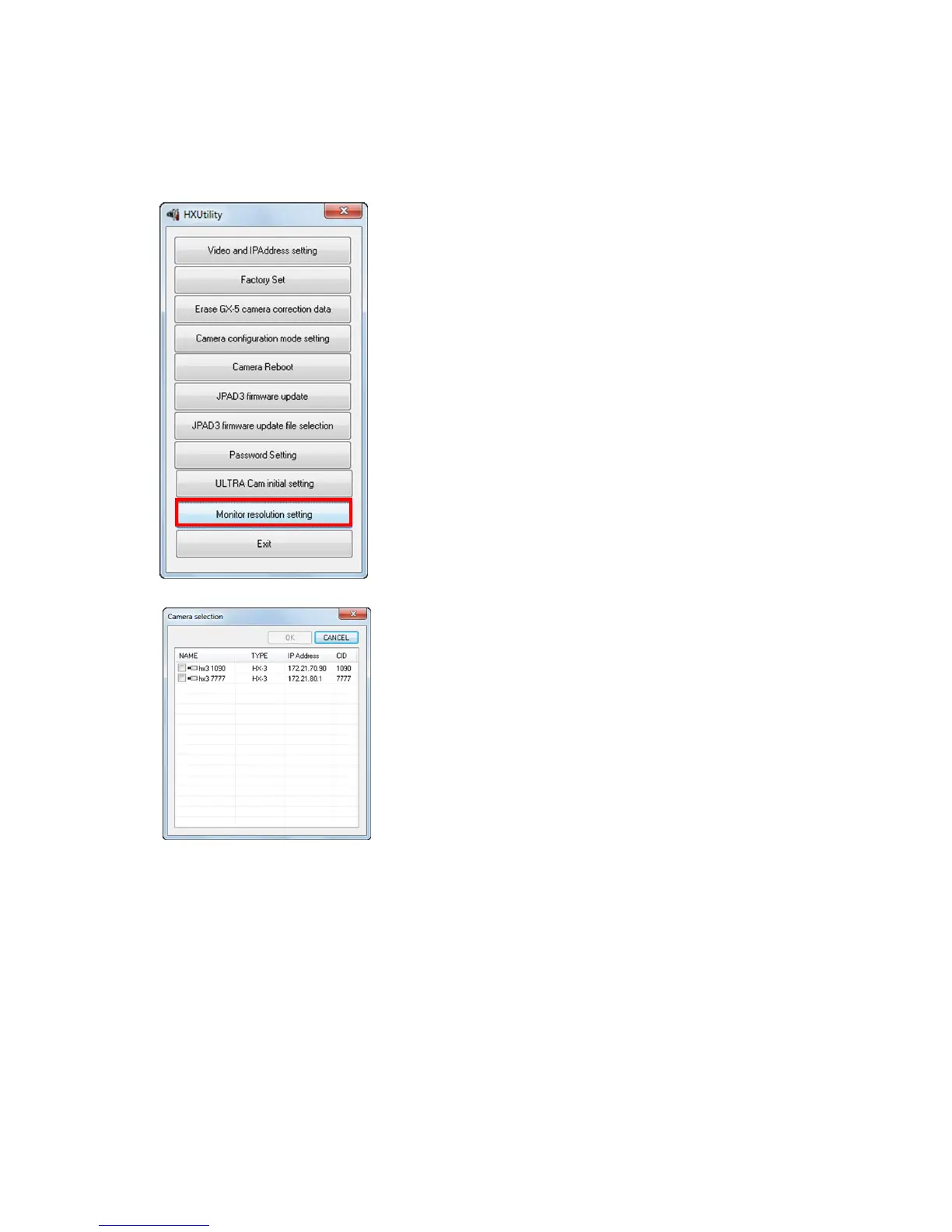
Startup the HXUtility and click "Monitor Resolution
Settings".
The "Select Camera" dialogue is displayed with a list of
cameras currently connected to the network.
An "×" is shown on the camera icon for the cameras in
use.
Check a camera to set and click "OK".



 To Next Page