11 - 10 (00292)H
11.5 Auto Conversion
Auto conversion is a function that monitors the batch conversion settings files in the existing folders
on a regular basis and if conversion settings files are created, automatically converts the format.
・Auto Conversion Procedures
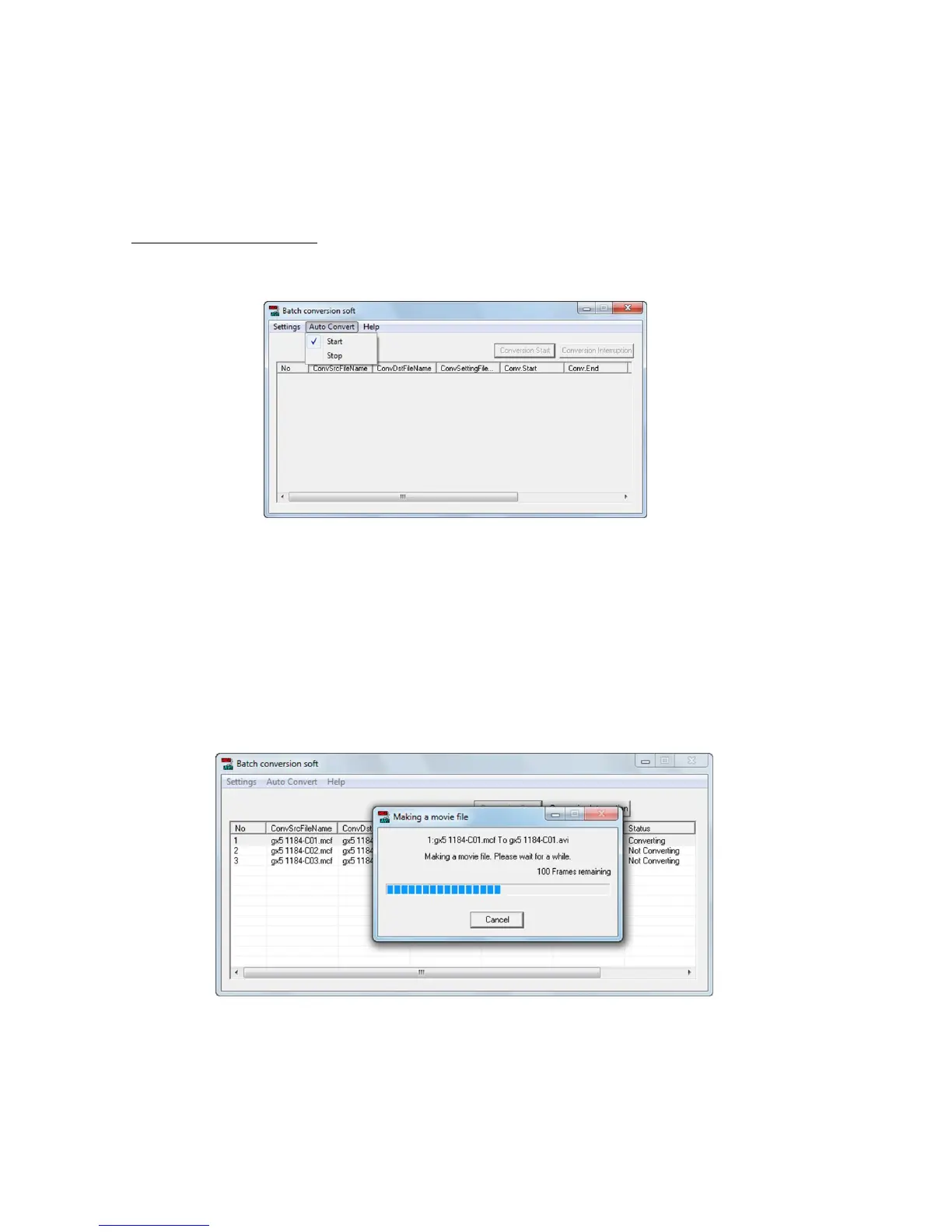
1) Select “Start” in the auto conversion menu to start.
2) Batch conversion settings files are created in HXLink.
If conversion processing is not conducted, the batch conversion software verifies if a batch
conversion settings file has been created in an existing folder each time the monitor time
elapses.
If a batch conversion settings file is identified, the batch conversion settings are shown in a
window and format conversion starts.
If the monitor time has elapsed, the batch conversion settings are shown in the batch
conversion software window and format conversion starts.
Once format conversion is done, the batch conversion software window status shows
“Conversion Successful”. The results of the auto format conversion can be confirmed in the
log file.
If all of the batch conversion shown in the batch conversion software window are done, the
batch conversion software reopens monitoring of the batch conversion settings file.



 To Next Page