(00292)H 4 - 99
■ Automatic Format Conversion Function
Function to automatically convert the format after downloading according to conditions set in
advance.
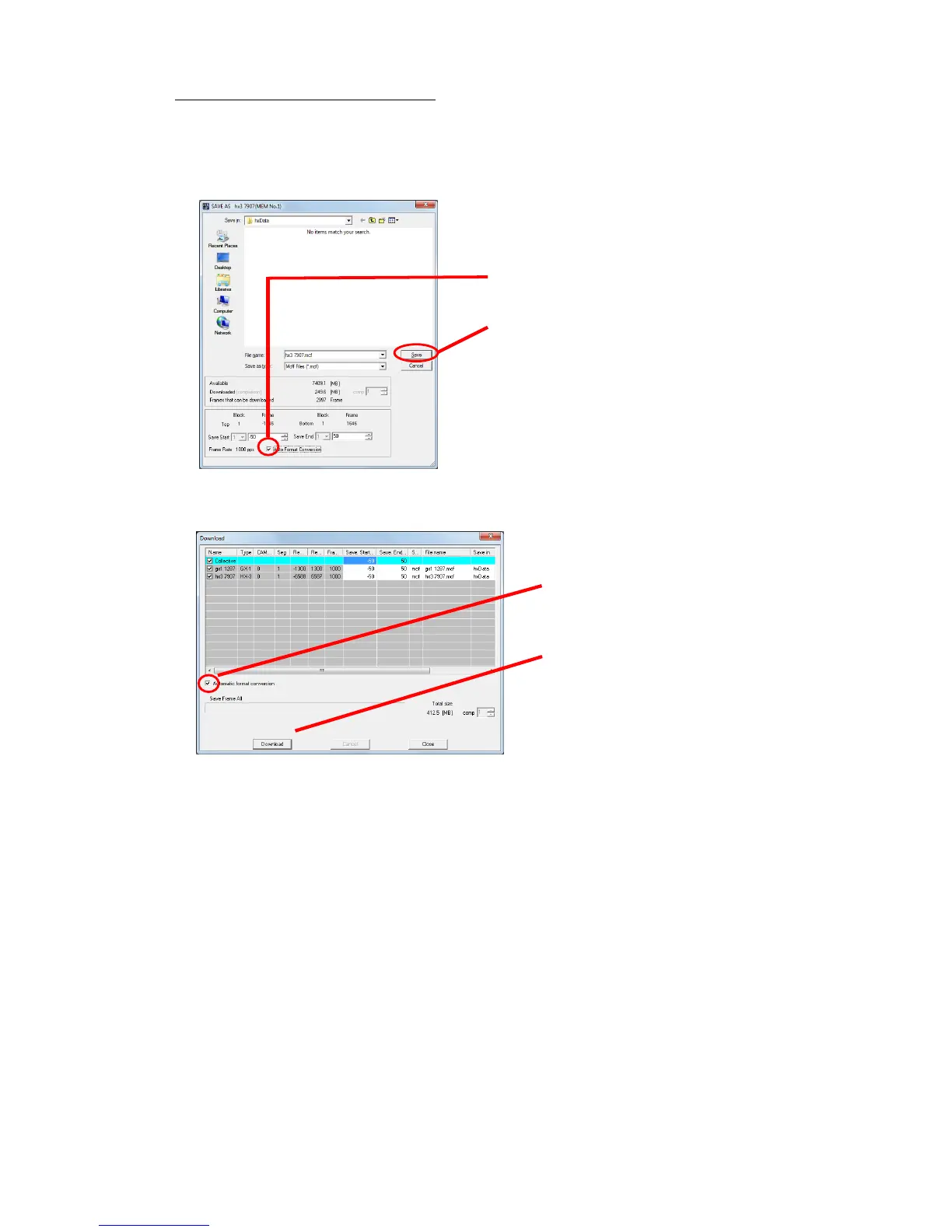
To set auto format conversion, first connect a camera and record, check "Auto Format
Conversion" in either the "Download" dialogue or the "Save As" dialogue, and then click "Save"
or "Start Download" (“OK” if an automatic download) .
When the “GUI Setting” download item is “Individual Save”
/
When the “GUI Setting” download item is “Batch Save”
2.After setting the download, click
"Start Download" (“OK” if an
automatic download.)



 To Next Page