(00292)H 2 - 21
2.4 Uninstallation Procedures
Uninstall the MEMRECAM HXLink if not needed.
Saved data is not deleted even if HXLink is uninstalled.
An authorized user of the Windows Administrators group should log on.
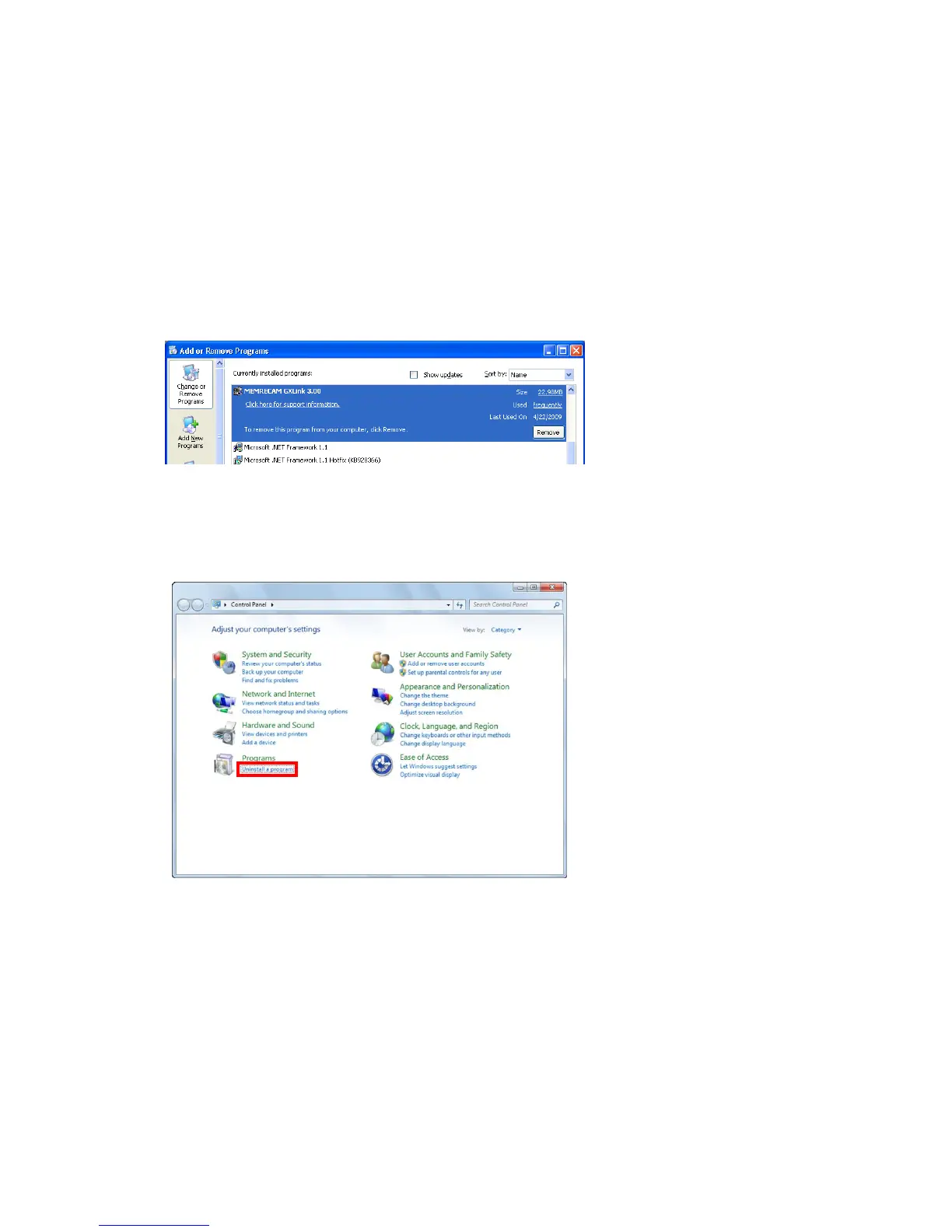
To uninstall, close other applications, open the "Control Panel" and double click on "Add/Remove
Applications" ("Add or Remove Programs and Windows Components" on Windows XP).
■Uninstall HXLink Application
○Windows XP
Select MEMRECAM HXLink
from the list of currently installed
programs and click
"Change/Remove" to display the
"Uninstall HXLink" dialog box.
○Windows Vista, Windows7, Windows8
Click "Programs" and "Uninstall
Programs" from the "Control
Panel".



 To Next Page