14 - 10 (00292)H
■ AVI conversion with compression program (CODEC)
There are limits to the image size that can be converted with the compression program (CODEC).
For example, Indeo 3.2 CODEC generates a conversion error with sizes other than 640x480.
Contact your CODEC supplier for CODEC questions.
The HXLink Motion JPEG conversion can handle conversion of most image sizes.
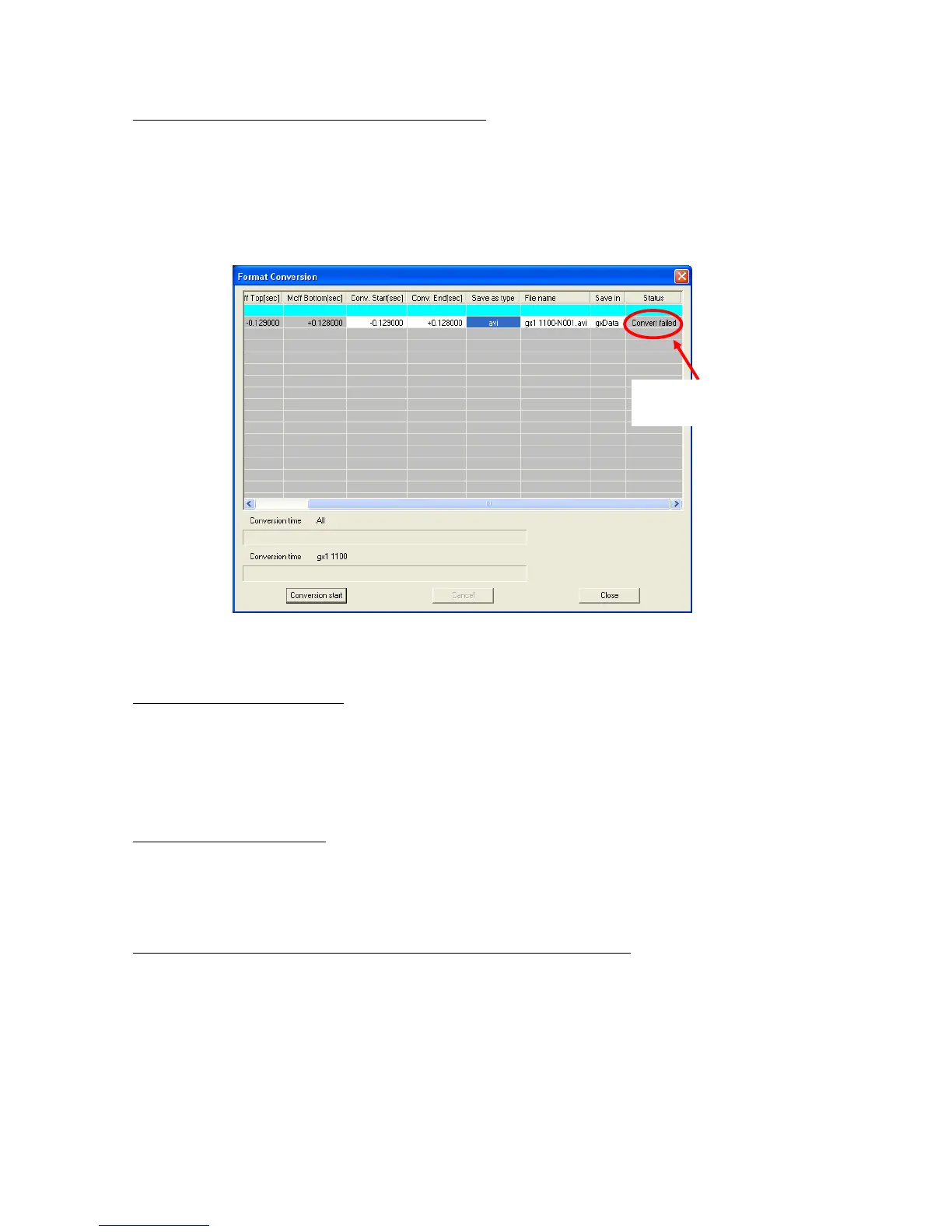
The following format conversion dialogue will be displayed if there is an AVI conversion failure.
Nothing is displayed in the “Save As” dialogue if there is an AVI conversion failure.
■ AVI conversion of large images
HXLink format conversion can handle “AVI 1.0” and “AVI 2.0” AVI conversion.
The AVI 1.0 format is limited to a file size of 2GB. There are no limits to the AVI 2.0 format.
If converting into the AVI 2.0 format, check “Convert with AVI2.0” under the “Previous
Conversion Settings” in the “Options” dialogue.
■ Previous versions of HXLink
If reverting to a previous version of HXLink due to some problem, uninstall HXLink but before
installing a previous version of HXLink, first delete <HXLink.ini> from the folder where the HXLink
program was installed and then proceed with the installation.
■ If the “User Account Restrictions” dialogue appears when HXLink is started
If the Windows Vista/7 function UAC is enabled, the “User Account Restrictions” dialogue appears
when the HXLink is started.
Click “Allow” in the “User Account Restrictions” dialogue.
To use the drivers necessary for camera connections (FC-AL connection, Gbit connection), HXLink
must be executed as an administrator.



 To Next Page