5 - 4 (00292)H
■ Data Cartridge Image Input
HXLink can convert scene images from a data cartridge where ci series camera data has been
saved into MCFF files that can be retrieved.
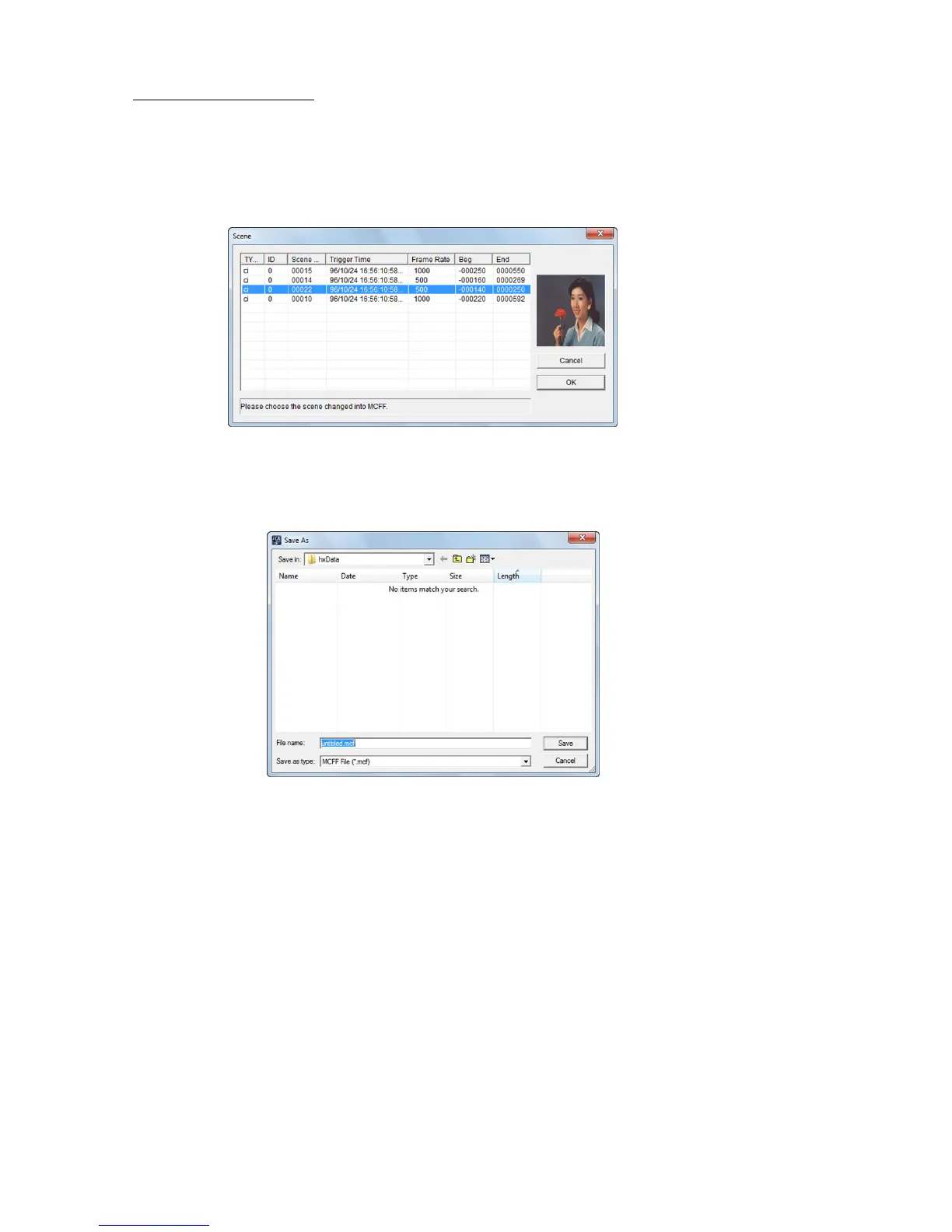
Click "Open/Data Cartridge" on the “File” menu to display the scene list found on the data
cartridge.
Select images to input while referencing the image preview.
Click "OK" to display the dialogue to specify the location and file name of the image.
Enter the file name. Click "Save" to save the data cartridge image as an MCFF file and the image
automatically added to the item list is displayed.



 To Next Page