7 - 14 (00292)H
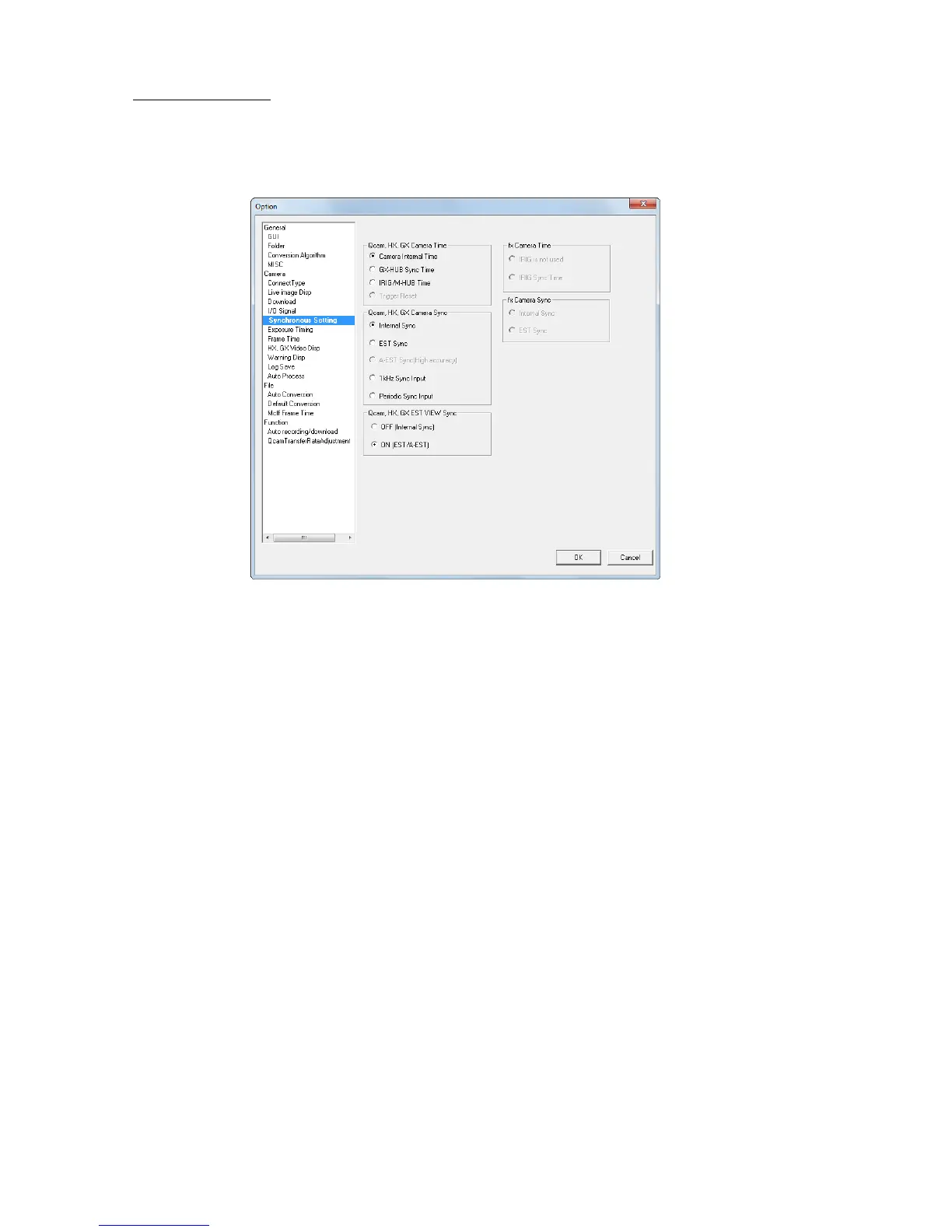
■ Synchronous Setting
Items that can be set are the same as those in “Camera Connection Settings”. Refer to page 6-4 for
details.
If connected to cameras, click OK to set the parameters to all of the cameras.
If not connected to cameras, the items changing the camera parameters cannot be set.
There is no previous settings displayed by opening “Option” next time when operating Q, HX and
GX cameras in mixture and set to control Q camera only by “1kHz Sync Input” or “Periodic Sync
Input” at “Sync Settings of Option”
In “Option”, the parameters will be displayed if settings of all connected cameras are same.
There is no setting displayed if different settings are applied.
To confirm settings of all connected cameras, go to “Recording Parameters” of “List
of Camera Settings”.



 To Next Page