14 - 8 (00292)H
■Failure downloading camera image data
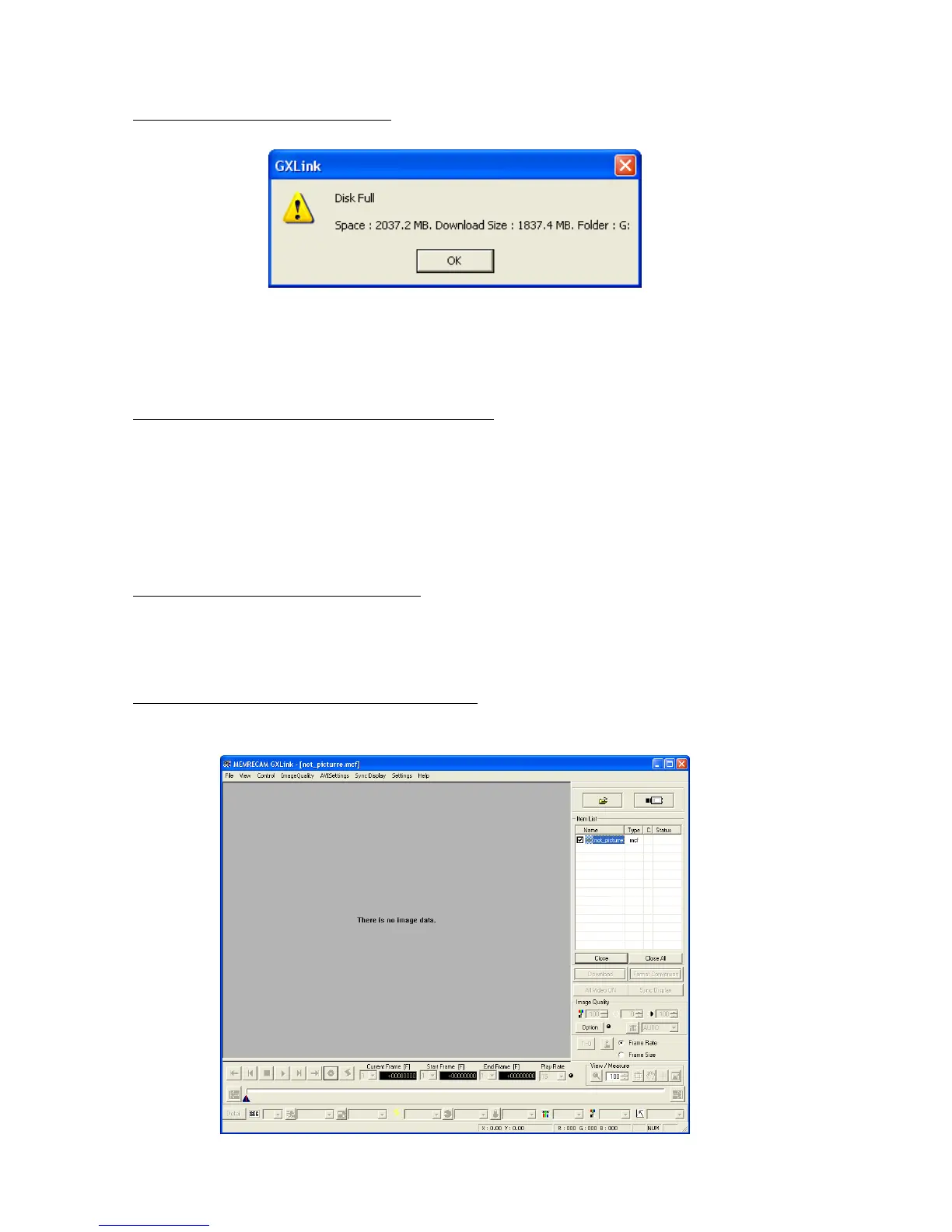
The following message appears when downloading.
Displayed when there is not enough free space in the disc drive and the camera image data for the
specified range cannot be downloaded. Either change the destination drive for the camera image
data or delete unnecessary files in the destination drive and make the download range smaller.
■ The free space shown in the USB is less than the actual
If the USB media format is wrong, it will be treated as if the free space is less than the actual. If
the camera power was turned off when writing to the USB media, the USB cable was removed or
the media was impacted or shaken during writing, the USB media format may be wrong. In this
case, check the options for “Check for Errors” in the disc properties corresponding to the
Windows PC and perform the necessary repairs.
■Unable to download images larger than 4GB
Check the file system format of the PC used. If the format is FAT32, files larger than 4GB cannot be
downloaded. Change the file system format to NTFS to download files larger than 4GB.
■ “There is no image data” is displayed on the monitor
If this is displayed, for some reason, the camera image download has failed and the camera image
data is not in the MCFF file.



 To Next Page