8 - 24 (00292)H
8.14.4 Settings of sync recording
Settings of Q camera about “camera time” and “camera sync” are same as HX, GX cameras.
Refer to HXLink User’s Manual for details.
“Q camera sync output” is selection from below 4 patterns of sync signals Q camera outputs.
-IRIG output
-1kHz output
-EPO output
-Through output
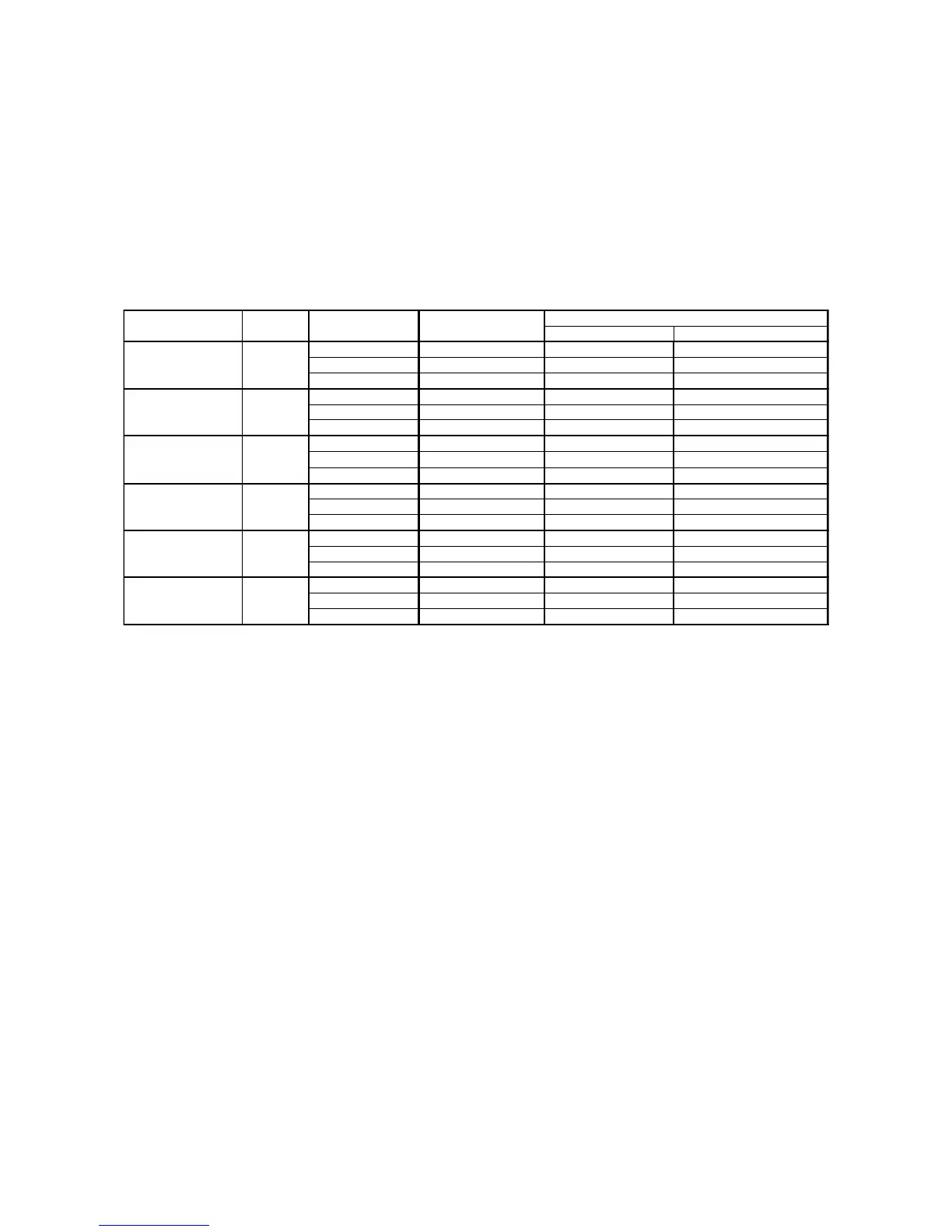
Table.1 external input signals and sync recording settings
the first camera after the second camera
Camera Time Camera Internal Time Camera Internal Time IRIG/M-HUB Time
Camera Sync Internal Sync EST Sync Internal Sync
Qcam Sync Output (※1) IRIG Output Through Output(※2)
Camera Time Camera Internal Time Camera Internal Time Camera Internal Time
Camera Sync EST Sync EST Sync EST Sync
Qcam Sync Output (※1) Through Output Through Output(※2)
Camera Time Camera Internal Time Camera Internal Time Camera Internal Time
Camera Sync Periodic Sync Input Periodic Sync Input Periodic Sync Input
Qcam Sync Output (※1) Through Output Through Output(※2)
Camera Time Camera Internal Time Camera Internal Time Camera Internal Time
Camera Sync 1kHz Sync Input 1kHz Sync Input 1kHz Sync Input
Qcam Sync Output (※1) Through Output Through Output(※2)
Camera Time IRIG/M-HUB Time IRIG/M-HUB Time IRIG/M-HUB Time
Camera Sync Internal Sync Internal Sync Internal Sync
Qcam Sync Output (※1) Through Output Through Output(※2)
Camera Time GX-HUB Sync Time GX-HUB Sync Time GX-HUB Sync Time
Camera Sync Internal Sync Internal Sync Internal Sync
Qcam Sync Output (※1) Through Output Through Output(※2)



 To Next Page