2 - 16 (00292)H
2.3 Settings for using fx camera FC-AL/Gbit(iSCSI)
○Windows Vista, Windows7, Windows8
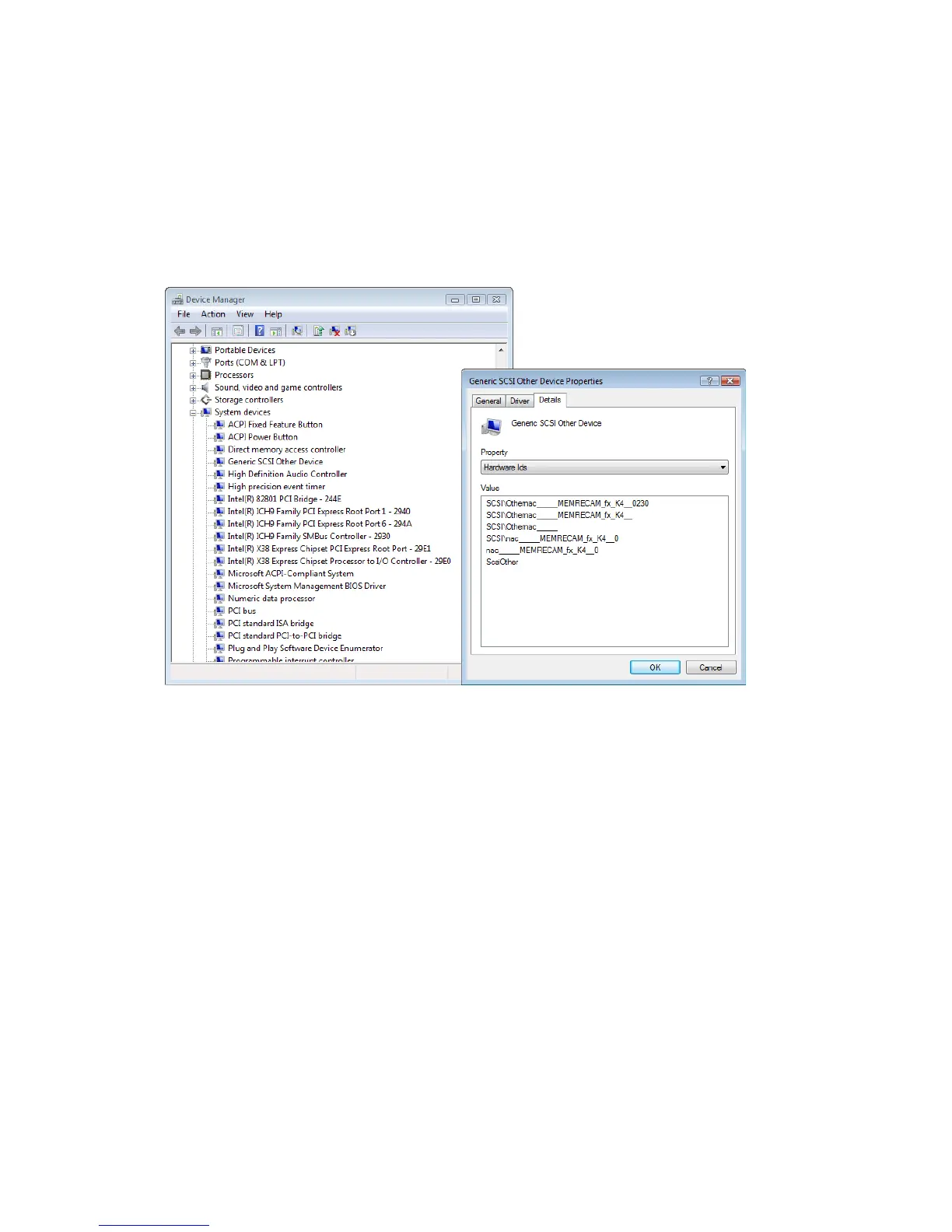
Verify that the camera is connected in the Device Manager. Verify as "Generic SCSI Other
Device" under "System Devices".
Open "Property" in "Generic SCSI Other Device" and select "Details". Select "Hardware IDs" in
"Property" to display detailed information in "Value" and verify the MEMRECAM camera.



 To Next Page