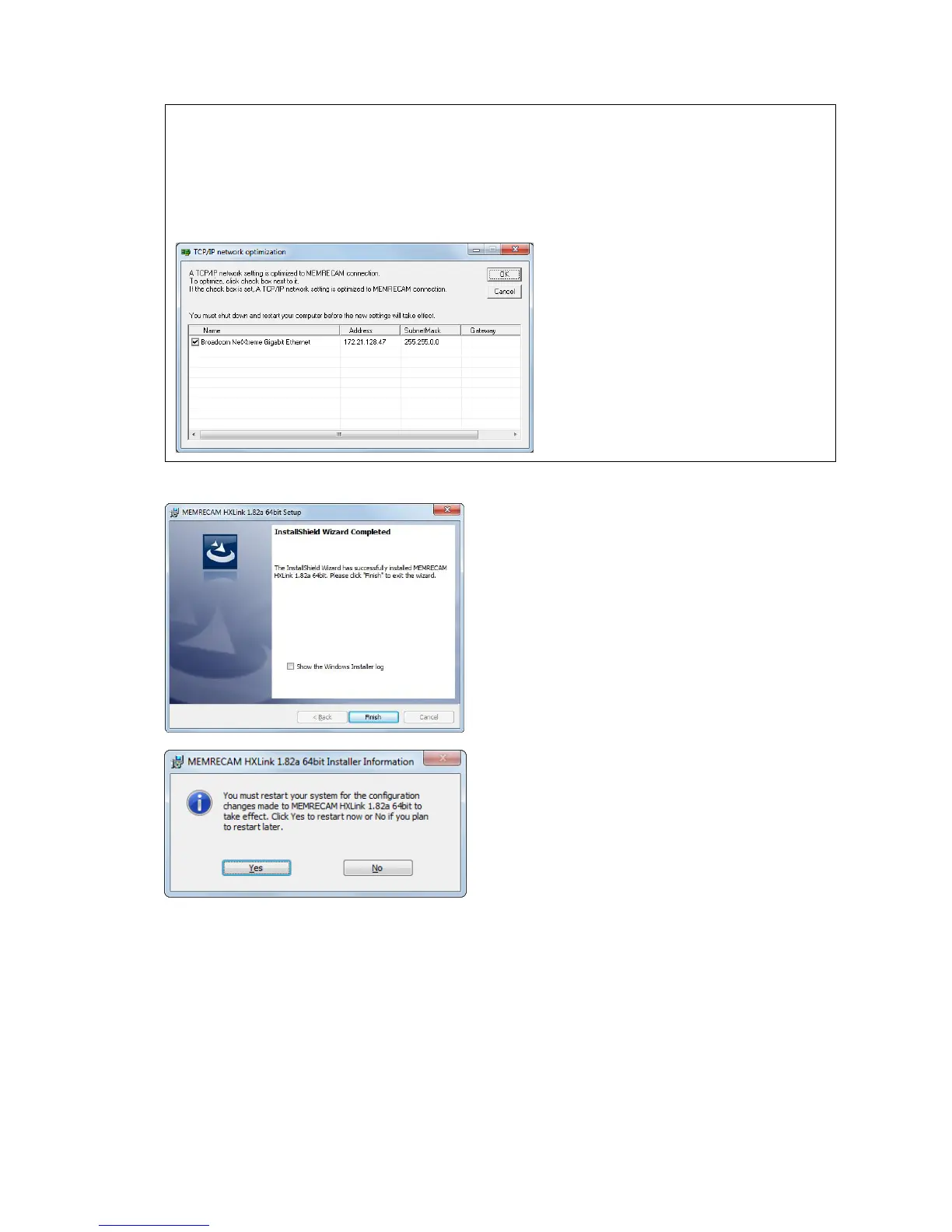
This performs "TCP IP Network Optimization".
Perform the following operations after connecting the PC to the LAN HUB or MEMRECAM.
If the following operations are conducted when the PC is not connected to the LAN or
MEMRECAM, there will be message indicating "TCP/IP Network Optimization" required when
the MEMRECAM is connected.
At that point, end HXLink and perform "TCP/IP Network Optimization" in "Start Menu" ->
"MEMRECAM HXLink" and restart the PC.
■ If using an HX, GX or an fx camera
connection, check the network and
click OK.
If using only the fx camera FC-AL,
click Cancel.
Click "Finish" when the dialog for setup
complete is displayed.
Reboot the computer before using the
program.
This completes the installation of the
HXLink application.



 To Next Page