2 - 14 (00292)H
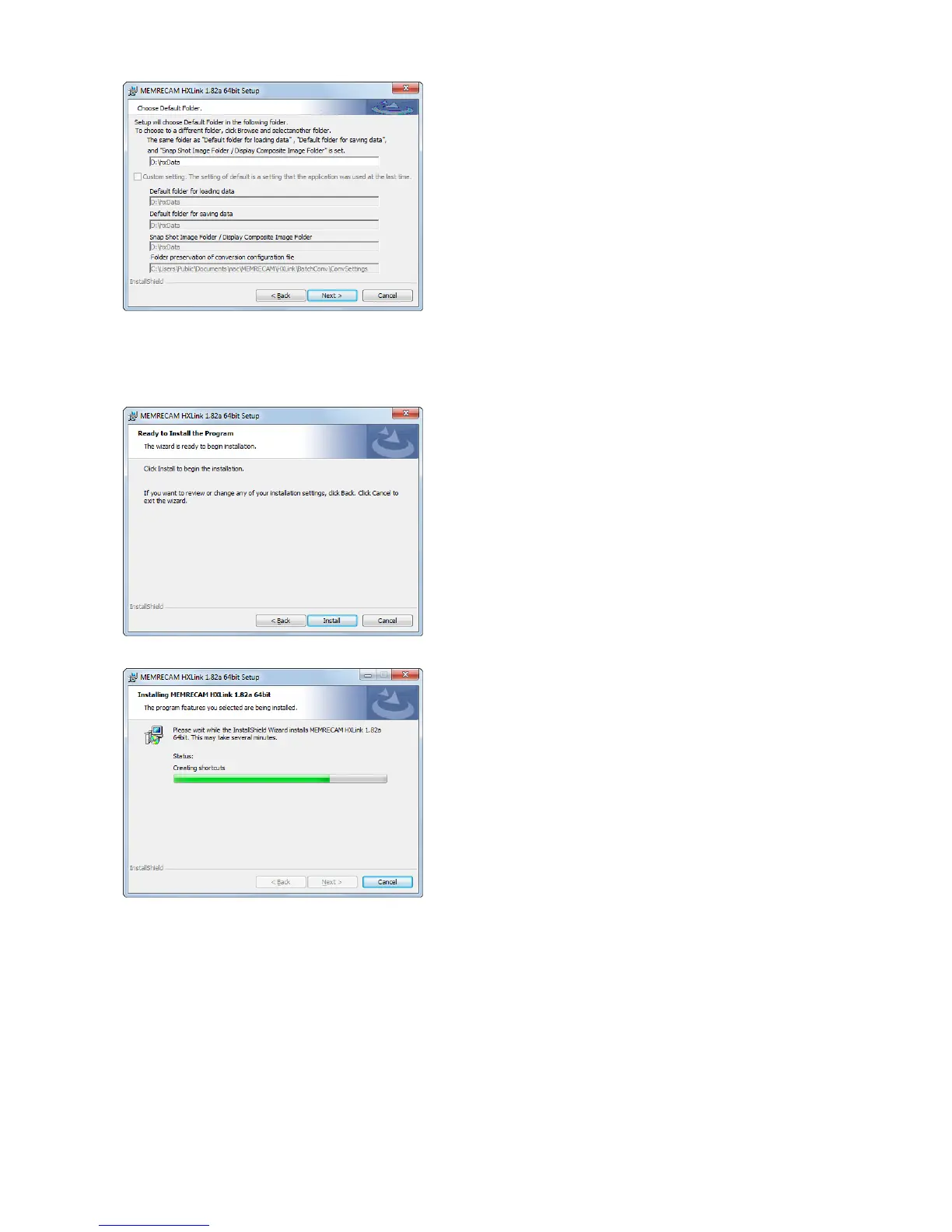
Select the previously set folder.
If changing the default settings, select the
folder.
After designating the folder, click
"Next".
When first installing HXLink, settings
for the previously set input folder, save
folder, snapshot/cross fade display folder
are set in the same folders.
If updating HXLink versions, the previous
settings for each folder can be set individually.
Selection of the previously set folders
can be changed when executing HXLink.
The installation will start when you click
the "Install".
.



 To Next Page