(00292)H 2 - 13
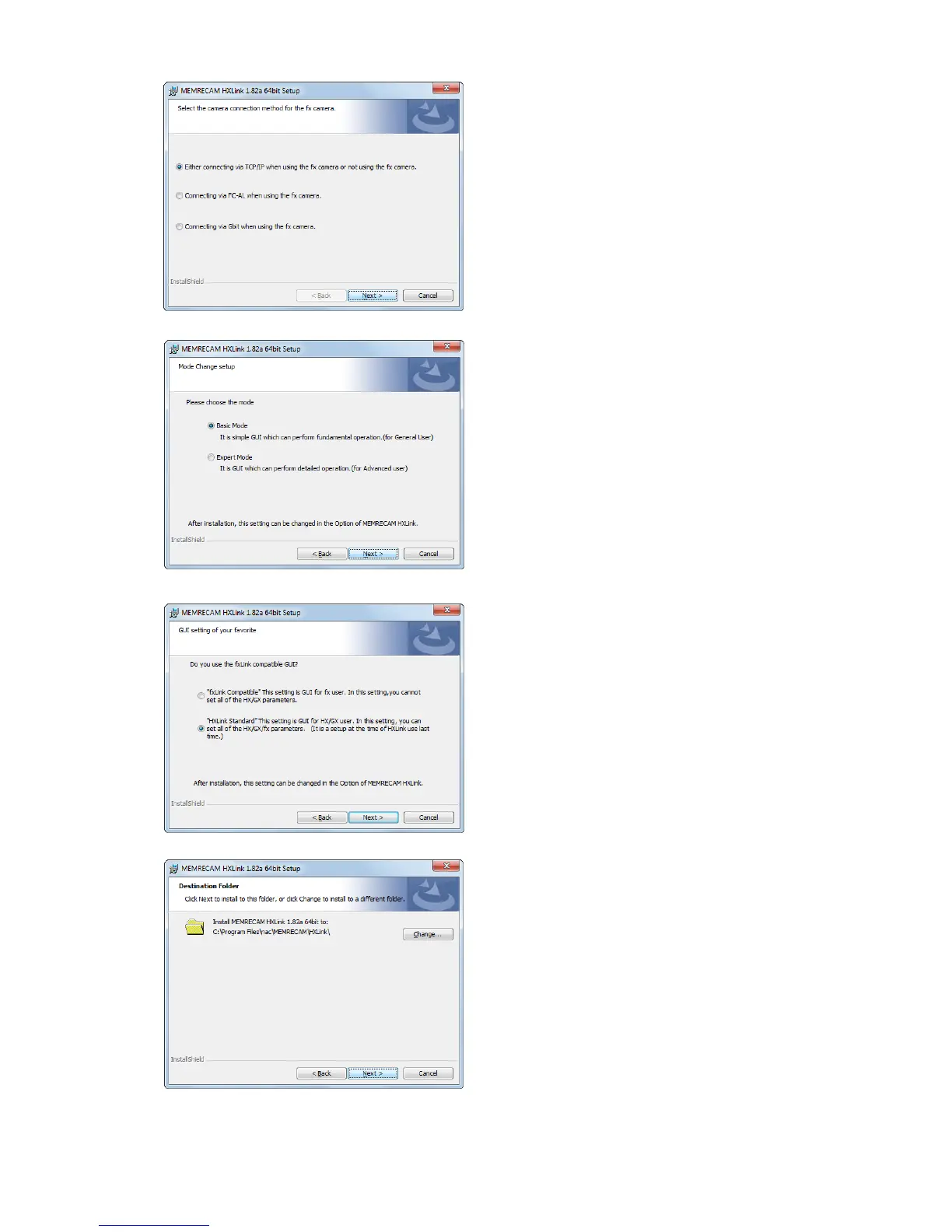
Set the fx camera connection method.
If not using an fx camera, or if using a
TCP/IP connection, simply click "Next".
If using an fx camera with an FC-AL
connection, select "Use fx Camera with
an FC-AL Connection" and click "Next".
If using an fx camera with a Gbit
connection, select "Use fx Camera with
Gbit Connection" and click "Next".
Select standard installation and click
"Next". The optimal components are
installed with standard installation.
Select an fxLink compatible GUI.
Compatible fxLink
GUI corresponding to the fx camera.
All of the HX/GX/fx/Q camera
functions cannot be used.
Standard HXLink
All of the HX/GX/fx/Q camera
functions can be used.
If changing the drive or folder for
installing the program, click "Browse" and
set the folder for installing the program.
After designating the folder, click "Next".



 To Next Page