4 - 92 (00292)H
■ Saving Images on USB
Determine the save range for the data to be saved on USB media connected to the HX or GX
cameras and save the camera image.
Perform the following procedures before connecting the USB media to the HX or GX camera.
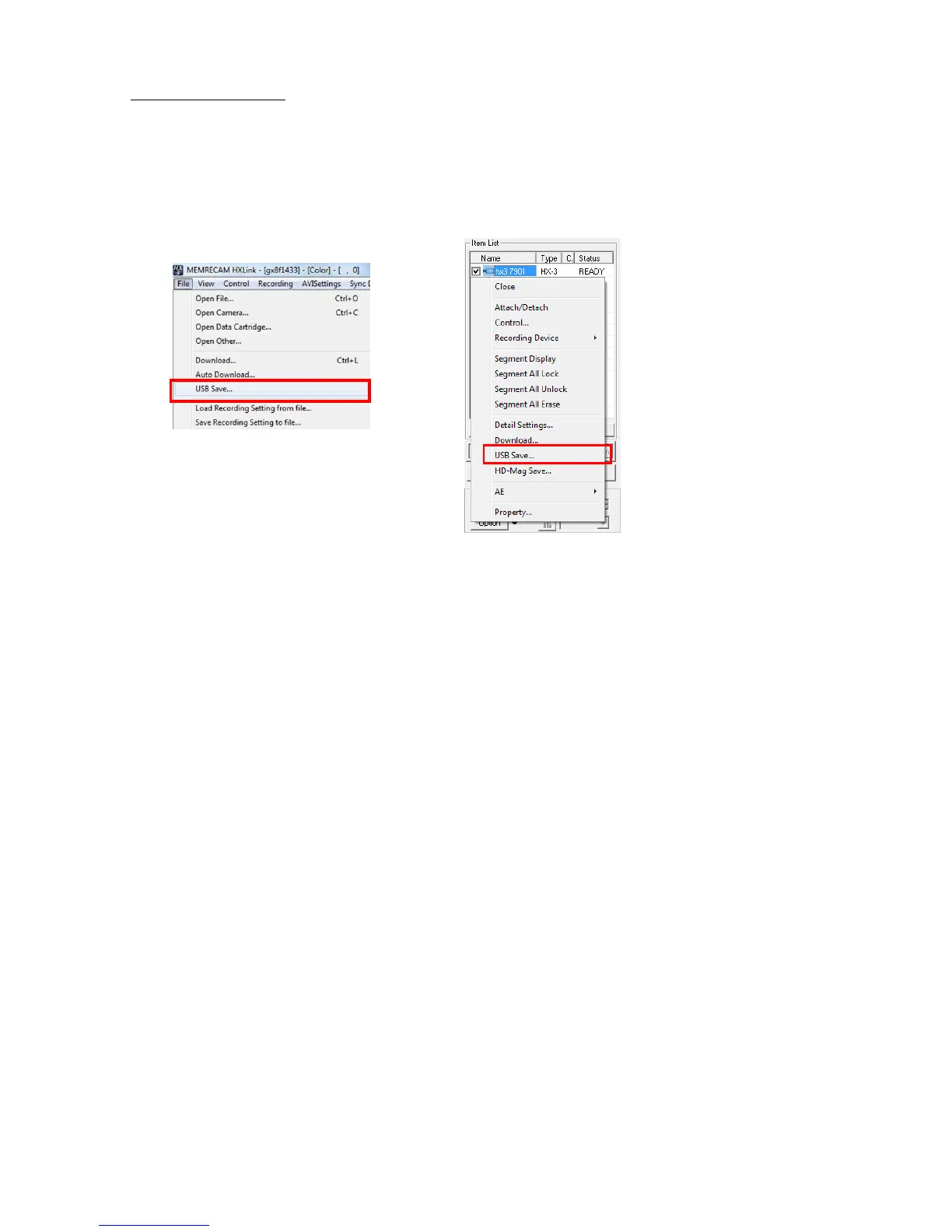
Either click "USB Save" on the file menu or click "USB Save" on the right click menu for the
camera selected in the item list to display the download dialogue and start downloading.
The download dialogue shown may differ depending on the number of cameras and the status
shown on the item list.
With HX cameras, in addition to MCFF, AVI (not compressed)/AVI (MJPEG) can be specified as
the file type. The product quality settings are used when saving AVI (MJPEG).
The playback rate is used when saving AVI (not compressed)/AVI (MJPEG).



 To Next Page