(00292)H 6 - 17
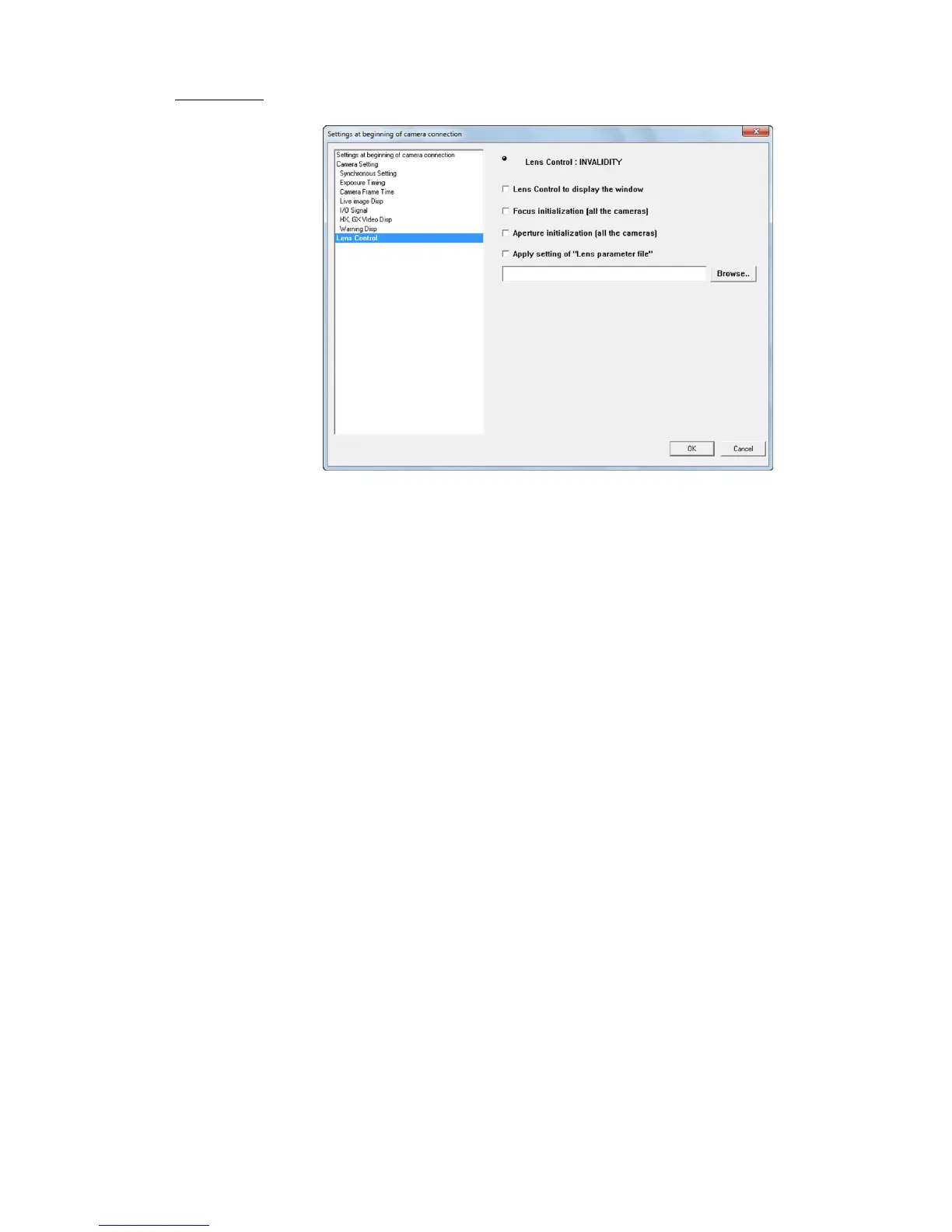
■ Lens Control (When the optional EF mounting adapter is connected to the HX camera)
Setting for the lens control during camera connection.
Implement during connection if the following items are checked.
Display lens control window
Shows the lens control window when the camera is connected.
Initialize focus (all cameras)
Initializes the focus for all connected cameras.
Initialize aperture (all cameras)
Initializes the lens aperture for all connected cameras.
Apply lens parameter file settings
Loads the lens parameter file and applies the settings.
Refer to " Appendix D Lens Control Settings File" for details.



 To Next Page