13 - 20 (00292)H
Settings to Display Circles
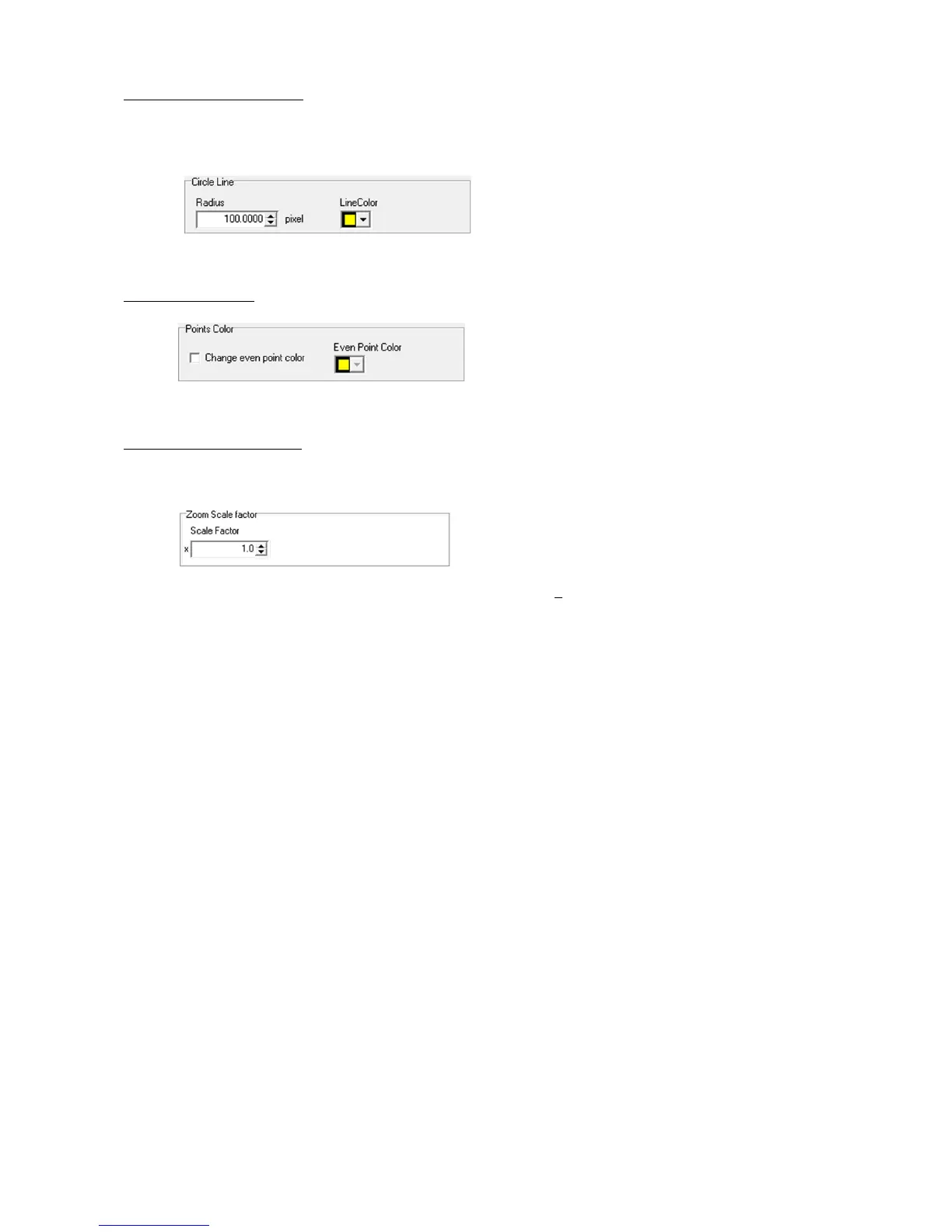
Set the interval and color of the concentric lines in the circle display part under the “Display
Settings” tab.
Display Circles Part under the “Display Settings” Tab
Point Color Settings
Set the color of the even-numbered points in the point color part under the “Display Settings” tab.
Point Color Part under the “Display Settings” Tab
Zoom Scale Factor Settings
The scale set in the zoom scale factor part under the “Display Settings” tab is applied to the image
when clicked in the LAA toolbar.
Zoom Scale Factor Part under the “Display Settings” Tab



 To Next Page