3 - 4 (00292)H
3.2 Names of Each Part and Their Functions
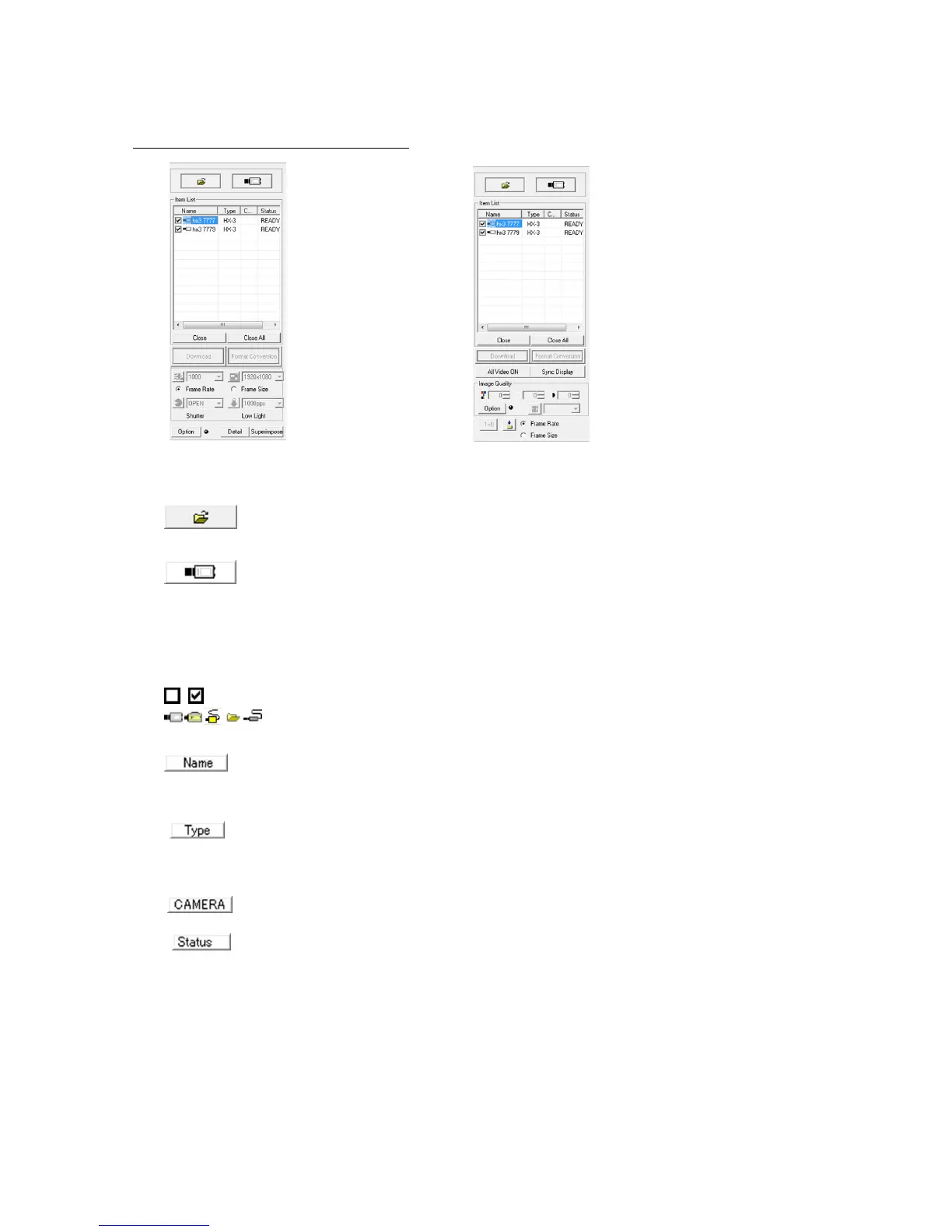
■ Item Toolbar (Basic Mode / Expert Mode)
[Item Toolbar: Basic Mode] [Item Toolbar: Expert Mode]
Add Items
・Open Image File
Opens the image file and adds to the item list as file items.
・Attach Camera
Starts communication with the camera and adds the camera item to the
item list.
Item List
Displays items (camera connections, open image files).
Sync display settings check box
Item mark
If a camera, shows the nickname for the camera.
If a file, shows the image file base name.
If a camera, shows the camera type or memory segment. Memory segments
are shown as MEM.
If a file, shows the image file type (mcf, cif, avi, tif, bmp, jpg).
Camera head number (shown only with the multi camera DRP)
Camera status



 To Next Page