7 - 2 (00292)H
In setting options, HXLink program settings and batch settings for the connected cameras is performed.
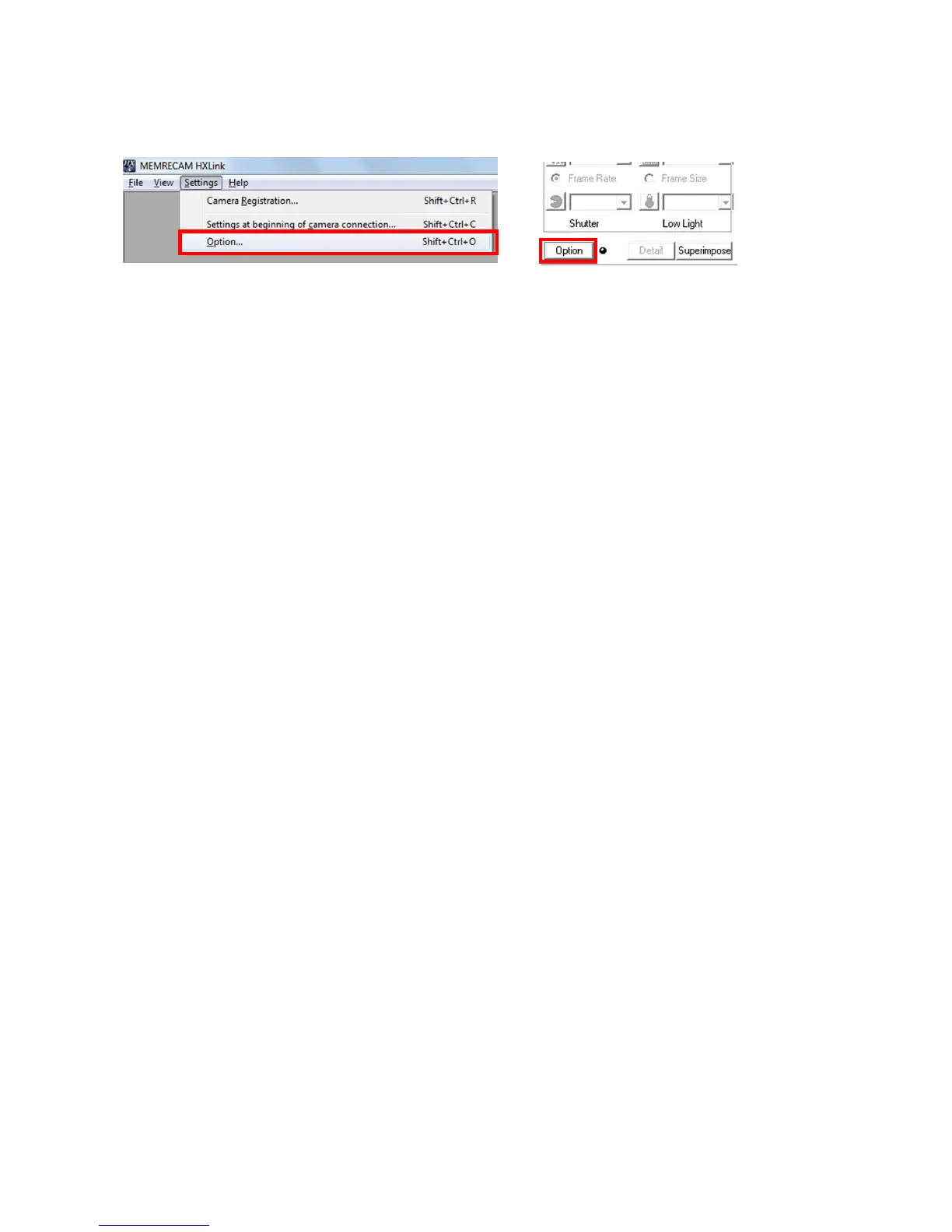
To display the setting options window, click options in the settings menu or click the options button on
the item toolbar in the basic mode GUI.
The setting options window is divided into the following tabs.
General File
GUI Settings Auto Conversion
Folder Previous Conversion
Conversion Algorithms MCFF Frame Time
Other Functions
Camera Auto Record / Download
Connection Method Qcam Transfer Rate Adjustment
Live Display (*)
Download
Input/Output Signals (*)
Sync Settings (*)
Exposure Timing (*)
Frame Time (*)
HX, GX Video Output (*)
Warnings (*)
Save Log
Auto Processing
Click "OK" on the "Options" tab to set all of the settings specified in "Options".
□ Batch set the connected cameras
In the tabs listed above with asterisk (*) the same items in “Camera Connection Settings” can be batch
set for the connected cameras.
“Camera Connection Settings” are used to set when starting to connect cameras from PC but the
“Options” settings are enabled only when cameras are connected.
The parameters for batch setting connected cameras display the values set for the camera.
The same set values are displayed for items where all of the camera settings are the same.
"(blank)" or "---" is shown in the parameters for items where all of the camera settings are not the
same. Items selected with the roller show whatever selection was not picked.
In this state, the camera is not set for items not specifying parameters set in the camera even if "OK"
under the " Options" tab is clicked.



 To Next Page